Running App Locally on Linux/WSL 🐧
This guide walks you through generating tests and DB mocks for a sample CRUD app built with FastHttp and Postgres using Keploy.
Don’t have Keploy installed yet?
Before running this sample, make sure Keploy is installed on your system.
👉 Go to Installation GuideClone the sample CRUD application 🧪
git clone https://github.com/keploy/samples-go.git && cd samples-go/fasthttp-postgres
go mod download
We'll be running our sample application right on Linux, but just to make things a tad more thrilling, we'll have the database (Postgres) chill on Docker. Ready? Let's get the party started! 🎉
Point the app to local Postgres
Update the Postgres URL to localhost:5432 in app.go (mentioned at line 21 in the sample).
Start Postgres
docker compose up postgres
Record with Keploy while running the app
go build -o app
Lights, Camera, Record! 🎥
keploy record -c "./app"
Keep an eye out for the -c flag! It's the command charm to run the app. Whether you're using go run main.go or the binary path like ./app, it's your call.
If you're seeing logs that resemble the ones below, you're on the right track:
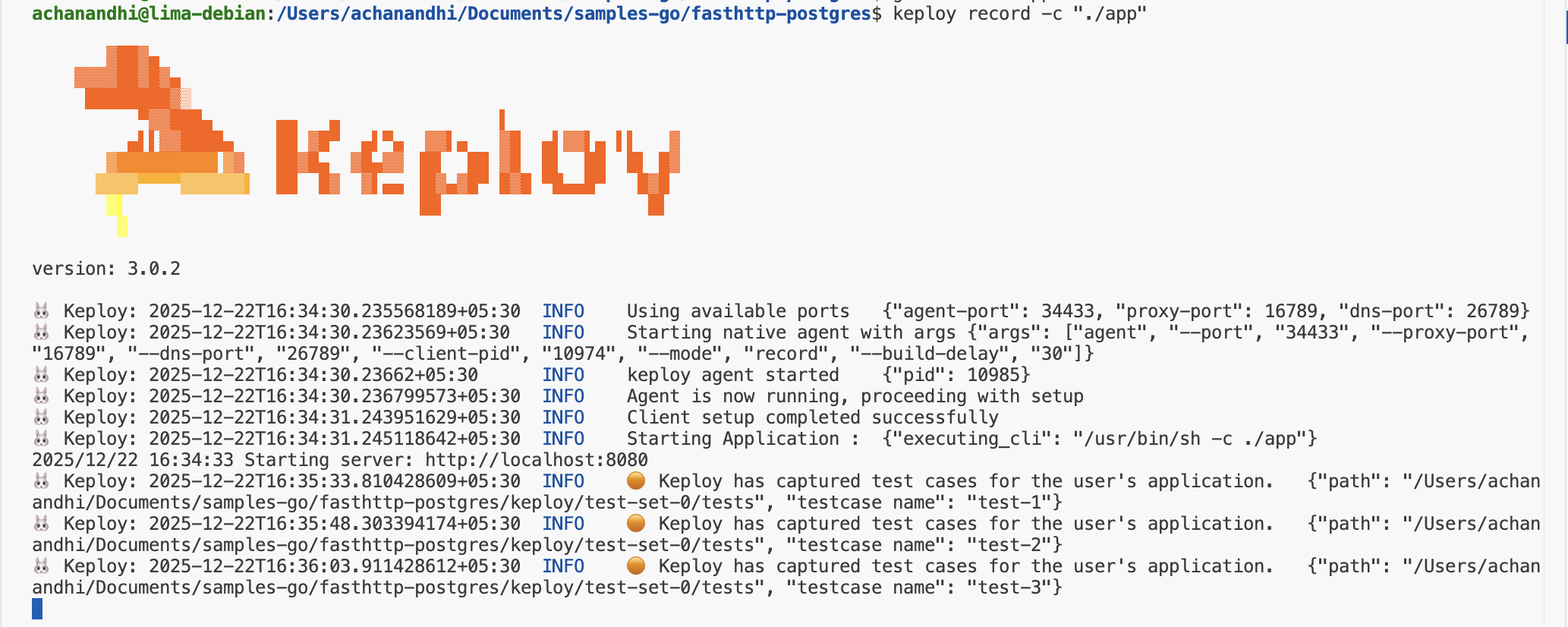
Alright! With the app alive and kicking, let's weave some test cases. Making some API calls! Postman, Hoppscotch,
or even the classic curl - take your pick!
Time to create some users and books:
Generate traffic
Post Requests
curl -X POST -H "Content-Type: application/json" -d '{"name":"Author Name"}' http://localhost:8080/authors
curl -X POST -H "Content-Type: application/json" -d '{"title":"Book Title","author_id":1}' http://localhost:8080/books
Get Request
curl -i http://localhost:8080/books
Look at you go! With a few simple API calls, you've crafted test cases with mocks! Peek into the Keploy directory and behold the freshly minted test-1.yml and mocks.yml.
🏃♀️ Run the Tests!
Time to put it all to the test:
keploy test -c "./app" --delay 5
That
--delayflag? Just a little pause (in seconds) to let your app catch its breath before the test cases start rolling in.
When all is said and done, your test results should look a little something like this:
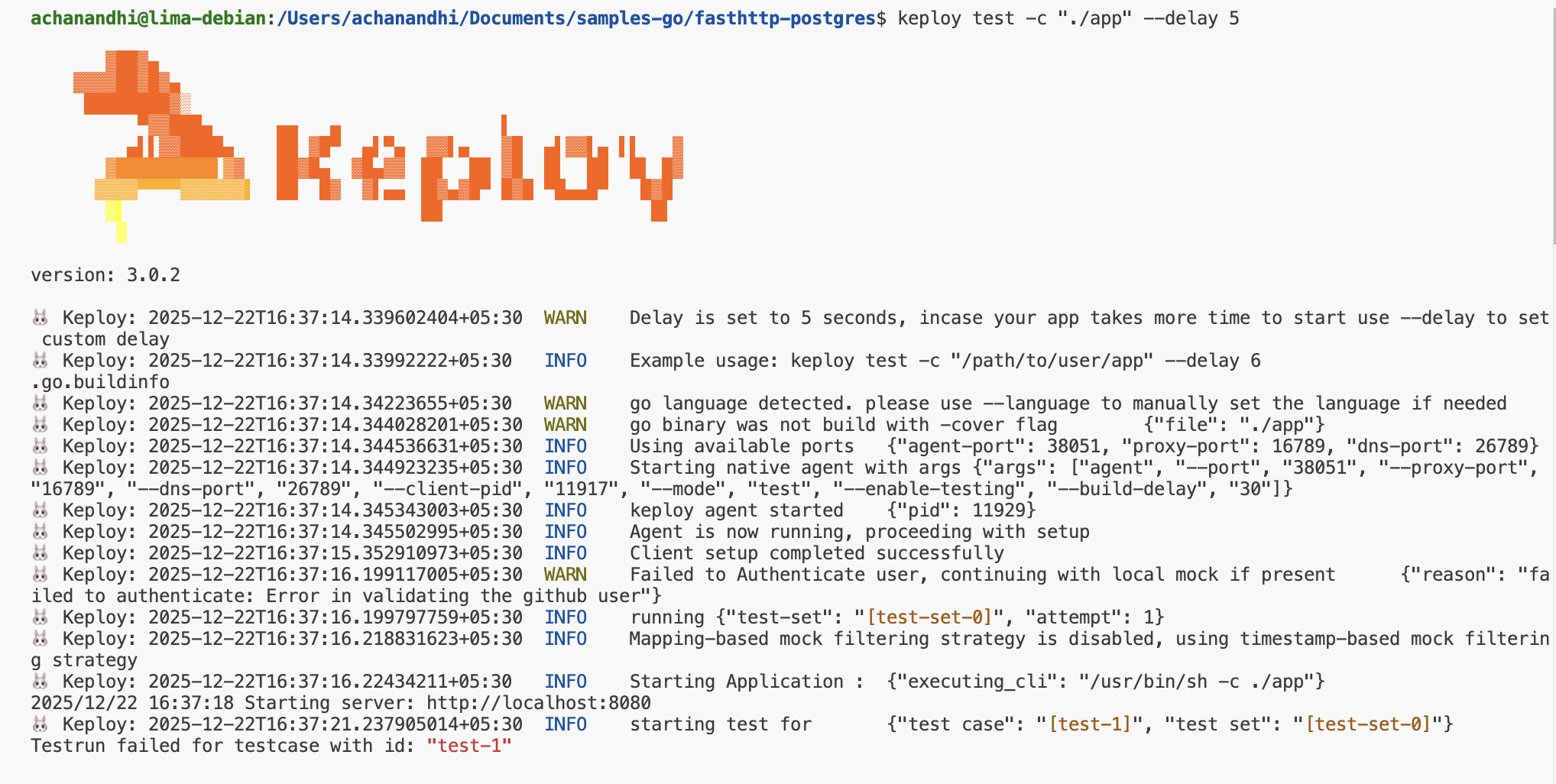
Final thoughts? Dive deeper! Try different API calls, tweak the DB response in the mocks.yml, or fiddle with the request or response in test-x.yml. Run the tests again and see the magic unfold!
Wrapping it up 🎉
Congrats on the journey so far! You've seen Keploy's power, flexed your coding muscles, and had a bit of fun too! Now, go out there and keep exploring, innovating, and creating! Remember, with the right tools and a sprinkle of fun, anything's possible
Happy coding! ✨👩💻👨💻✨