
Passing automated tests doesn’t always mean your software is ready for users. Many issues only surface when business stakeholders interact with the product in real-world scenarios and validate it against actual requirements.
That’s where UAT testing software comes in. It helps teams manage test cases, collaborate with stakeholders, track defects, and streamline the final approval process before release. In this guide, we’ll compare the best UAT testing software in 2026 and help you choose the right tool for your workflow.
What Is UAT Testing Software?
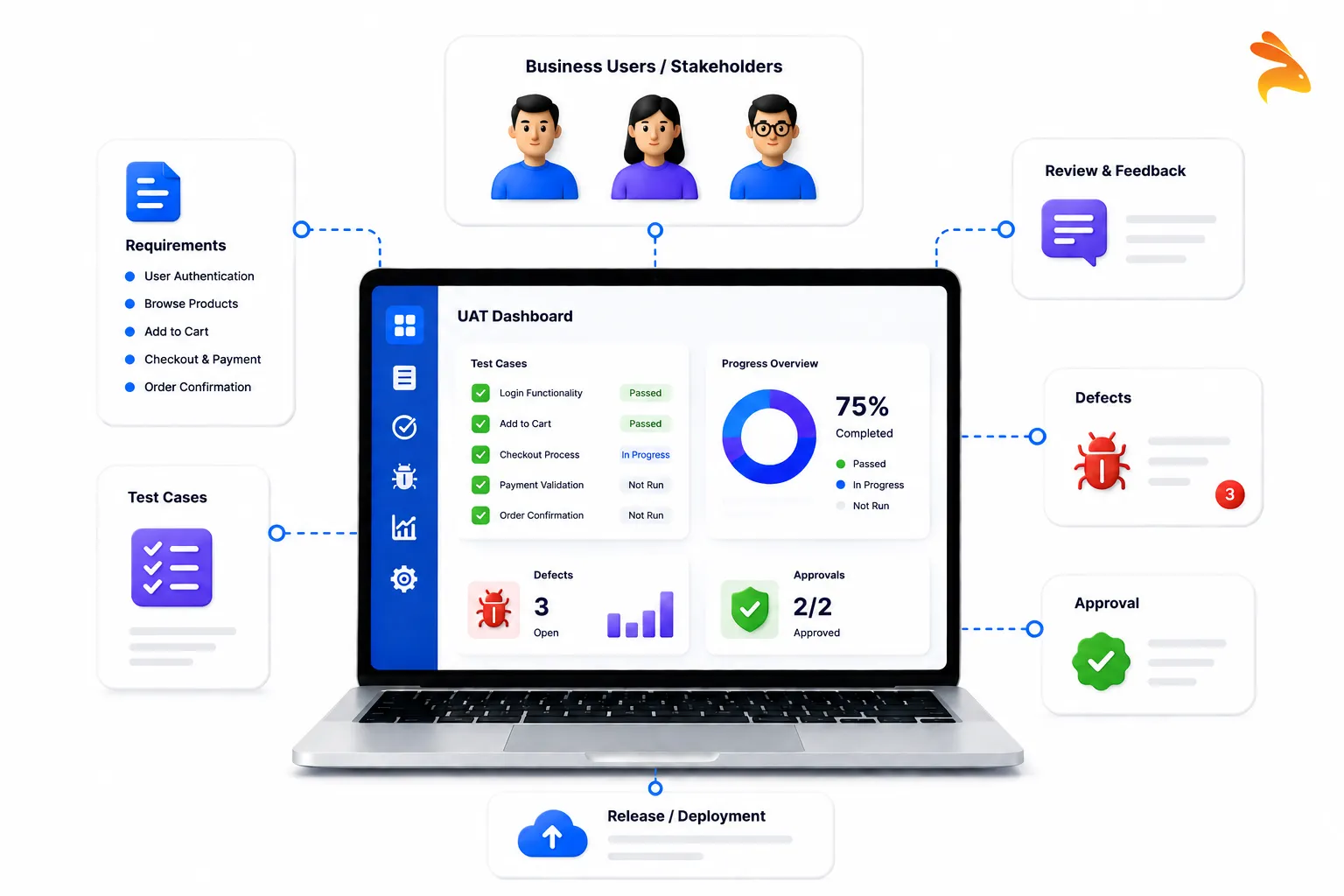
User Acceptance Testing (UAT) is the final stage of software testing where business users or stakeholders verify that an application meets their requirements before it goes live. Unlike unit testing or integration testing, UAT focuses on validating business processes and real-world user scenarios instead of technical implementation.
UAT testing software provides a structured way to manage this process. It helps teams create test cases, assign them to stakeholders, track execution, log defects, and document approvals in one place.
Modern platforms go even further by integrating with bug trackers, CI/CD pipelines, and automation frameworks to reduce manual effort and improve release confidence.
A typical UAT testing platform includes:
-
Test case management
-
Requirement traceability
-
Test execution tracking
-
Defect management
-
Reporting dashboards
-
Stakeholder collaboration
-
Approval workflows
-
Integration with development tools
For growing engineering teams, having a dedicated UAT platform is far more reliable than relying on spreadsheets and email threads.
Why Teams Need UAT Testing Software
Many production issues aren’t caused by broken code—they’re caused by mismatched expectations.
Developers may implement a feature exactly as specified, but business users might expect a different workflow. QA teams may validate functionality successfully, but clients may discover usability problems that were never documented in technical requirements.
Without a structured UAT process, these issues often appear at the worst possible time: just before release.
UAT testing software solves these challenges by creating a shared workspace where developers, QA engineers, product managers, and business stakeholders can collaborate efficiently.
Instead of scattered documents and manual tracking, teams get:
-
Centralized test cases
-
Live execution status
-
Requirement mapping
-
Faster stakeholder reviews
-
Better communication
-
Complete audit trails
-
Easier release approvals
As release cycles become shorter and software becomes more complex, these capabilities become increasingly valuable.
Benefits of Using UAT Testing Software
The right UAT platform improves much more than just testing.
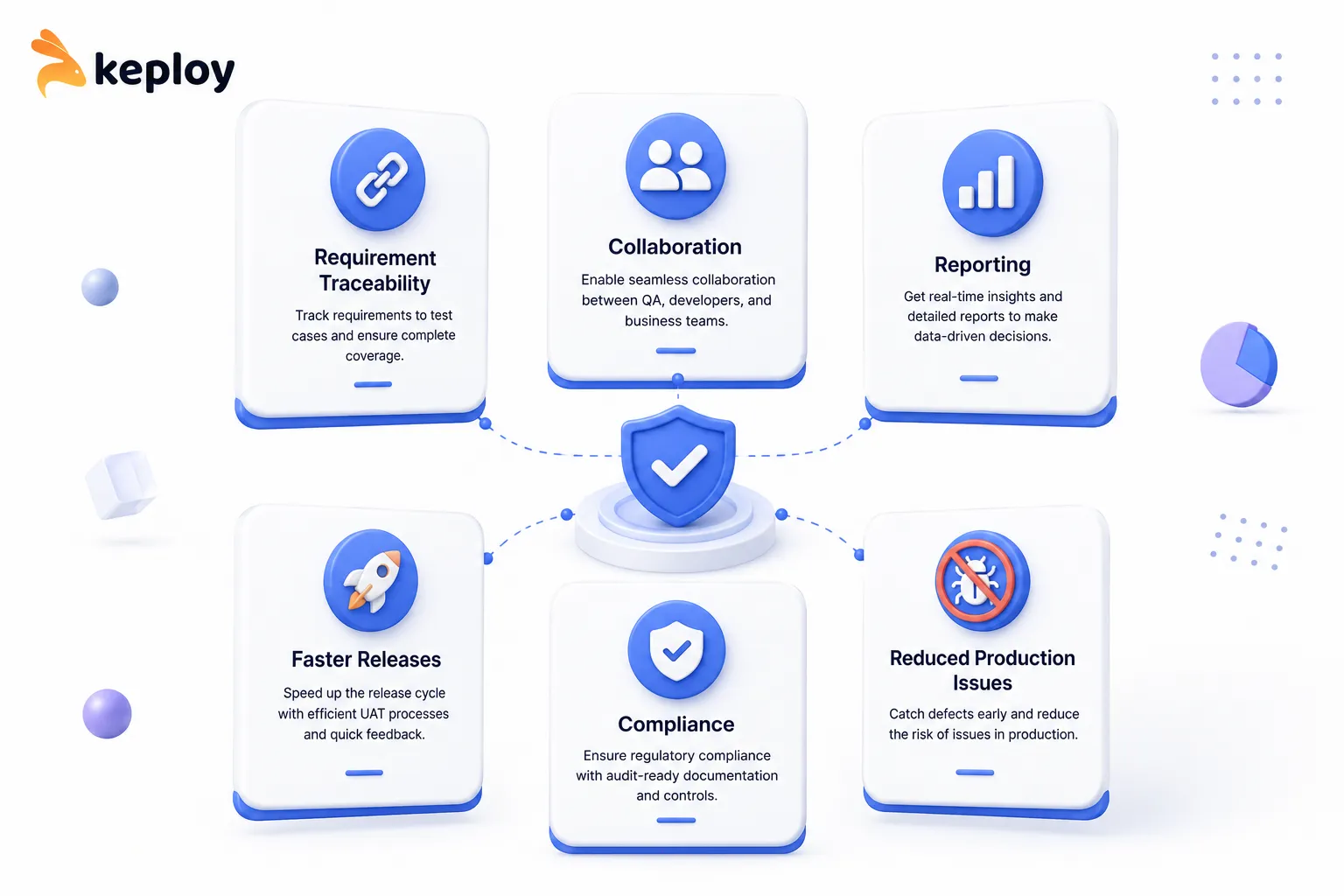
Better Requirement Traceability
Every test case can be linked directly to business requirements or user stories, making it easier to verify complete coverage before deployment.
Faster Release Cycles
Automated workflows eliminate repetitive manual coordination and reduce delays during final approval.
Improved Collaboration
Product managers, developers, QA engineers, and business stakeholders work from a shared source of truth instead of disconnected spreadsheets.
Better Reporting
Real-time dashboards make it easy to monitor testing progress and communicate status updates across teams.
Reduced Production Issues
Validating software against actual business scenarios helps identify issues before customers encounter them.
Compliance and Audit Support
Organizations operating in regulated industries can maintain detailed testing records and approval documentation for audits.
How to Choose the Right UAT Testing Software
There isn’t a single solution that’s perfect for every team. The best platform depends on your release process, team size, and technical requirements.
When evaluating tools, consider the following factors:
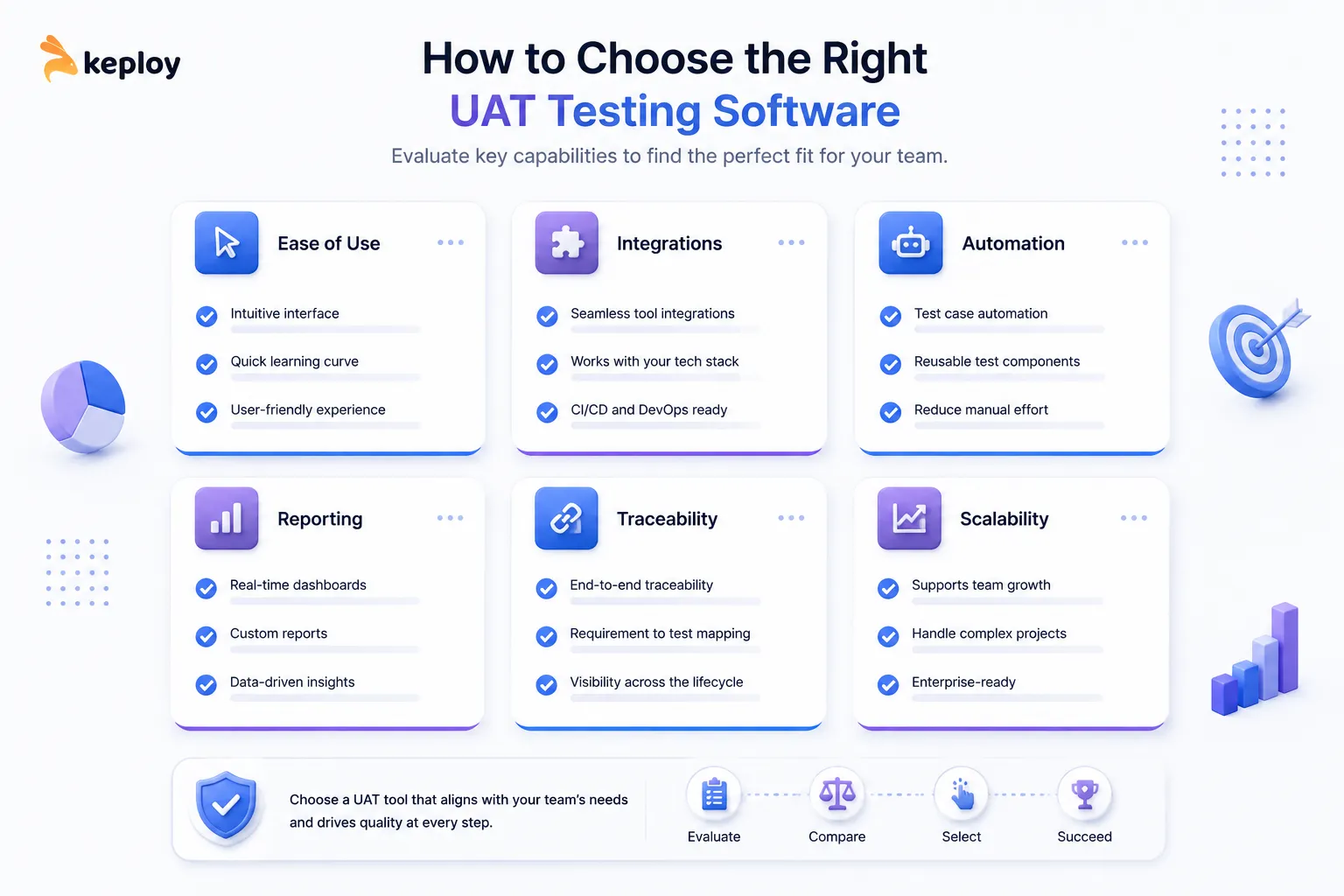
Ease of Use
Business stakeholders should be able to participate without extensive technical training.
Test Case Management
The platform should make it easy to create, organize, and execute acceptance test cases.
Requirement Traceability
Look for features that connect business requirements with corresponding test cases and execution history.
Integration Support
Native integrations with Jira, GitHub, Azure DevOps, CI/CD pipelines, and bug tracking systems can significantly simplify workflows.
Automation Capabilities
Modern teams increasingly combine manual UAT with automated regression testing to reduce repetitive work.
Reporting and Dashboards
Clear reporting improves stakeholder visibility and speeds up approval decisions.
Scalability
Choose software that can grow alongside your engineering and QA teams rather than becoming a bottleneck later.
Best UAT Testing Software in 2026
Before diving into each platform, here’s a quick comparison of some of the most popular options.
| Tool | Best For | Open Source | Automation Support | CI/CD Integration | Pricing |
|---|---|---|---|---|---|
| Keploy | API-first teams | Yes | Native | Native | Free (Open Source) |
| TestRail | Enterprise QA | No | Via integrations | Via integrations | Paid |
| PractiTest | Compliance-focused teams | No | Via integrations | Via integrations | Paid |
| Zephyr Scale | Jira-based teams | No | Via integrations | Native | Paid |
| Cucumber | BDD workflows | Yes | Native | Native | Free (Open Source) |
| TestLink | Small teams & budgets | Yes | Limited | Limited | Free (Open Source) |
| Testomat | Modern QA teams | No | Native | Native | Paid |
| BrowserStack Test Management | Cross-platform testing | No | Native | Native | Paid |
| BugHerd | Client collaboration | No | Limited | Via integrations | Paid |
| QA Wolf | End-to-end automation | No | Native | Native | Paid |
| Azure Test Plans | Microsoft ecosystem | No | Native | Native | Paid |
| Panaya | Enterprise transformation | No | Native | Native | Custom Pricing |
1. Keploy
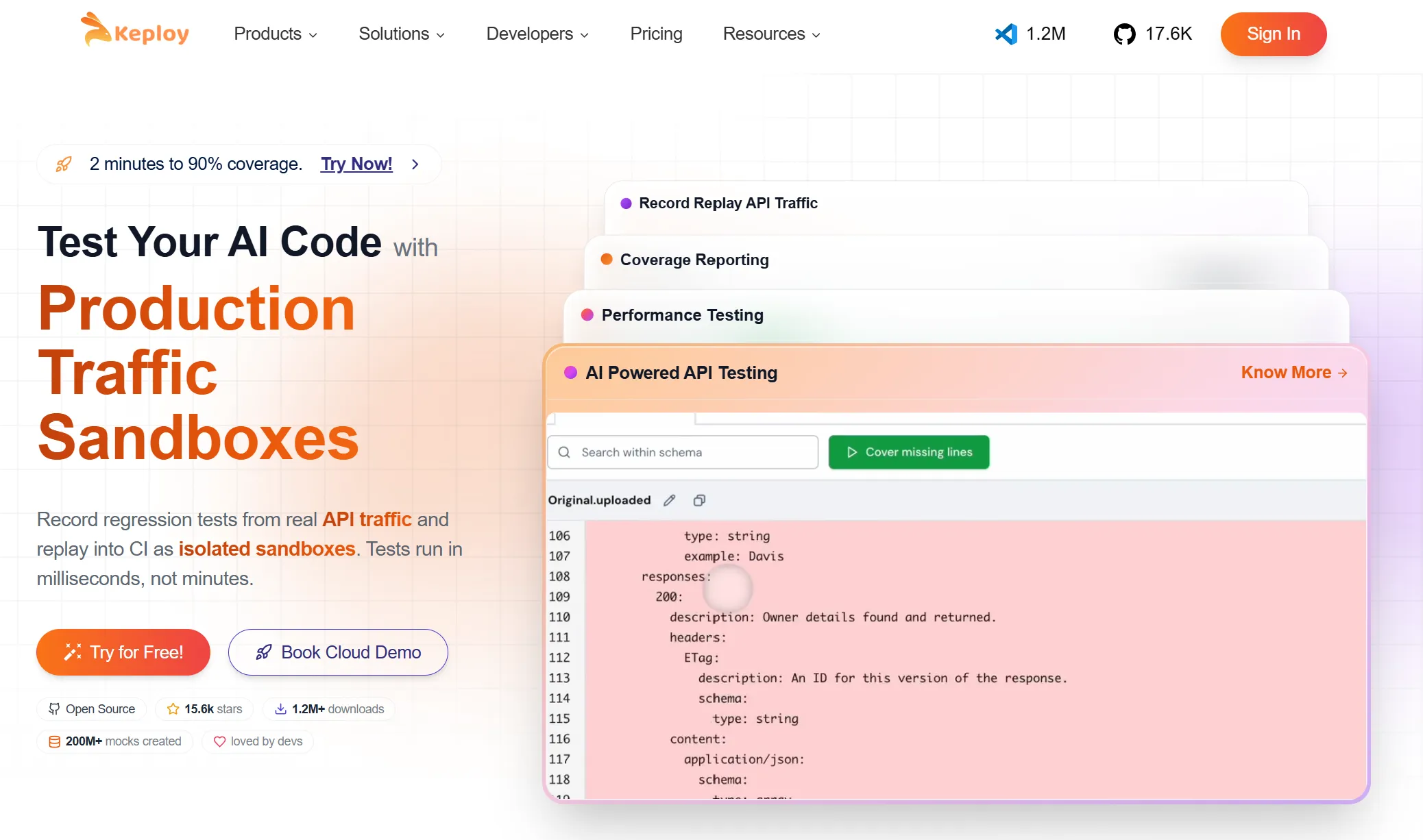
Keploy stands out by approaching UAT differently from traditional test management platforms. Instead of requiring teams to manually write every acceptance test, it can generate tests from real API traffic, making it particularly valuable for modern engineering teams building API-first applications.
Its integration with CI/CD pipelines allows automated validation to become part of the development workflow rather than a separate manual process. This reduces repetitive work while improving regression coverage and release confidence.
Key Features
-
API traffic-based test generation
-
AI-assisted automation
-
Mock generation
-
CI/CD integration
-
Regression testing support
-
Open-source ecosystem
Best for: Startups and engineering teams building API-driven applications.
2. TestRail

TestRail is one of the most established names in test management and remains a popular choice for enterprise QA teams.
It provides structured test planning, organized execution tracking, milestone management, and detailed reporting capabilities that make stakeholder sign-offs easier to manage.
Its biggest strength lies in documentation and reporting rather than automation. Organizations with mature QA processes often combine TestRail with separate automation frameworks for complete testing coverage.
Key Features
-
Centralized test case management
-
Milestone tracking
-
Rich reporting dashboards
-
Requirement traceability
-
Integration with popular development tools
Best for: Large organizations with formal QA and compliance requirements.
3. PractiTest

PractiTest focuses heavily on visibility, traceability, and enterprise collaboration. It connects requirements, tests, defects, and reports into a single platform that can be shared across technical and business teams.
Its dashboards make it easier for stakeholders to monitor progress without requiring deep technical knowledge, making it particularly useful in organizations where multiple departments participate in UAT.
Key Features
-
Requirement traceability
-
Stakeholder reporting
-
Test management
-
Defect tracking integration
-
Enterprise dashboards
Best for: Teams that require detailed reporting and compliance-friendly workflows.
4. Zephyr Scale
If your engineering team already uses Jira, Zephyr Scale is one of the easiest UAT tools to adopt. It keeps test cases, user stories, and defects inside the same ecosystem, making collaboration much simpler.
The biggest advantage is traceability. Teams can quickly see which requirements have been tested and which issues still need attention before release.
Key Features
-
Native Jira integration
-
Test case management
-
Requirement traceability
-
Execution tracking
-
Reporting dashboards
Best for: Teams already using Jira for project management.
5. Cucumber
Cucumber is a popular choice for teams following Behavior-Driven Development (BDD). Instead of writing technical test cases, teams define scenarios in plain language using Gherkin syntax.
This makes it easier for developers, QA engineers, and business stakeholders to collaborate on acceptance criteria.
Key Features
-
BDD support
-
Gherkin scenarios
-
Automated acceptance testing
-
CI/CD integration
-
Open-source ecosystem
Best for: Agile teams practicing BDD.
6. TestLink
TestLink has been around for years and remains a practical option for organizations looking for a free, open-source test management solution.
While its interface feels dated compared to modern platforms, it still provides the essentials needed for structured UAT.
Key Features
-
Test case management
-
Test execution tracking
-
Reporting
-
Requirement mapping
Best for: Budget-conscious teams and smaller organizations.
7. Testomat
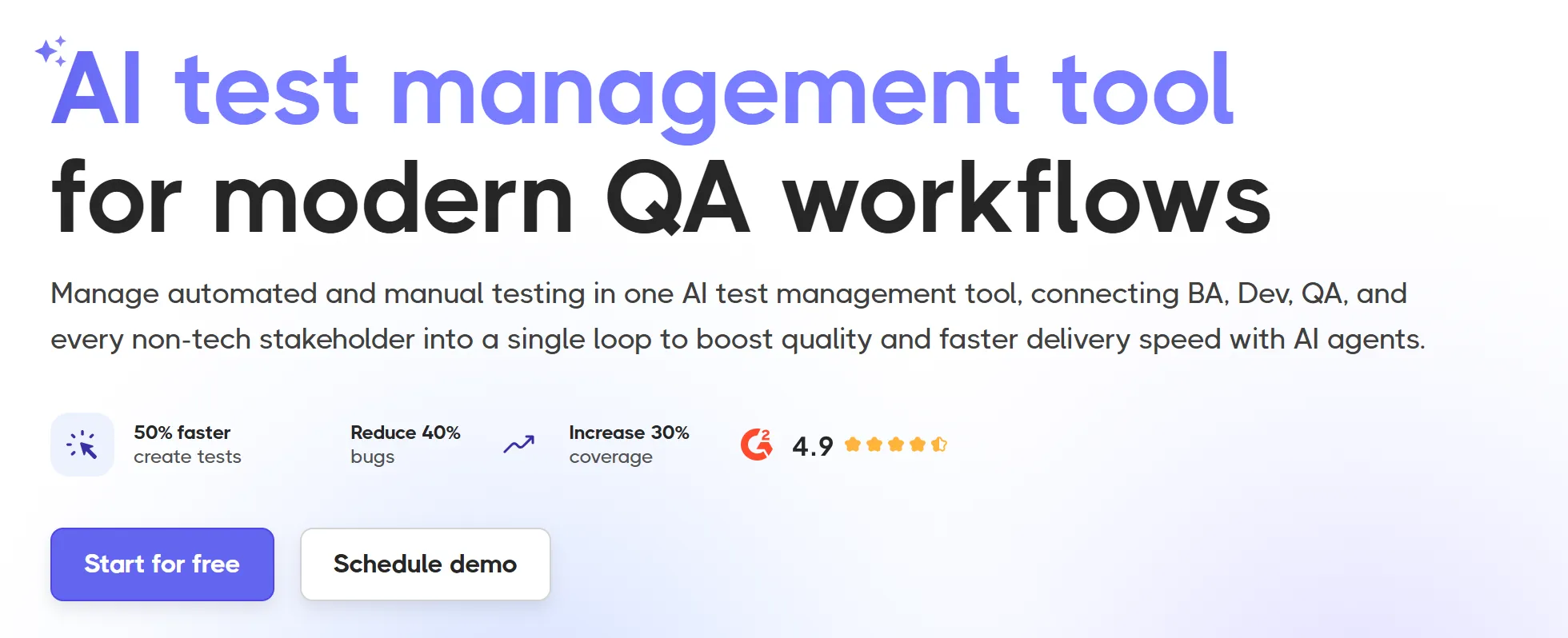
Testomat combines manual and automated testing into a single platform with modern reporting and collaboration features.
It integrates well with existing development workflows and provides useful dashboards for QA teams.
Key Features
-
Test management
-
Automation support
-
Reporting
-
CI/CD integration
-
Team collaboration
Best for: Modern QA teams with mixed testing strategies.
8. BrowserStack Test Management
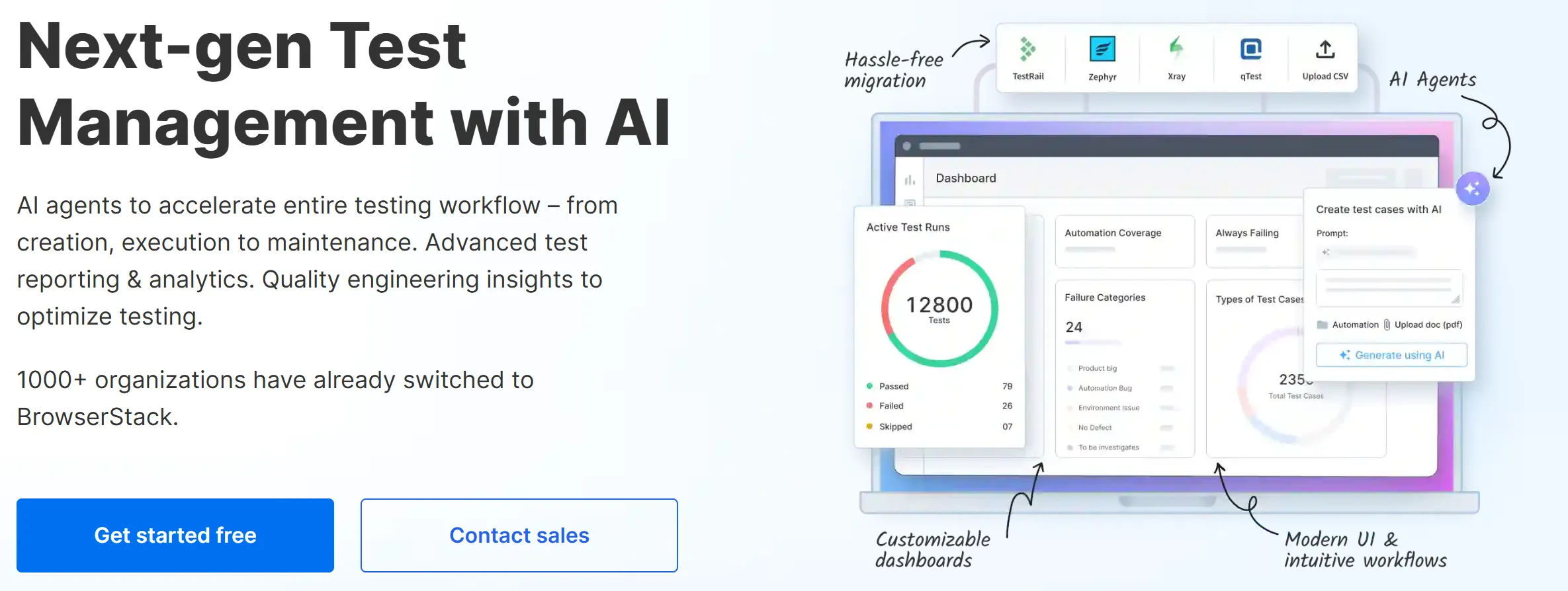
Known primarily for cross-browser testing, BrowserStack also offers test management capabilities that simplify planning and execution across web and mobile projects.
Its ecosystem makes it particularly useful for teams already relying on BrowserStack for testing infrastructure.
Key Features
-
Centralized test management
-
Cross-platform support
-
Device testing ecosystem
-
Integrations
-
Reporting
Best for: Web and mobile development teams.
9. BugHerd

BugHerd focuses on visual feedback and client collaboration rather than traditional test management.
Stakeholders can report issues directly on a webpage, making it especially valuable for agencies and customer-facing projects.
Key Features
-
Visual bug reporting
-
Client collaboration
-
Website annotations
-
Issue tracking
-
Team communication
Best for: Agencies and website review workflows.
10. QA Wolf
QA Wolf offers managed end-to-end testing designed to reduce maintenance overhead for engineering teams.
Rather than spending time maintaining automation scripts, teams can focus on shipping features.
Key Features
-
End-to-end automation
-
Managed testing
-
Continuous monitoring
-
CI/CD support
-
Regression coverage
Best for: Fast-growing engineering teams.
11. Azure Test Plans

For organizations already using Azure DevOps, Azure Test Plans provides a natural extension for managing manual and exploratory testing.
Its close integration with Microsoft’s ecosystem simplifies enterprise workflows.
Key Features
-
Manual testing
-
Exploratory testing
-
Azure DevOps integration
-
Requirement tracking
-
Reporting
Best for: Microsoft-based development teams.
12. Panaya

Panaya is designed for enterprise transformation projects where business process validation is critical.
It helps organizations reduce deployment risks while maintaining visibility across complex systems.
Key Features
-
Risk analysis
-
Business process validation
-
Enterprise reporting
-
Change management
-
Compliance support
Best for: Large enterprise environments.
Free vs Paid UAT Testing Software
Free tools can be an excellent starting point for startups and small engineering teams.
Platforms like Keploy, TestLink, and Cucumber provide powerful capabilities without significant licensing costs.
Paid solutions such as TestRail, PractiTest, BrowserStack, Keploy Enterprise and Panaya offer advanced reporting, compliance features, enterprise support, and richer integrations that larger organizations often require.
The right choice depends on your team’s complexity, budget, and release process rather than price alone.
How AI Is Changing UAT Testing
Artificial intelligence is reshaping software testing, and UAT is no exception.
Modern tools can automatically generate tests, identify regressions, create mocks, and reduce repetitive manual work.
For API-first applications, platforms like Keploy use real application traffic to generate reusable tests, helping engineering teams improve coverage without writing every scenario manually.
As release cycles become faster, AI-assisted testing is becoming an increasingly valuable part of modern development workflows.
Frequently Asked Questions
What is UAT testing software?
UAT testing software helps teams plan, execute, track, and document User Acceptance Testing before production release.
Why is UAT important?
It validates that software meets business requirements and real user expectations before deployment.
Who performs UAT?
Business users, clients, product owners, and stakeholders typically perform User Acceptance Testing.
What is the difference between QA and UAT?
QA verifies technical correctness throughout development, while UAT confirms that the final product satisfies business requirements.
Can UAT be automated?
Yes. Modern platforms support automated acceptance testing, regression testing, and AI-assisted test generation alongside manual reviews.
Which is the best UAT testing software?
The answer depends on your needs. Keploy works well for API-first engineering teams, TestRail for enterprise QA, Zephyr Scale for Jira users, and Cucumber for BDD workflows.
Is Jira enough for UAT?
Jira manages workflows effectively, but many teams pair it with specialized UAT tools for better test management and reporting.
What features should a UAT tool have?
Look for test case management, requirement traceability, reporting, stakeholder collaboration, CI/CD integration, and automation support.
Conclusion
The best UAT testing software isn’t necessarily the one with the most features—it’s the one that fits your team’s workflow and helps you release with confidence. Whether you’re managing enterprise approvals or shipping updates every week, a structured UAT process reduces risk and improves collaboration across engineering and business teams.
If your focus is modern development and API-driven applications, platforms like Keploy can simplify UAT by generating tests from real traffic and integrating directly into CI/CD pipelines. Combined with clear requirements and stakeholder involvement, the right tool can turn User Acceptance Testing from a last-minute bottleneck into a reliable part of every release.