





When I was learning Selenium testing, I ran into a problem that quietly breaks a lot of front-end test suites, and it took me a while to understand what was actually going on. This post explains the problem and walks through how I solved it by mocking the backend with Keploy so that Selenium tests stay stable.
The Problem: Dynamic Responses Break Selenium Tests
Here is what happened. I searched for the keyword "ankit" on google.com and recorded the result.
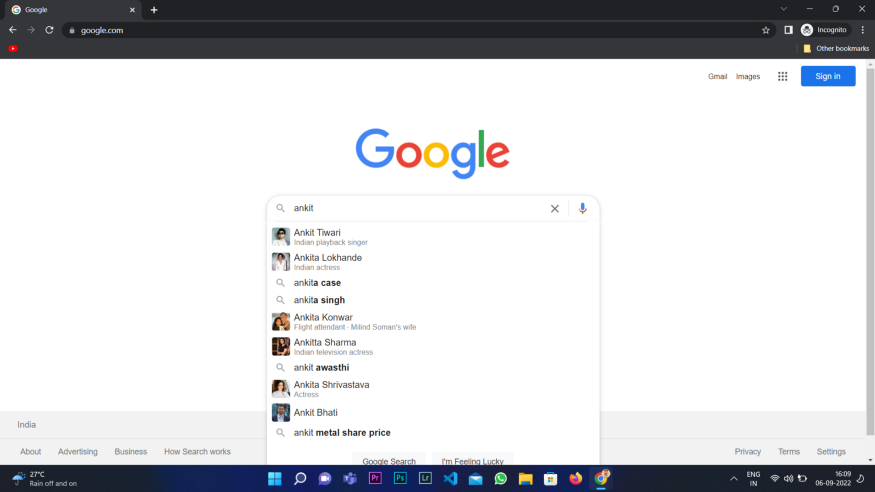
A little later I searched for the same keyword again, and the suggestions had changed.
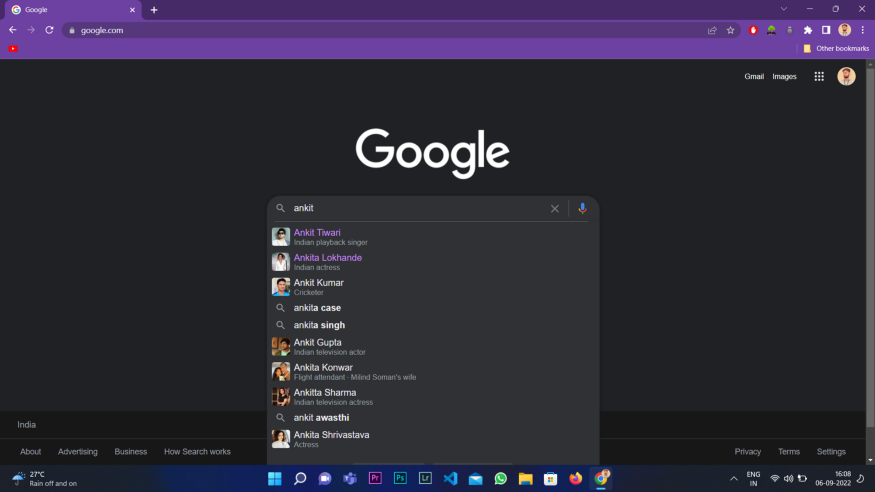
Because Selenium compares the past response against the present one at a given position, that difference was enough to fail the test. This phenomenon is extremely common on dynamic websites, and especially on e-commerce sites, where suggestions, prices, and product ordering shift constantly. It was frustrating and a little embarrassing to test the front end of these sites, because a test could pass one minute and fail the next through no fault of my code.
How Keploy Fixes It: Mock the Backend
Eventually I came across a tool called Keploy. During Selenium’s recording phase, Keploy captures all the data coming from the API calls and stores it in its own database. Then, during the Selenium replay, the data comes from that mock database instead of the live one. Because the data source is now static, the variation in the UI responses drops sharply, and the test compares like with like.
In other words, you are no longer testing Google’s ever-changing suggestions, you are testing your front end against a fixed, known backend. This is the same record and replay idea that powers Keploy’s API testing, applied here to stabilize UI tests.
Prerequisites
Before starting, make sure you have the following installed:
Setting Up Keploy
First, install Keploy on your machine by cloning the repository:
Start Docker, then move into the project directory and run it in Docker with the command below:
Next, install the Keploy browser extension from the releases page:
After installing the browser extension, open your browser’s extension manager, switch on developer mode, then click the "Load unpacked" button that appears and import your extension file from its location. Your extension is now ready to use, and your Keploy server is running in Docker.
Recording a Test With Selenium
Now we will test google.com, where Selenium records all the actions while, on replay, the data comes from Keploy’s mock database rather than Google’s live servers. Start testing google.com with the Selenium IDE extension.
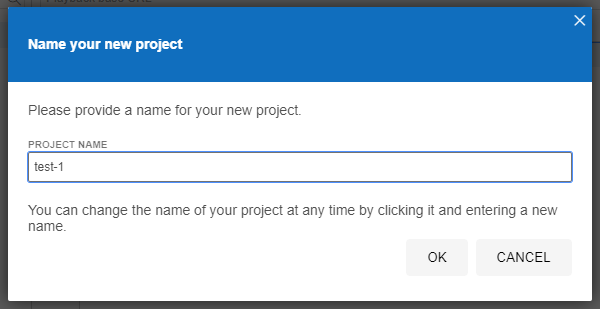
Step 1: Create a new project.
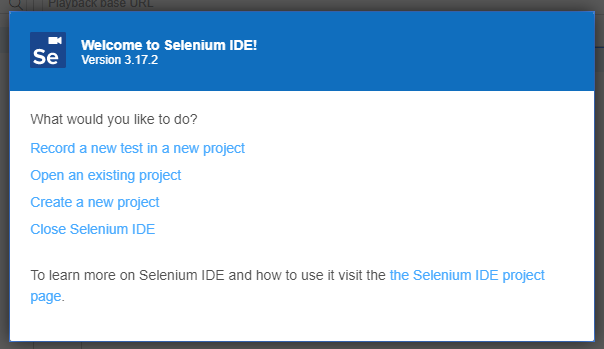
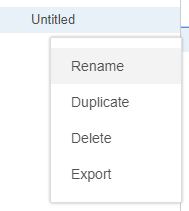
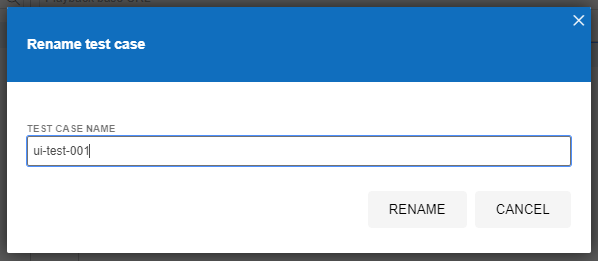
Step 2: Give a title to your first test case.
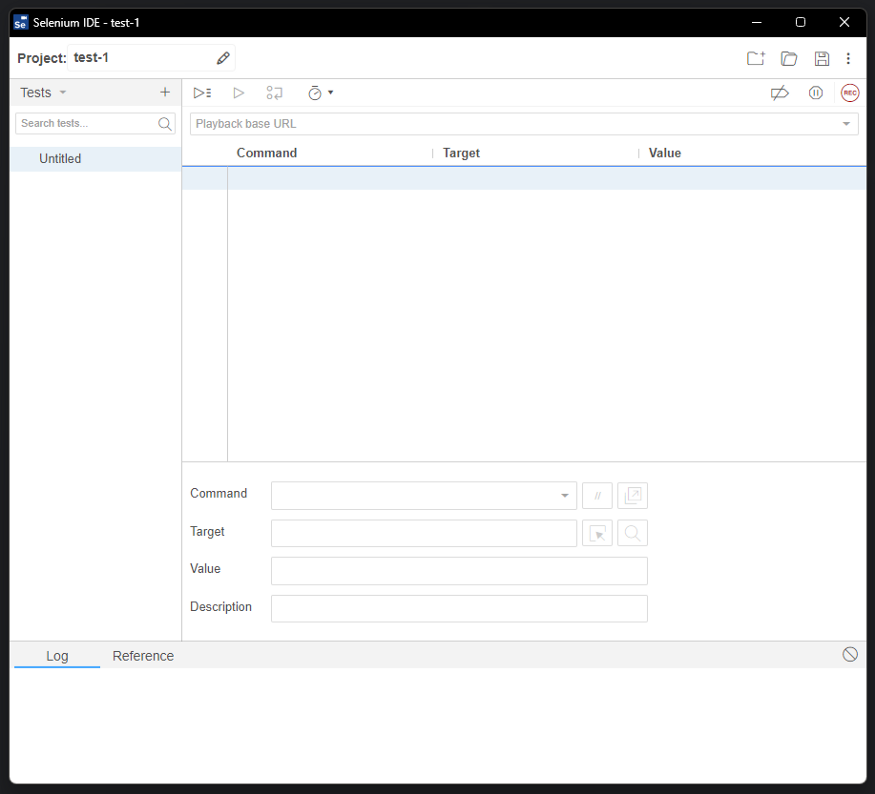
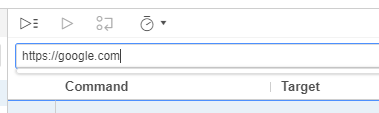
Step 3: Enter the URL of the site you want to test. In our case, google.com.
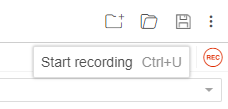
Step 4: Press the record button in the top right corner.
Step 5: The default browser opens, in our case Chrome.
Step 6: Perform your actions, and Selenium records the positions and actions along with the data present at each point.
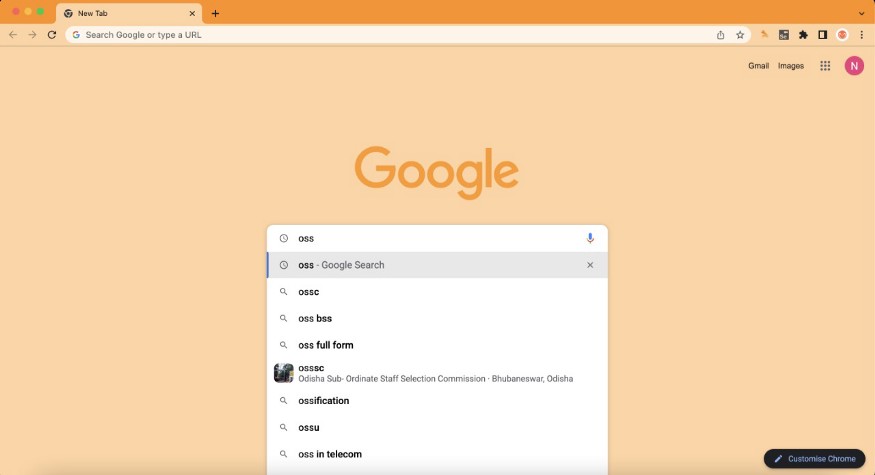
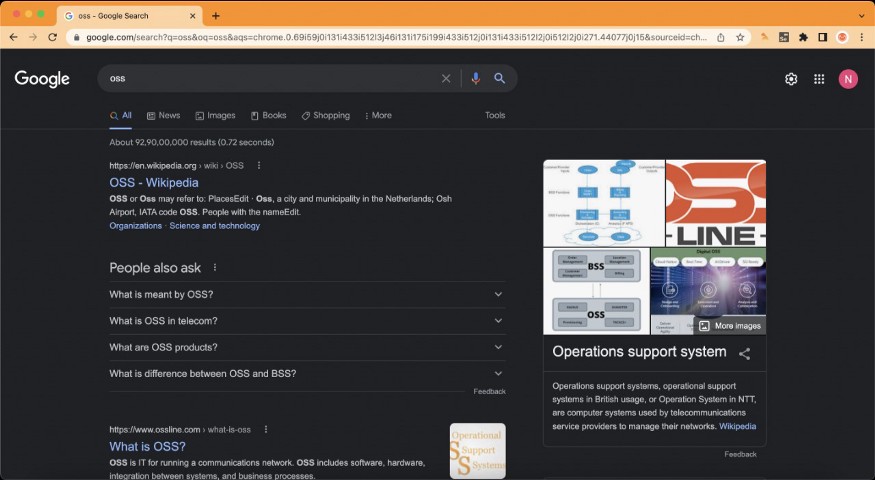
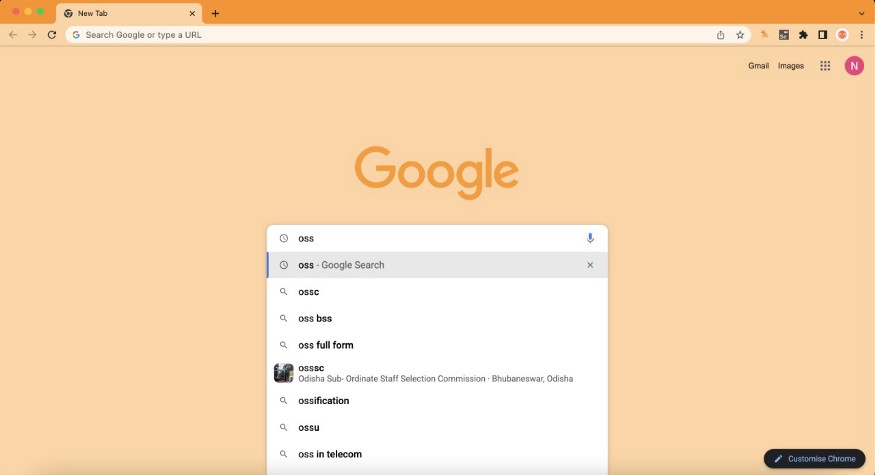
Step 7: In our case we run a Google search for the keyword "oss." Several suggestions appear, and we go with the first option.
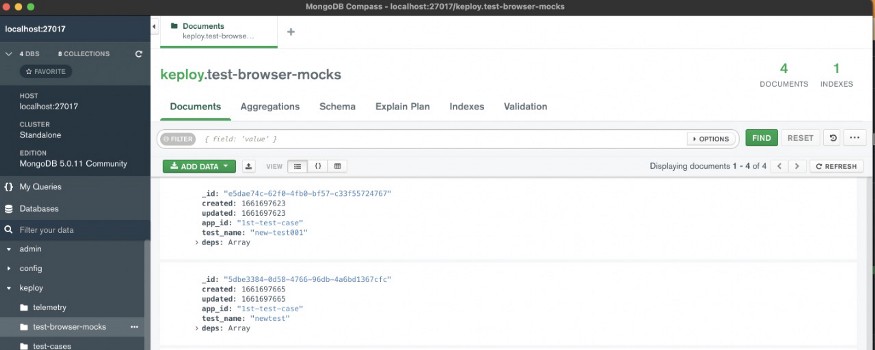
Step 8: The Keploy server is already running in the background, and the Keploy extension is installed in Chrome. Behind the scenes, the Keploy server records all the data coming from the front-end API calls into MongoDB. We can inspect it using MongoDB Compass.
Replaying the Test Against the Mock
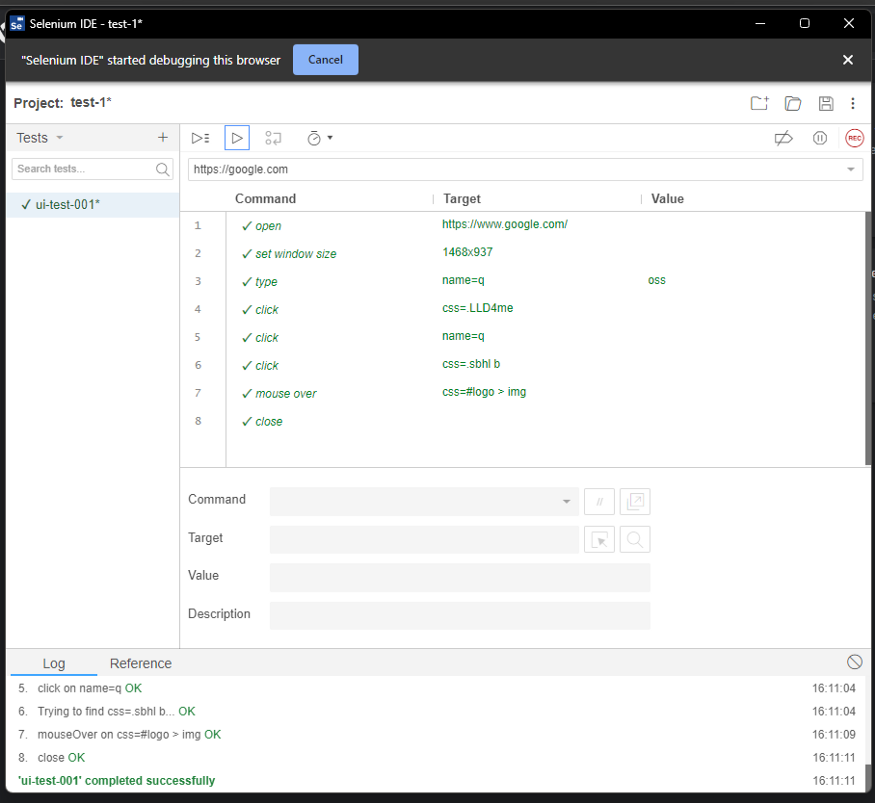
Step 9: Now we replay the recorded actions in Selenium. This time the data does not come from Google’s live servers. It comes from the mock database Keploy created.

Step 10: Because the data now comes from a static database, all the Selenium test cases pass.
Conclusion
Flaky front-end tests are usually not a Selenium problem, they are a data problem. When the backend returns something different on every run, no amount of careful selectors will make the test stable. Mocking that backend with Keploy turns a moving target into a fixed one, which is what makes automated UI testing trustworthy on dynamic and e-commerce sites. Record once, replay against a stable mock, and your tests start reflecting your code rather than the internet’s mood. In this way, Keploy solves the drawbacks of Selenium and makes front-end testing easier.
Frequently Asked Questions
Why do Selenium tests fail on dynamic websites?
Selenium compares recorded responses against live ones at a given position. On dynamic sites the backend returns different data on each run, such as changing search suggestions or product ordering, so the comparison fails even when your front-end code is correct.
How does Keploy stop Selenium tests from being flaky?
Keploy records the data from API calls during the recording phase and stores it in a mock database. On replay it serves that stored data instead of the live backend, giving the test a stable, static data source to compare against.
What do I need to follow this tutorial?
You need Golang, Docker, a GCC compiler, the Selenium IDE browser extension, and Keploy, along with the Keploy browser extension loaded in your browser’s developer mode.
Does this approach only work for Google?
No. The same record and replay approach works for any dynamic site whose backend returns variable data. It is particularly useful for e-commerce front ends, where prices and product listings change frequently.