





Last month, a two-line bug fix took down three unrelated features in a colleague’s app. The fix itself was correct — it patched a null check on a checkout API. Nobody re-ran the tests for the inventory service that depended on it, and by Monday, support tickets were stacking up.
That gap is exactly what maintenance testing exists to close. Maintenance testing is the QA work you do after software ships — testing every bug fix, upgrade, patch, or migration to confirm nothing else broke. It sounds like a footnote until you look at the budget: industry estimates from IEEE Computer Society and Gartner put software maintenance at roughly 55–80% of total lifecycle cost, and most of that spend goes into exactly this kind of testing.
What Is Maintenance Testing?
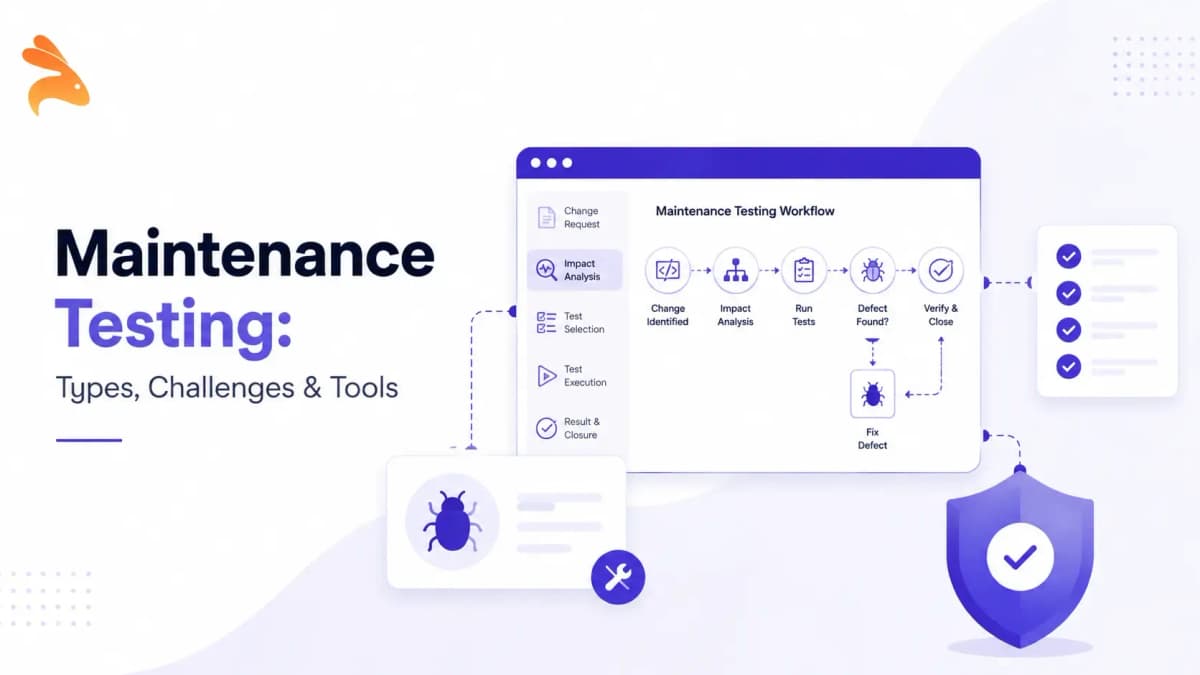
Maintenance testing is the process of testing a software system after it has already been released to production. It covers changes made during the maintenance phase of the software lifecycle — bug fixes, feature additions, environment upgrades, and platform migrations — and checks that those changes work as intended without breaking anything that already worked.
It’s different from the testing you do before a first release. Pre-release testing validates new functionality against requirements that don’t exist yet in the wild. Maintenance testing validates a live system that real users already depend on, which raises the stakes considerably. A bug in pre-release testing is a delay. A bug that slips past maintenance testing is an incident.
Why Maintenance Testing Matters
Software doesn’t stop changing once it ships. Every bug fix, dependency upgrade, or infrastructure migration is a chance to break something that used to work. Skip maintenance testing and those breaks surface in production instead of in your pipeline, where they’re far cheaper to catch.
The cost math backs this up. Industry estimates from IEEE Computer Society and Gartner put software maintenance at 55–80% of total lifecycle cost, and a defect caught after release costs far more to fix than one caught before merge — it usually means a rollback, an incident review, and a customer-facing explanation instead of a five-minute patch.
Maintenance testing is one of many types of software testing, but it’s the one teams most often underinvest in, because it doesn’t ship anything new. It pays for itself in a few concrete ways:
-
Fewer production incidents — catches regressions before users do
-
Protects revenue-critical workflows — checkout, auth, and payment flows can’t silently break
-
Cuts emergency-fix costs — a bug caught in CI takes minutes to fix; the same bug in production means a rollback, an incident review, and lost trust
-
Preserves user trust — nothing erodes confidence in a product faster than a feature that used to work suddenly not working
-
Keeps release velocity up — teams that trust their maintenance testing ship more often, because they’re not manually re-checking the same workflows every time
Types of Maintenance Testing
Most guides mix up two different classifications here. One describes the testing activities you actually run. The other describes what triggers the need for maintenance in the first place. Keeping them separate makes the rest of this guide easier to apply.
By Test Activity
Confirmation testing re-checks the specific feature or fix that changed. If a bug fix touched the login flow, confirmation testing verifies that the login flow now works as intended, using the same inputs and environment where the original issue was found.
Regression testing re-checks everything around the change — the functionality that wasn’t supposed to be touched. This is where most maintenance-testing effort goes, because unrelated breakage is far more common than anyone expects. A fix to a pricing rule can quietly change what a discount API returns three services away.
Together, confirmation testing and regression testing make up the core of maintenance testing. One confirms the fix works; the other confirms nothing else broke.
By What Triggers It
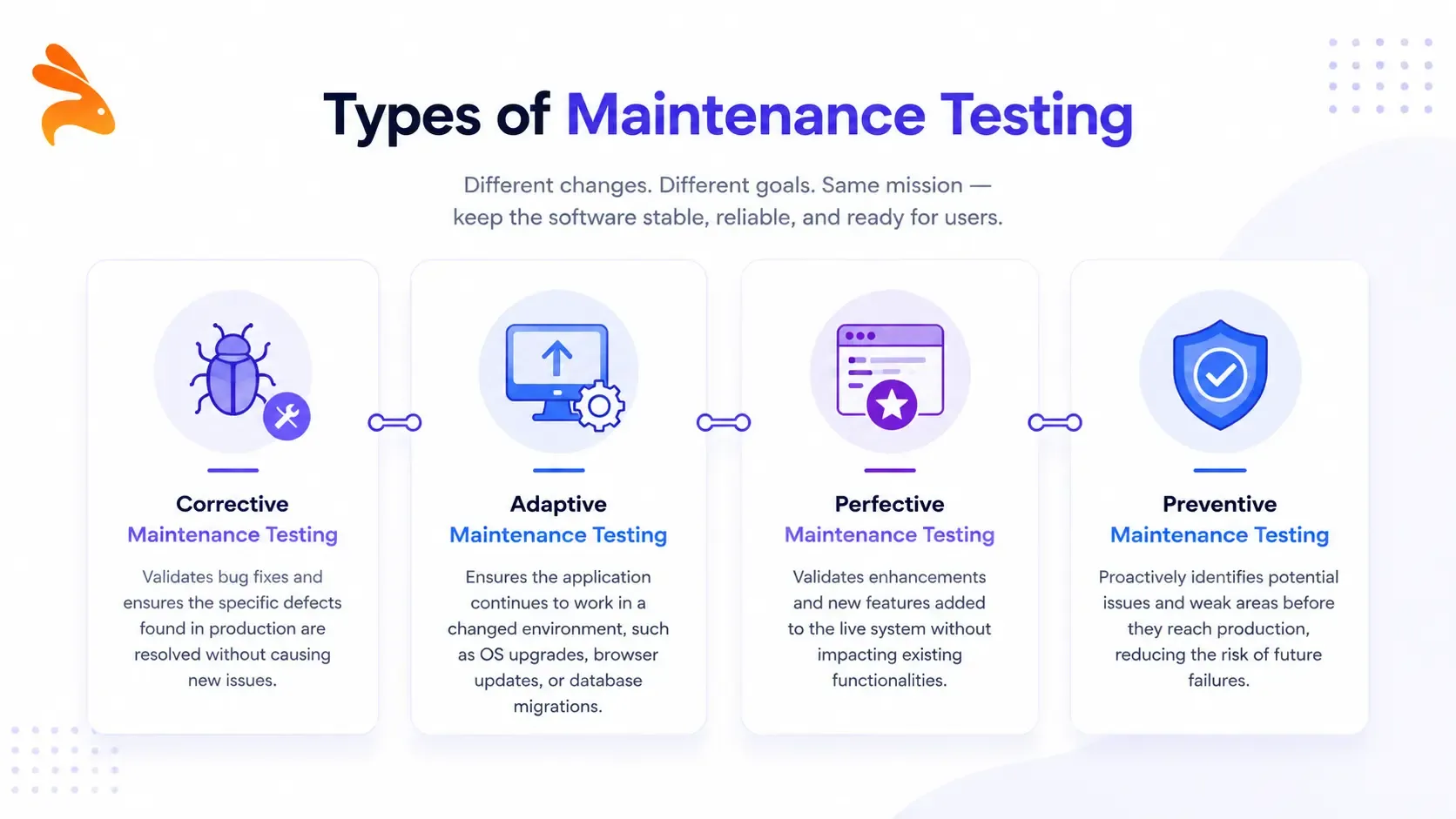
The ISO/IEC 14764 standard splits software maintenance into four categories, and each one drives its own round of testing:
-
Corrective maintenance testing — validates bug fixes for defects found in production
-
Adaptive maintenance testing — validates changes made to keep software working after an environment shift: a new OS version, browser update, or database migration
-
Perfective maintenance testing — validates enhancements and new features added to an already-live system
-
Preventive maintenance testing — proactively tests for issues before they affect users, rather than reacting to a report after the fact
A single change can span more than one category. An OS upgrade that also requires a code fix triggers both adaptive and corrective maintenance testing at once.
Maintenance Testing vs Regression Testing vs Test Maintenance
These three terms get used interchangeably, and that’s where a lot of confusion starts. They’re related but not the same thing.
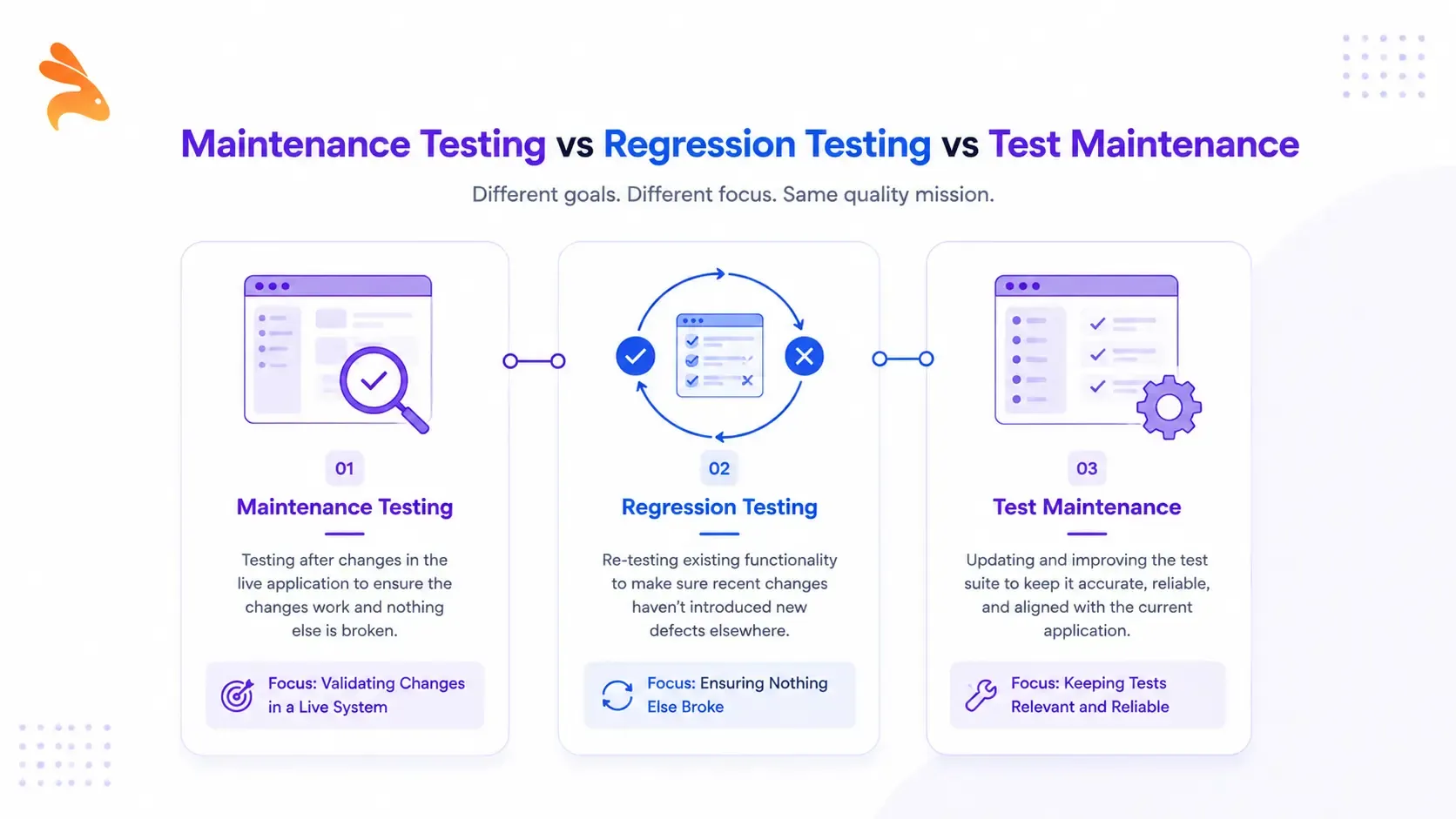
Maintenance testing is the umbrella activity — everything you do to validate a live system after a change. Regression testing is one technique inside that umbrella, focused specifically on functionality that wasn’t supposed to change. Test maintenance is different again: it’s the upkeep of your test suite itself — updating scripts, locators, and test data so your tests still run correctly as the application evolves.
| Maintenance Testing | Regression Testing | Test Maintenance | |
|---|---|---|---|
| What it is | Umbrella QA activity performed after release | A specific technique used inside maintenance testing | Upkeep of the test suite itself |
| Scope | The whole application, post-release | Existing functionality unrelated to the recent change | Test scripts, locators, and test data — not the app |
| Triggered by | Any post-release change: bug fix, upgrade, migration | A code or environment change | App changes that break existing test scripts |
| Goal | Confirm the app still works as a whole | Confirm nothing that worked before is now broken | Keep tests executable and accurate |
If your test suite isn’t maintained, your regression testing can’t be trusted — a passing suite full of stale assertions tells you nothing about whether the application actually works. For a closer look at how regression fits next to other test types, see unit testing vs regression testing.
When Should You Perform Maintenance Testing?
Run maintenance testing any time a live system changes. In practice, that means:
-
After a bug fix, however small it looks
-
When rolling out a new feature to an existing product
-
After an OS, browser, or runtime upgrade
-
When a third-party API or library you depend on changes
-
During infrastructure or cloud migrations
-
After a database schema change
-
When an upstream API introduces a breaking change — a common trigger in microservice setups, worth pairing with the types of API testing you already run
-
On a scheduled cadence, as preventive maintenance, even without a specific trigger
Maintenance Testing Process
I run maintenance testing the same way every time, whether the change is a one-line fix or a full migration.
1. Identify the change and its blast radius
Start with the ticket, commit, or diff. Note exactly what changed, then map out which modules and workflows connect to it. A change to a shared authentication service touches more than the login screen — anything that calls it inherits the risk.
2. Run confirmation testing on the modified area
Verify the fix or feature actually works as intended, using the same environment and data conditions where the original issue was found. Don’t skip this step just because the fix "looks obviously correct."
3. Scope the regression suite
Pull the regression testing cases that cover the impacted areas plus any high-risk workflows nearby. Testing the entire application on every change isn’t sustainable once release frequency picks up — scope it to where the actual risk lives.
4. Execute in a production-like environment
Run the suite against an environment and dataset that mirror production as closely as possible. Inconsistent test data produces failures that look like bugs but aren’t, and that noise erodes trust in the suite over time.
5. Automate what repeats
Anything you’ll re-run on every future release belongs in your CI/CD pipeline, not a manual checklist someone has to remember to run.
6. Log, triage, and re-verify
When a test fails, confirm whether it’s a real regression, a flaky test, or an outdated assertion before filing it as a bug. Once a fix lands, re-run the failed case and anything closely related to it.
7. Update the suite
Prune test cases that no longer reflect how the app actually behaves. A suite that isn’t maintained becomes noise instead of signal, and noisy suites are the ones teams eventually stop trusting — and stop running.
Common Challenges in Maintenance Testing
A few problems show up in almost every team that’s been shipping for more than a year:
-
Growing suite size — every release adds tests, and execution time climbs until nobody wants to run the full suite before a release
-
High manual maintenance effort — one vendor study pegs test-suite upkeep at up to 80% of total automation effort, meaning teams spend more time fixing existing tests than writing new coverage
-
Flaky tests — environment drift, timing issues, and shared test data produce failures that have nothing to do with the actual code change, and they’re expensive to diagnose
-
Stale scripts — UI or API changes silently break locators and assertions until someone notices the suite has been lying for weeks
-
Unclear ownership — as suites grow across teams, nobody is quite sure who’s responsible for keeping a given set of tests current, so they rot
None of these are reasons to skip maintenance testing. They’re reasons to invest in keeping the suite lean, owned, and current.
Maintenance Testing Best Practices
-
Prioritize by risk — test revenue-critical and high-traffic workflows first, not everything at once
-
Prune regularly — remove test cases for functionality that no longer exists or behavior that has genuinely changed on purpose
-
Use real data where possible — synthetic fixtures miss the edge cases your actual users hit
-
Automate confirmation and regression checks in CI/CD so they run on every merge, not just before releases
-
Version-control your tests alongside your application code so they evolve together instead of drifting apart
-
Track flaky failures separately from real regressions so a noisy test doesn’t get ignored the one time it catches something real
-
Review a real incident, not just a checklist — reading a public engineering postmortem about a regression that reached production makes the cost of skipping maintenance testing concrete in a way a bullet list can’t
Tools for Maintenance Testing
-
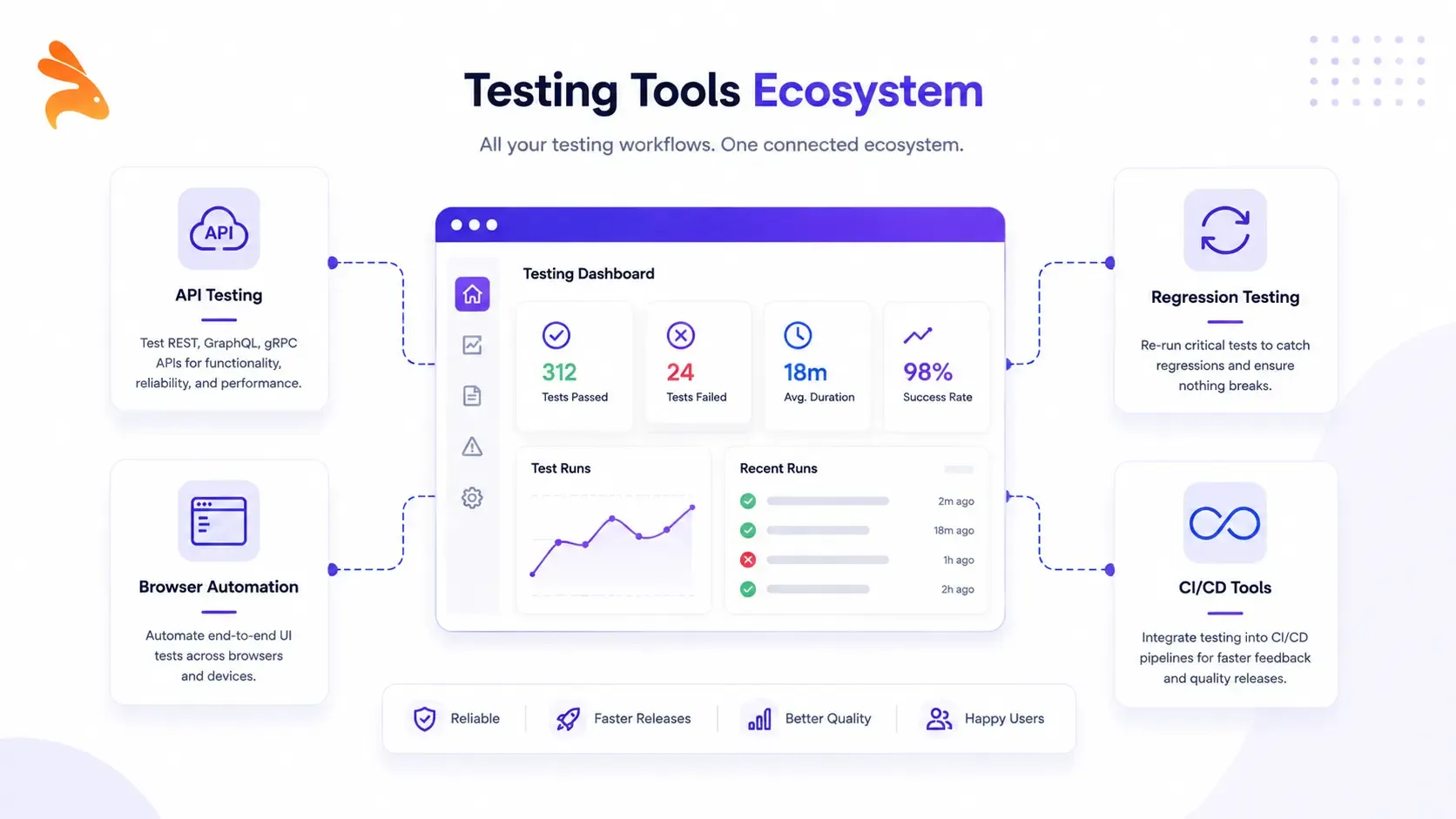
Keploy — generates API-level regression testing cases directly from real traffic, so the test suite reflects actual usage rather than a script someone wrote once and forgot about
-
Selenium — open-source browser automation for UI-level confirmation and regression testing
-
Postman — manual and scripted API testing for confirmation checks after backend changes
-
Playwright — cross-browser automation with strong CI integration for regression suites
How Keploy Reduces Maintenance Testing Effort
The heaviest cost in maintenance testing isn’t running the tests — it’s keeping them accurate as the application changes. Keploy addresses that directly at the API layer. It records real application traffic and turns it into test cases and mocks automatically, so the suite reflects how the API is actually being used, not how someone imagined it would be used months ago.
When an API changes, Keploy’s generated tests update alongside it instead of quietly going stale. That turns API testing into something closer to zero-effort regression coverage — the tests keep pace with the application without a dedicated maintenance backlog eating into your sprint.
FAQs
What is maintenance testing in software testing? Maintenance testing is QA work performed after software has been released to production. It validates that bug fixes, upgrades, patches, and migrations haven’t broken any existing functionality.
What are the two main types of maintenance testing? Confirmation testing and regression testing. Confirmation testing checks that the specific change works as intended. Regression testing checks that everything else still works.
Is maintenance testing the same as regression testing? No. Maintenance testing is the broader activity performed after every post-release change. Regression testing is one technique used inside it, focused on functionality that wasn’t supposed to change.
What’s the difference between maintenance testing and test maintenance? Maintenance testing validates the application. Test maintenance keeps the test suite itself — scripts, locators, and data — accurate as the application evolves.
Is maintenance testing manual or automated? Both, depending on the change. Automation works well for repetitive confirmation and regression checks; manual testing still has a place for exploratory or one-off changes.
When does maintenance testing happen in the SDLC? After deployment, during the maintenance phase of the software lifecycle — any time the live system changes.
Conclusion
That checkout bug I mentioned earlier could have been caught in minutes with a scoped regression run instead of a Monday full of support tickets. Maintenance testing isn’t the exciting part of shipping software, but it’s the part that keeps everything you’ve already built from quietly falling apart.