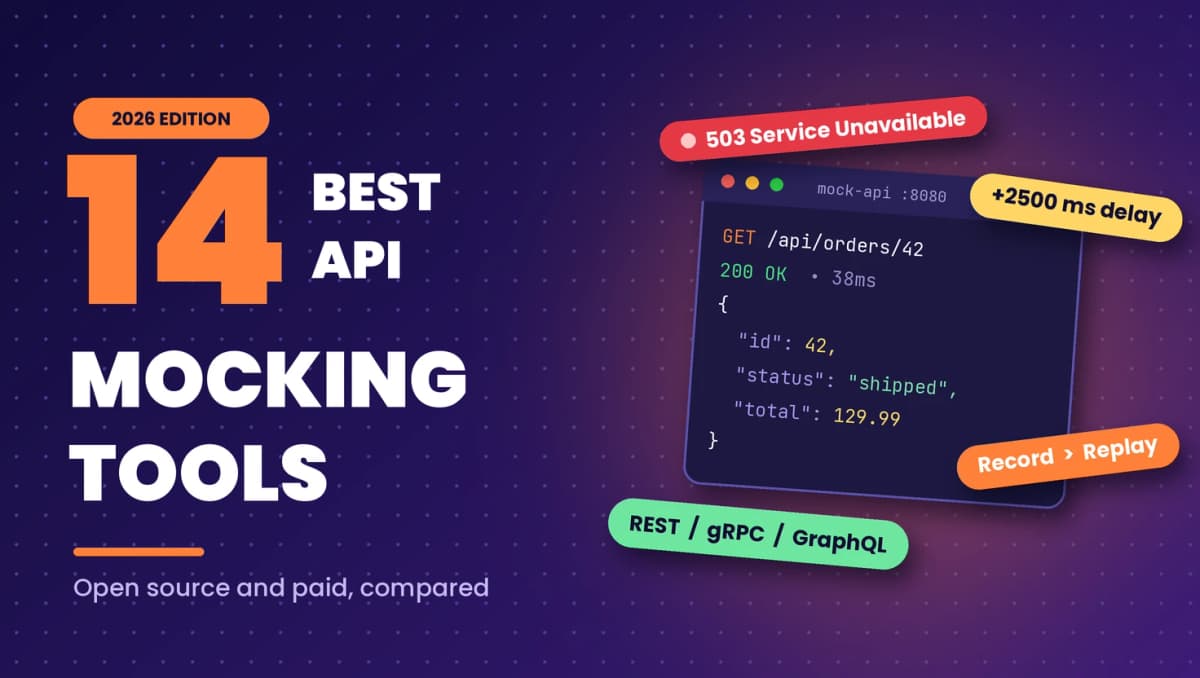






Your frontend is ready, but the backend endpoint it depends on ships next sprint. Your QA team wants to test a payment flow, but the third party sandbox is down again. Your CI pipeline fails twice a week because a staging database returned different data. All three problems have the same fix: an API mocking tool.
API mocking tools let you simulate an API, or any dependency your service talks to, so you can build and test without waiting on the real thing. The hard part is picking one. Some tools are built for frontend developers who need delays and errors on demand. Some generate mocks straight from an OpenAPI spec. Others record real traffic and replay it, so your mocks match production instead of someone’s guess.
This guide compares 14 of the best API mocking tools in 2026, grouped by how they create mocks, with honest notes on where each one fits and where it falls short. If you are new to the concept, start with our developer’s guide to API mocking and come back here when you are ready to choose a tool.
Quick answer: The best API mocking tools in 2026 are WireMock for failure simulation in automated tests, MSW for frontend developers, Mockoon for no-code local mocks, Prism for OpenAPI-driven teams, and Keploy for backend teams that want mocks generated automatically from real traffic, including database and service dependencies.
What are API mocking tools?
API mocking tools are software that simulate a real API by returning predefined or recorded responses. Your application calls the mock instead of the live service, so developers and QA teams can build, test failure scenarios, and run CI pipelines without depending on a backend that is unfinished, slow, costly, or unreliable.
Good mocking tools go beyond returning a fixed JSON body. They let you match requests on method, path, headers, and body; return different responses for different inputs; simulate latency, timeouts, and server errors; and keep state across calls, so a POST followed by a GET behaves the way it would in a real system.
Why teams use API mocking tools
- Parallel development: Frontend and backend teams agree on a contract and build at the same time, instead of the frontend waiting for every endpoint to exist.
- Testing before the backend is finished: QA teams can write and run test cases against mocks while the real implementation is still in progress.
- Failure testing: It is hard to make a real API return a 503 or time out on cue. A mock can do it every time, so you can test retries, fallbacks, and error screens.
- Stable CI pipelines: Tests that call live services fail for reasons that have nothing to do with your code. Mocks remove network flakiness and shared test data from the equation.
- Lower cost: Paid third party APIs charge per call or rate limit you. Mocking them in tests avoids both.
Five ways API mocking tools create mocks
Most comparison posts list tools without explaining that they solve the problem in very different ways. The approach a tool takes matters more than its feature list, because it decides how much work your mocks need and how realistic they will be.
1. Static and GUI-based mocks
You define endpoints and responses by hand, usually in a visual editor. This is the fastest way to get a mock running, and it works well for prototypes and demos. The trade-off is maintenance: every response is something a person wrote and has to keep up to date. Examples include Mockoon, Beeceptor, and Postman mock servers.
2. Spec-based mocks
The tool reads an OpenAPI, AsyncAPI, or GraphQL schema and generates a mock server from it. If your team works design-first, this keeps mocks in sync with the contract automatically. The responses are only as good as the examples and schemas in your spec, though. Examples include Prism, Microcks, and Apidog.
3. Programmable stubs
You write stubs in code or configuration, with request matchers, templates, and conditional logic. This gives you the most control, including precise failure injection, and it fits naturally into automated test suites. It also has the steepest learning curve. Examples include WireMock, MockServer, and Mountebank.
4. In-app and browser interception
Instead of running a separate mock server, the tool intercepts requests inside the browser or the Node.js process. Frontend code keeps calling the real URLs, and the interceptor answers. This is popular with React, Vue, and Angular teams. Examples include MSW and Requestly.
5. Record and replay mocks
The tool captures real traffic between your service and its dependencies, then replays those responses as mocks. Because the mocks come from actual behavior, they include the edge cases, odd fields, and real data shapes that hand-written mocks miss. Examples include Keploy, Hoverfly, and Speedscale.
How to choose an API mocking tool
Before comparing features, answer these questions about your team and your system:
- Who will use it? Frontend developers usually want in-browser interception and a GUI. Backend and QA teams usually want something that runs in tests and CI.
- What do you need to mock? Plain REST is covered by every tool. gRPC, GraphQL, message queues, and databases narrow the list quickly.
- Where do mocks come from? If you have a well-maintained OpenAPI spec, spec-based tools save time. If you do not, recording real traffic is often faster than writing mocks by hand.
- How much failure simulation do you need? Some tools only offer a fixed delay. Others can reset connections, return malformed responses, or randomize latency.
- Does it run in CI? Look for a CLI, Docker image, or test library, and for mocks stored as files you can commit and review.
- Open source or hosted? Open source tools give you control and no per-call limits. Hosted tools are quicker to share across a team but come with plan limits.
Best API mocking tools at a glance
| Tool (Keploy comparison) | Approach | Open source | Best for |
|---|---|---|---|
| Keploy | Record and replay | Yes | Backend and integration tests with real dependency mocks |
| WireMock | Programmable stubs | Yes (paid cloud option) | Detailed failure simulation in automated tests |
| Mockoon | Static and GUI | Yes | Fast local mock servers with no code |
| MSW | In-app interception | Yes | Frontend developers using React, Vue, or Angular |
| Prism | Spec-based | Yes | Design-first teams with OpenAPI specs |
| Postman | Static and GUI | No | Teams already working in Postman collections |
| MockServer | Programmable stubs | Yes | Java teams that want mocking plus proxying |
| Hoverfly | Record and replay | Yes | Lightweight service virtualization |
| Mountebank | Programmable stubs | Yes | Mocking non-HTTP protocols like TCP and SMTP |
| Microcks | Spec-based | Yes | Mocking REST, gRPC, GraphQL, and event-driven APIs from specs |
| Beeceptor | Static and GUI | No | Hosted mock endpoints in seconds |
| Requestly | In-app interception | Partly | Overriding live API responses in the browser |
| Speedscale | Record and replay | No | Kubernetes traffic replay |
| Apidog | Spec-based | No | All-in-one API design and mocking |
14 best API mocking tools in 2026
1. Keploy
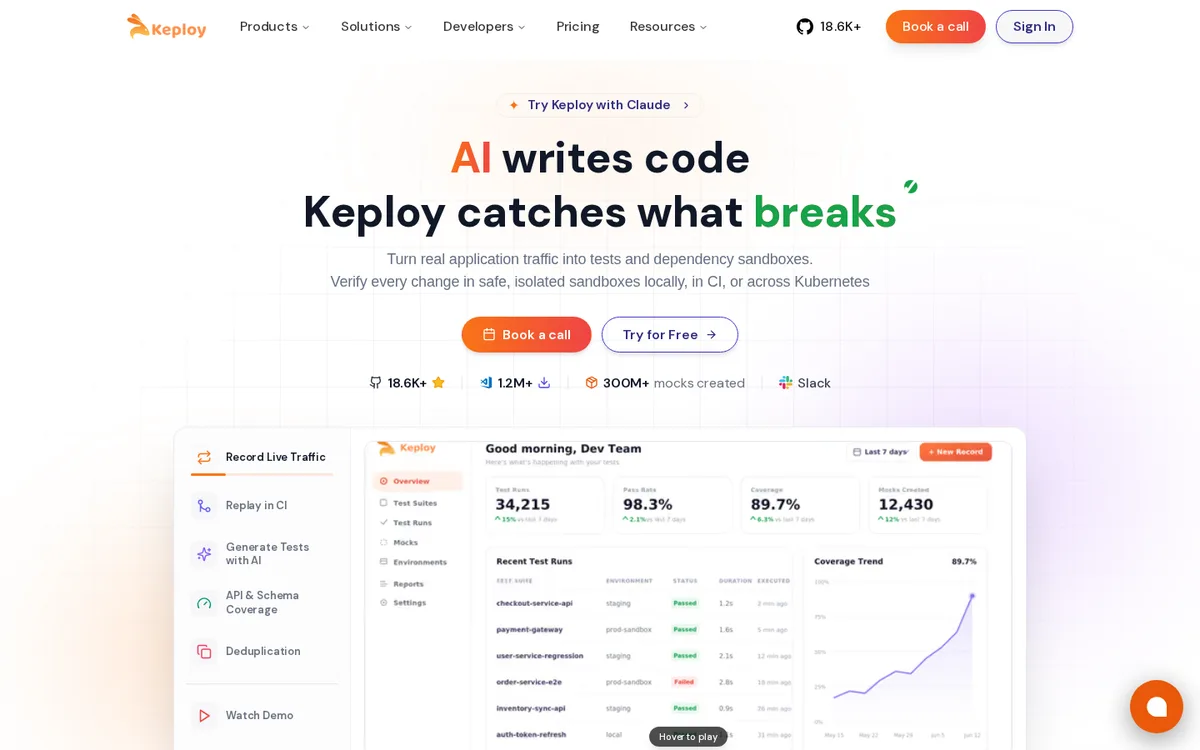
Keploy is an open source, record and replay tool that turns real API traffic into tests and mocks. You run your application under Keploy, use it the way a client would, and Keploy captures each API call along with every outbound call your service makes to its dependencies. That includes HTTP and gRPC calls to other services and queries to databases such as PostgreSQL, MySQL, MongoDB, and Redis.
The capture happens at the network layer using eBPF, so you do not change your application code or add an SDK. Recorded mocks are saved as files you commit to your repository, and during replay Keploy answers your service’s dependency calls from those mocks. Your tests run in CI without a live database or downstream service. When you need a scenario you have not recorded, you can add custom mocks alongside the recorded ones.
Learn more about how record and replay testing works in Keploy.
Strengths: Mocks reflect real production behavior, including data shapes nobody would think to write by hand. Mocks cover databases and service calls, not only HTTP endpoints. No code changes and no manual mock writing.
Limitations: Keploy is built for backend services, so it is not the tool for mocking APIs inside a frontend app. You need traffic to record, which means a running service, local or staging.
Best for: Backend and QA teams who want realistic, low-maintenance mocks for integration and API tests.
2. WireMock
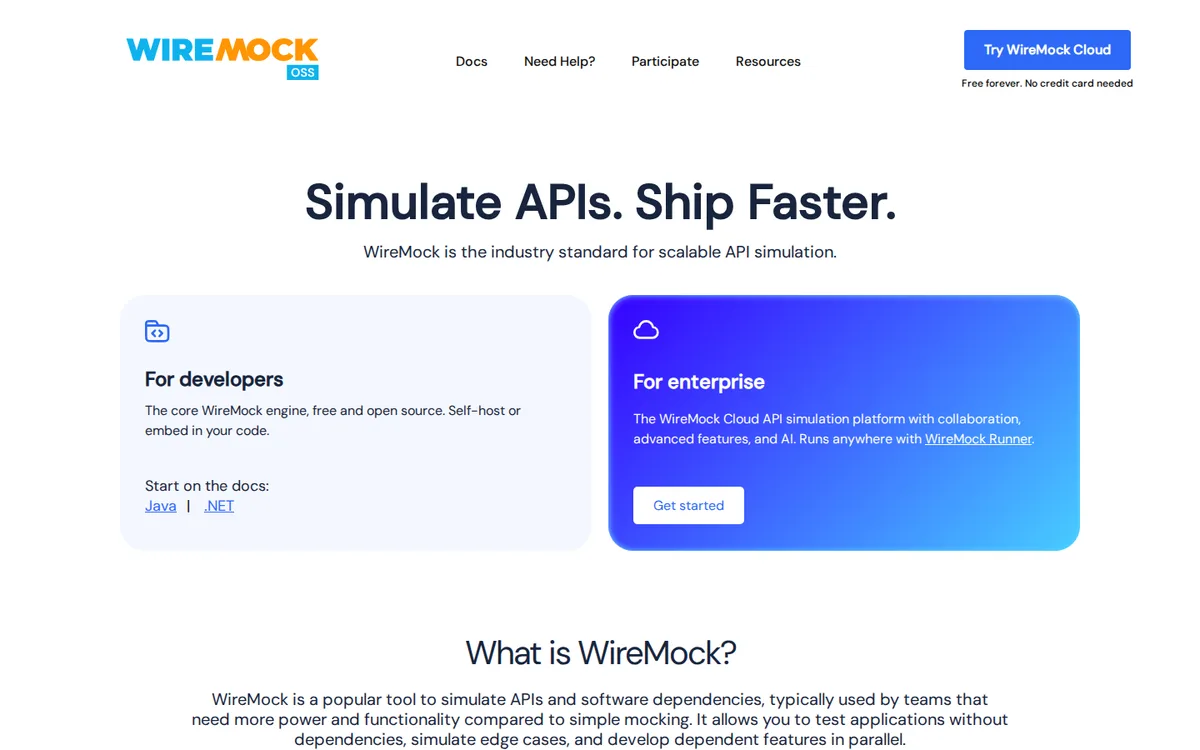
WireMock is one of the most widely used open source mocking tools. It runs as a standalone server, a Docker container, or a library inside JUnit tests, and it has ports and wrappers for other languages. Stubs are defined in JSON or code with detailed request matching, response templating, and stateful scenarios.
WireMock is especially strong at failure simulation. You can add fixed delays, randomized delays that follow a statistical distribution, and slow chunked responses. You can also inject faults such as a reset connection, an empty response, or malformed data, which is exactly what you need to test client resilience. It can record stubs by proxying to a real API.
Strengths: Mature, well documented, very flexible, strong fault injection.
Limitations: JSON stub files get large and hard to maintain. The learning curve is steeper than GUI tools. Team collaboration features are in the paid WireMock Cloud product.
Best for: Teams that need precise control over responses and failures in automated tests.
See the full Keploy vs WireMock comparison.
3. Mockoon
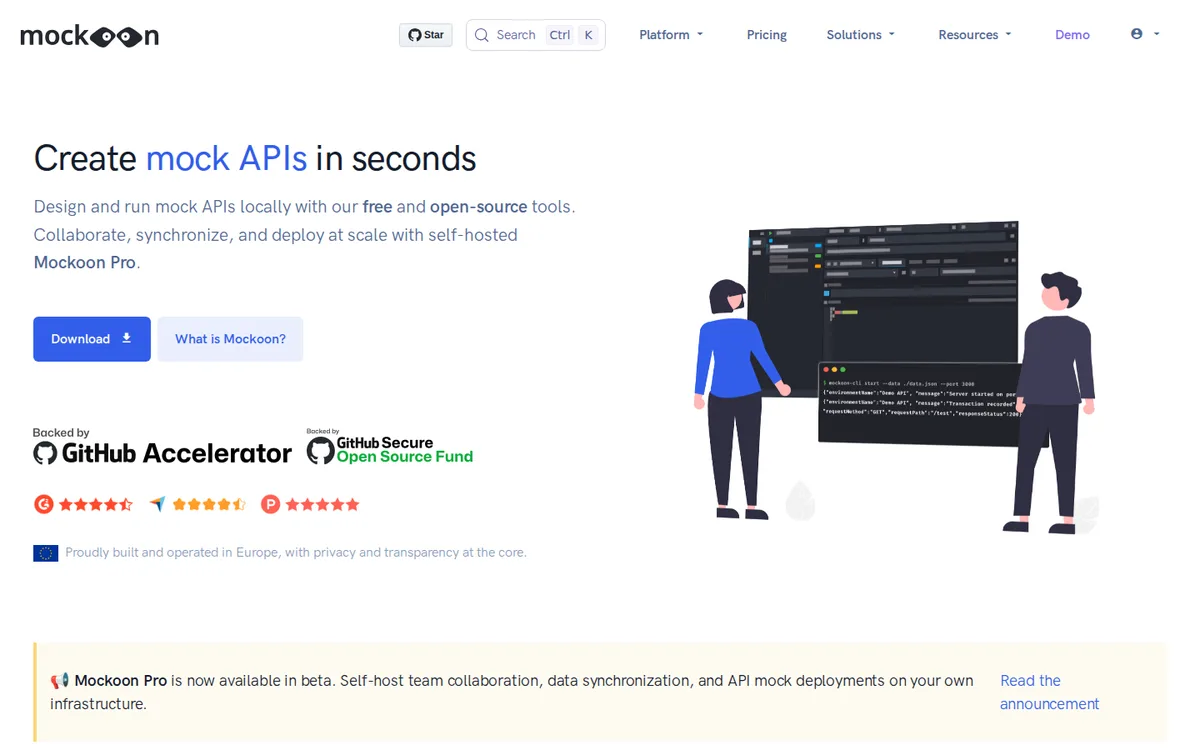
Mockoon is an open source desktop app for creating local mock servers without writing code. You add routes, set responses, and start the server in a few clicks. It supports response rules based on request content, templating with fake data helpers, and importing OpenAPI files. A CLI and Docker image let you run the same mocks in CI.
Latency can be set globally or per route, and you can return any status code, which makes Mockoon a good choice for frontend developers who want to see how a UI handles slow or failing endpoints.
Strengths: Very easy to start, runs offline, free, CLI for automation.
Limitations: Mocks are written by hand and drift as the real API changes. Team collaboration and cloud deployments are part of the paid Mockoon Pro plan.
Best for: Developers who want a quick local mock server with no setup.
See the full Keploy vs Mockoon comparison.
4. MSW (Mock Service Worker)
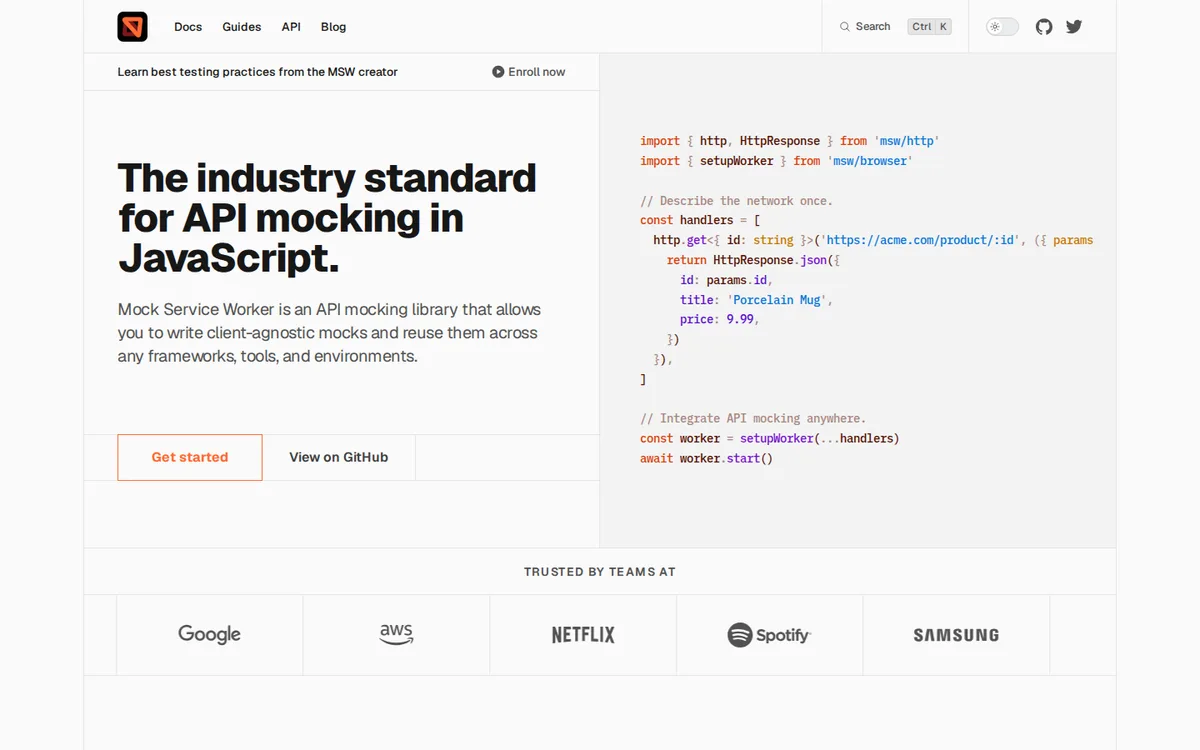
MSW intercepts requests at the network level, using a service worker in the browser and request interception in Node.js. Your application code keeps calling real URLs with fetch or Axios, and MSW returns mocked responses. Because nothing in your app changes, the same handlers can power local development, unit tests, and component tests.
MSW supports REST and GraphQL. It has a built-in delay utility for simulating slow responses and can return network errors or any status code, so frontend teams can test loading states and error screens with realistic timing.
Strengths: No separate server, framework agnostic, handlers reused across dev and test.
Limitations: Handlers are written in JavaScript or TypeScript, so it is a developer tool, not a QA or no-code tool. It is focused on the frontend and Node.js clients.
Best for: Frontend developers working in React, Vue, Angular, or similar frameworks.
5. Prism
Prism, from Stoplight, is an open source CLI that turns an OpenAPI document into a mock server with one command. It can return the examples defined in your spec or generate dynamic data that matches your schemas. Prism also validates incoming requests against the spec, which catches contract mistakes early, and it can run as a validation proxy in front of a real API.
Strengths: Zero mock writing if you have a spec, contract validation built in.
Limitations: Only as realistic as your spec. Limited support for complex stateful behavior and failure scenarios.
Best for: Design-first teams that maintain OpenAPI specs.
6. Postman mock servers
Postman lets you create mock servers from a collection, using the saved examples on each request as responses. Mocks are hosted in the cloud, so anyone on the team can call them, and you can add a simulated network delay. If your team already documents APIs in Postman, it is a low-effort way to get shared mocks.
Strengths: Easy if you already use collections, hosted and shareable.
Limitations: Matching and logic are basic compared with dedicated tools, mock call volume depends on your plan, and mocks live in a cloud workspace rather than your repository.
Best for: Teams already invested in Postman collections.
7. MockServer
MockServer is an open source Java tool for mocking HTTP and HTTPS APIs. You set expectations through a REST API or client libraries for Java and JavaScript, and it can also act as a proxy that records traffic. It supports response delays and connection errors for failure testing.
Strengths: Mocking and proxying in one tool, good Java integration.
Limitations: Heavier to set up than GUI tools, and large sets of expectations need discipline to keep organized.
Best for: Java teams that want programmable mocks and proxy recording.
See the full Keploy vs MockServer comparison.
8. Hoverfly
Hoverfly is a lightweight, open source service virtualization tool written in Go. It runs in several modes: capture records real traffic, simulate replays it, spy passes unmatched requests to the real service, and modify lets middleware change requests and responses on the fly. You can add latency to simulated responses.
Strengths: Record and replay for HTTP, small footprint, flexible middleware.
Limitations: HTTP focused, with no built-in mocking for databases. Simulation files need editing for complex scenarios.
Best for: Teams that want simple HTTP record and replay.
See the full Keploy vs Hoverfly comparison.
9. Mountebank
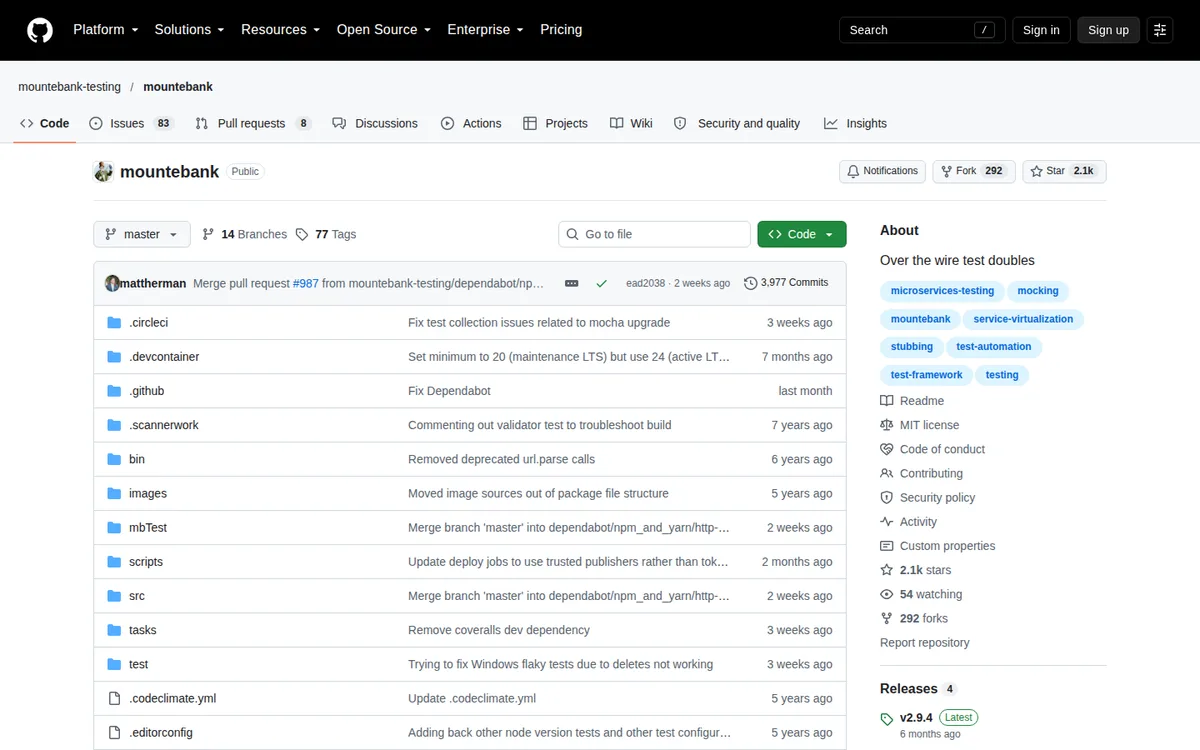
Mountebank creates “imposters” that act as test doubles over HTTP, HTTPS, TCP, and SMTP. Behaviors let you add latency or transform responses, and a proxy mode can record real responses for later replay.
Strengths: Multi-protocol support beyond HTTP.
Limitations: Configuration is verbose. The original maintainer stepped away from the project, and development has moved to the community-run mountebank-testing organization on GitHub, so check recent release activity before adopting it.
Best for: Teams that need to mock TCP or SMTP services.
See the full Keploy vs Mountebank comparison.
10. Microcks
Microcks is an open source CNCF project that creates mocks from the API artifacts you already have: OpenAPI, AsyncAPI, gRPC protobuf files, GraphQL schemas, and Postman collections. It mocks event-driven APIs as well as synchronous ones, and it can also run contract tests against your real implementation.
Strengths: Broad protocol coverage, including async and event-driven APIs.
Limitations: More infrastructure to run than a single CLI tool. Realism depends on the examples in your specs.
Best for: Platform teams mocking many API types from specs.
See the full Keploy vs Microcks comparison.
11. Beeceptor
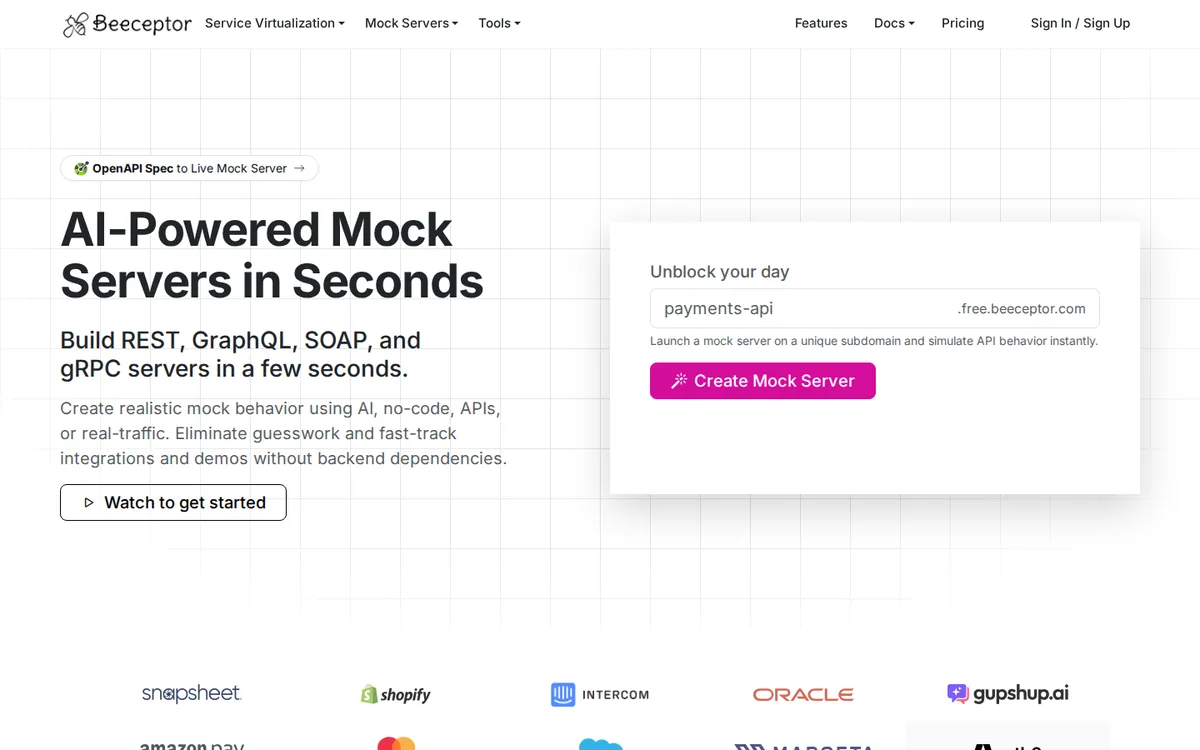
Beeceptor is a hosted, no-code service that gives you a mock server in seconds, with support for REST, GraphQL, SOAP, and gRPC. You add rules to return specific responses, and you can simulate latency and timeouts. It also supports OpenAPI imports.
Strengths: No install, fastest path to a shareable mock URL.
Limitations: Free usage is limited, and mocks live on a third party service.
Best for: Quick demos, webhooks, and prototypes.
See the full Keploy vs Beeceptor comparison.
12. Requestly
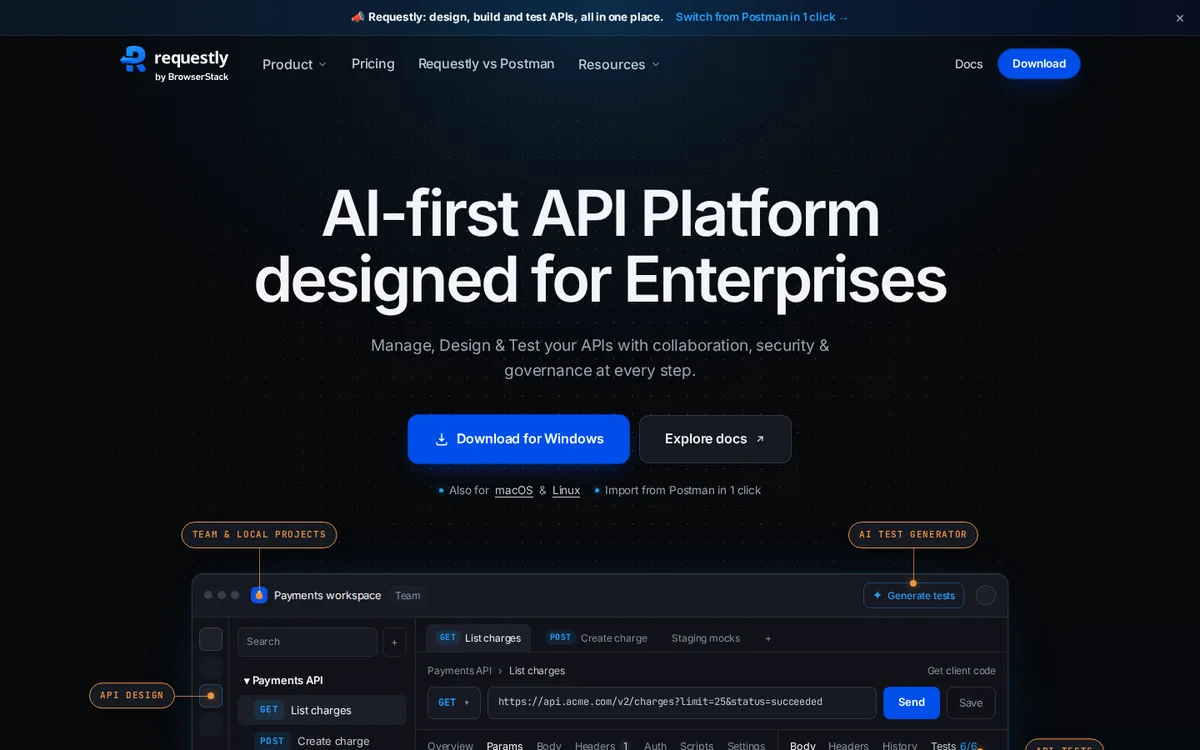
Requestly works as a browser extension and desktop app that intercepts live traffic. You can override responses, change status codes, and add delays to real API calls without touching code.
Strengths: Mock or modify responses from a real app in the browser.
Limitations: Browser focused, not suited to backend or CI testing.
Best for: Frontend debugging and manual QA.
13. Speedscale
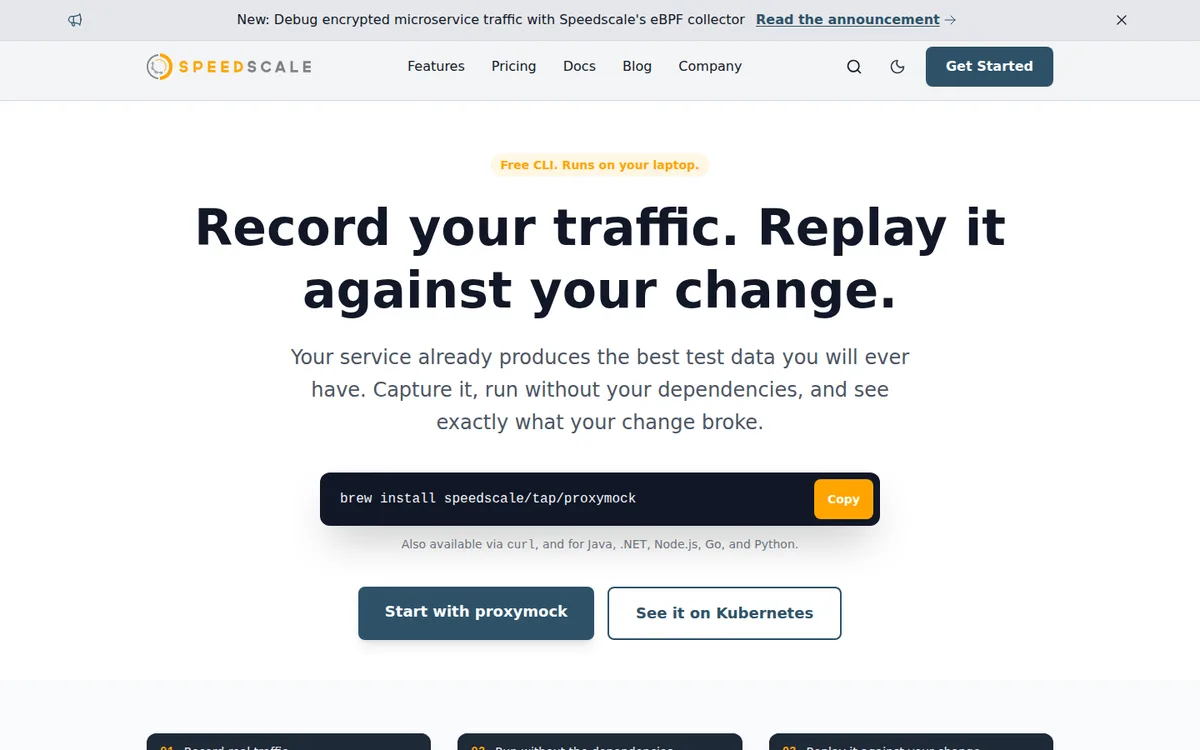
Speedscale is a commercial tool that captures traffic in Kubernetes environments and replays it, generating mocks of downstream services from recorded calls.
Strengths: Realistic mocks from production traffic, load testing features.
Limitations: Paid, and centered on Kubernetes.
Best for: Kubernetes teams with budget for a commercial platform.
See the full Keploy vs Speedscale comparison.
14. Apidog
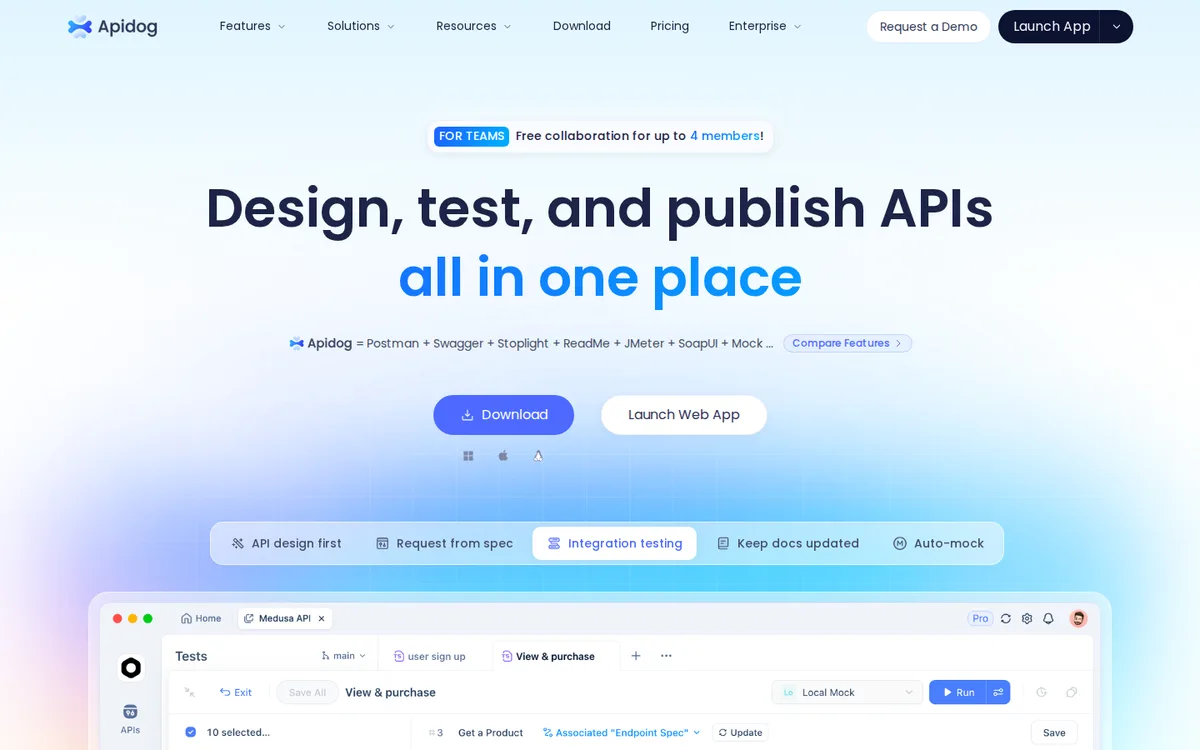
Apidog is an all-in-one API platform covering design, documentation, testing, and mocking. Its mocks generate data from your schema and field names.
Strengths: Mocking sits next to design and docs in one tool.
Limitations: You adopt the whole platform to get the mocking, and mocks are only as good as the schema.
Best for: Teams that want a single API platform.
See the full Keploy vs Apidog comparison.
Best API mocking tools for frontend developers with delay and failure simulation
The best API mocking tools for frontend developers who need delay and failure simulation are MSW, WireMock, Mockoon, and Requestly. MSW mocks requests inside the browser with configurable delays and network errors, while WireMock offers the most advanced fault injection, including random latency and dropped connections.
Frontend developers need mocks that behave badly on purpose. A UI that looks fine when every call returns in 50 milliseconds can fall apart when a request takes eight seconds or fails halfway through. The tools that handle this best are:
- MSW: Add a delay to any handler, return network errors, and reuse the same handlers in your component tests.
- WireMock: The most advanced fault injection, including randomized latency, slow chunked responses, and dropped connections.
- Mockoon: Set latency per route and return any status code without writing code.
- Requestly: Add delays or override status codes on a real running app in the browser.
Whichever you choose, test at least these scenarios: slow responses that trigger loading states, timeouts, 4xx validation errors, 5xx server errors, empty lists, and responses with missing optional fields.
Best API mocking tools for QA teams testing before the backend is finished
QA teams testing APIs before backend development finishes should use spec-based tools like Prism or Microcks to mock the agreed OpenAPI contract, hosted tools like Beeceptor or Postman mock servers to share mock URLs, and record and replay tools like Keploy once a first version of the service is running.
QA teams often have to start before the backend is done. The goal is to write test cases against an agreed contract so they are ready to run the day the real API lands.
- Spec-based tools such as Prism and Microcks work well when the team has agreed on an OpenAPI or AsyncAPI contract. QA can mock straight from the spec and switch to the real API later.
- Hosted tools such as Postman mock servers and Beeceptor let QA share mock URLs without running infrastructure.
- Record and replay tools such as Keploy take over once a first version of the service is running anywhere. Record one session and you get both test cases and dependency mocks, which saves QA from writing them by hand and keeps them current as the service evolves.
Avoiding brittle tests with realistic response generation
To avoid brittle test cases, generate mock responses from a real source instead of writing them by hand. Record and replay tools like Keploy capture actual API and dependency responses, spec-based tools like Prism generate data from your schema, and both reduce the mismatch between mocks and production that causes false failures.
Brittle tests, often called flaky tests, break when nothing important has changed. With mocks, the most common cause is that hand-written responses do not match what the real API sends. A field is missing, a type is different, a list that is never empty in production is always empty in the mock. Tests pass against the mock and fail against the real system, or the reverse.
Three practices reduce brittleness:
- Generate responses from a real source. Record responses from real traffic, or generate them from a maintained schema, instead of typing them by hand. Record and replay tools like Keploy and Hoverfly, and spec-based tools like Prism, all reduce the gap between mock and reality.
- Handle dynamic fields. Timestamps, IDs, and tokens change on every call. Tests that compare them exactly will fail randomly. Use tools that let you ignore or template these fields. Keploy, for example, detects noisy fields like timestamps during replay so they do not cause false failures.
- Refresh mocks regularly. Mocks drift as APIs change. Re-record or regenerate them on a schedule, and run contract tests so you know when the real API has moved.
Common API mocking mistakes to avoid
- Letting mocks drift: A mock written six months ago describes an API that may no longer exist. Tie mocks to a spec or to recorded traffic, and refresh them.
- Mocking only the happy path: If every mock returns a 200, your tests prove nothing about error handling.
- Over-mocking: Mocking every internal function and service can leave you with tests that only test the mocks. Mock at the boundaries, such as external APIs and databases, and keep real logic real.
- Skipping integration tests entirely: Mocks complement tests against real systems. Keep some end-to-end coverage, and use our guide to API testing tools to round out the rest of your stack.
- Storing mocks outside version control: Mocks that live only in a cloud workspace are hard to review and roll back. Prefer tools that save mocks as files in your repository.
Mocking APIs in healthcare, fintech, and SaaS
In regulated industries, the data behind your APIs is the reason mocking matters. Copying production data into test environments spreads sensitive records across more systems and more people. Keploy’s healthcare API testing and security report puts the average healthcare breach cost at $7.42M, with 289M records exposed in 2024, which is why many teams test against mocks instead of live patient or payment data.
Two things to check when you choose a tool for these environments:
- Data masking: Record and replay tools capture real traffic, so make sure the tool can redact secrets, tokens, and personal data before mocks are saved. Keploy handles this with noise and secret management.
- Where mocks live: Self-hosted, open source tools keep mock data inside your own infrastructure. Hosted tools send it to a third party, which may need a security review.
SaaS teams face a different problem: dozens of third party integrations for payments, email, auth, and messaging, each with its own sandbox, rate limits, and downtime. Mocking those dependencies keeps CI fast and predictable. For a broader look, see our strategies for testing SaaS APIs.
Generate realistic mocks automatically with Keploy
Writing and maintaining mocks by hand is the slowest part of API testing. Keploy records real API calls and dependency interactions, turns them into tests and mocks, and replays them in CI with no code changes. Try Keploy API testing to see how quickly you can go from real traffic to a reliable test suite.
Frequently asked questions
What is the best API mocking tool?
There is no single best tool for every team. MSW is a strong choice for frontend developers, WireMock for detailed failure simulation, Prism for OpenAPI-driven teams, and Keploy for backend teams that want realistic mocks generated from real traffic.
What is the best free API mocking tool?
Keploy, WireMock, Mockoon, MSW, Prism, Hoverfly, and Microcks are all open source and free to use. Several also have paid cloud or enterprise editions with collaboration features.
Which API mocking tools simulate delays and failures?
WireMock offers the most advanced fault injection. MSW, Mockoon, MockServer, Hoverfly, Beeceptor, Requestly, and Postman mock servers all support delays, and most can return error status codes or network errors.
Can I test APIs before the backend is ready?
Yes. Agree on a contract, then mock it with a spec-based tool like Prism or a hosted tool like Beeceptor. Once a first version of the backend is running, a record and replay tool can capture real behavior and keep your tests current.
What is the difference between API mocking and service virtualization?
API mocking usually means simulating individual endpoints with defined responses. Service virtualization simulates the full behavior of a service or dependency, often including state, protocols beyond HTTP, and recorded real traffic. Tools like Keploy, Hoverfly, and Speedscale sit closer to service virtualization.
Can API mocking tools mock databases?
Most API mocking tools only mock HTTP endpoints. Keploy also records and replays database interactions such as PostgreSQL, MySQL, MongoDB, and Redis queries, so integration tests can run without a live database.