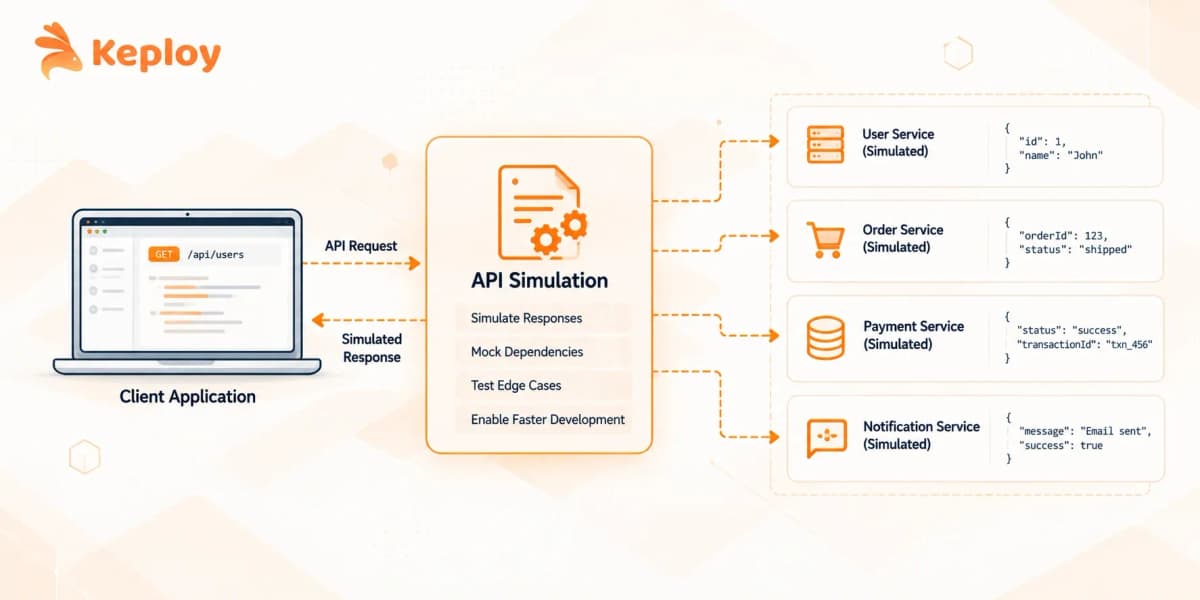






API simulation replaces real dependencies with stand-ins that respond like the actual service, keeping tests deterministic and free from rate limits, per-call fees, or unfinished upstream APIs. Simulators are built from hand-written stubs, OpenAPI specs, or recorded traffic; Keploy follows the recorded-traffic approach, capturing real HTTP, gRPC, database, and queue calls and replaying them automatically.
API simulation is how development teams keep moving when a dependency isn’t available, stable, or cheap to call repeatedly. Instead of hitting the real API, you route requests to a local api simulator that behaves like it.
That simulator is what separates the approaches. Some teams write out expected responses by hand. Others record live traffic and replay it. A few intercept at the network layer and capture every dependency in one session. The method matters because it determines how much maintenance you’re signing up for.
What is API Simulation?
API simulation creates a virtual API that receives real requests and returns controlled responses, without connecting to the actual service. Unlike hardcoded test fixtures, a simulated API runs as an independent process that responds dynamically based on request input, letting the rest of the system behave as if the real dependency were there.
The distinction from a static test double is behavior. A simulated API can return different responses based on what’s in the request, hold state across calls, and fail on demand. That flexibility is what makes it useful across development, QA, and CI pipelines rather than just unit tests.
Why Teams Can’t Always Hit Real APIs
The real API has a rate limit, and the CI pipeline runs 40 times a day. That’s the most common reason teams start looking at simulation, but it’s not the only one.
Third-party APIs charge per call. A payment gateway or weather service that bills by request turns a test suite into an operating expense. Simulation removes that cost entirely.
The dependent service isn’t ready. Two teams building in parallel can’t both wait. One team builds against a simulated version of the other’s API and integrates when both sides are done. This is where REST API simulation became standard practice in microservices shops.
The real API is flaky in staging. Timeouts, inconsistent data, and environment-specific behavior all produce test noise that’s hard to diagnose. A simulated API gives you deterministic responses, so a failing test means the code is broken, not the environment.
How API Simulation Works
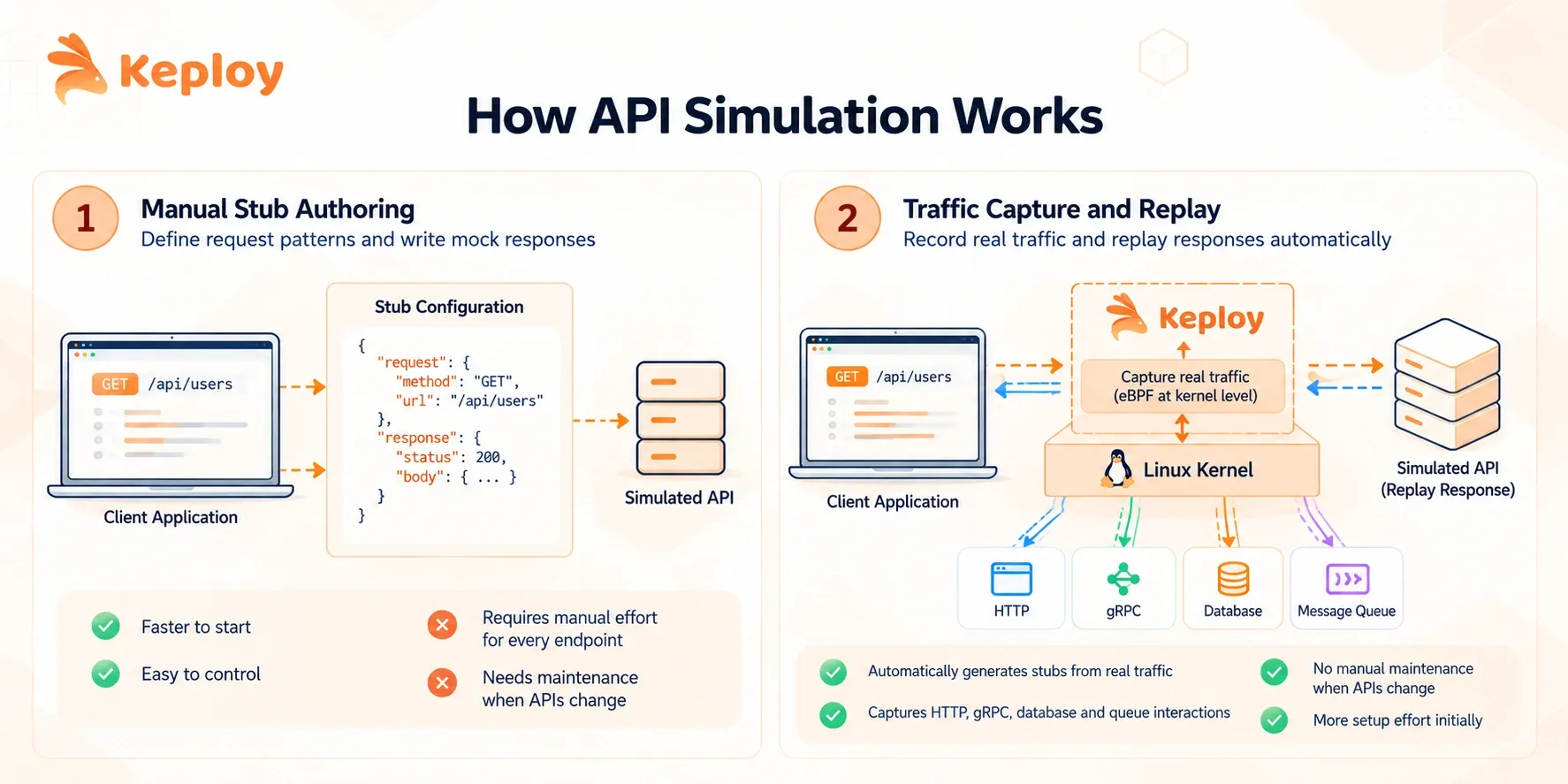
There are two fundamentally different ways to build a simulated API, and they have different tradeoffs.
-
Manual stub authoring is the older approach. An engineer defines the request patterns the api simulator should match and what it should return for each one. WireMock’s stub files and Mockoon’s GUI work this way. It’s explicit and predictable, but every new endpoint or response variant is something someone has to write and maintain.
-
Traffic capture and replay works differently. The tool sits in the network path, observes real traffic between the service and its dependencies, and records the actual responses. Future test runs replay those recorded responses without touching the real service. This is how tools like Hoverfly operate, and it’s also how Keploy works at the kernel level using eBPF, capturing HTTP, gRPC, database calls, and queue interactions in a single session rather than one protocol at a time.
The tradeoff is setup versus maintenance. Manual stubs are faster to start and easier to control. Traffic-capture tools take more to set up but don’t require updating when the upstream API changes its response shape – you just re-record.
API Simulation vs Mocking vs Virtualization
These three terms get used interchangeably, but they describe different things in practice.
|
Approach |
Where it runs |
Scope |
Best for |
|
API mocking |
Inside test code |
Single method or function |
Unit tests, isolated logic |
|
API simulation |
Standalone process |
Full HTTP request/response cycle |
Integration tests, parallel development |
|
Service virtualization |
Standalone process |
Multi-protocol: HTTP, JDBC, JMS, queues |
Enterprise environments, legacy dependencies |
Mocking lives inside your test. You create a mock object that returns what you tell it to and it never leaves the test process. A virtual API runs externally and intercepts real network traffic, so the rest of the system doesn’t know the dependency is fake.
Service virtualization is simulation with wider protocol coverage. When your system talks to an IBM MQ queue, a mainframe over JDBC, and an HTTP API in the same transaction, service virtualization handles all three. Most HTTP-only simulation tools don’t.
When to Use API Simulation
The decision isn’t really about the tool, it’s about what’s blocking you.
-
Third-party APIs with rate limits or per-call billing – hitting a payment gateway or messaging service on every CI run is a cost and reliability problem. An api simulator absorbs all of that traffic locally.
-
Parallel development across teams – one team publishes a contract or records an initial set of responses, the other builds against the virtual API, and they integrate when both sides are ready. This is the core use case behind API sandbox environments in large engineering orgs.
-
Flaky or unreliable staging – if simulation testing fails intermittently because a dependency times out, that’s environment noise, not a code bug. Simulated dependencies make failures deterministic and debuggable.
Where it doesn’t fit well: testing the actual behavior of a real third-party system, contract validation where you need to verify the real API matches expectations, or any scenario where the live response shape matters more than determinism.
REST API Simulation in CI/CD Pipelines
REST API simulation in CI works when the simulated service starts fast, configures from code, and doesn’t need a human to maintain stubs between runs.
Most modern tools ship as Docker images with CLI configuration, which is what makes them practical in GitHub Actions or Jenkins without manual setup steps. The api simulator starts as a sidecar, simulation testing runs against it, and it shuts down when the job finishes.
The configuration-as-code angle matters more than it looks. If stubs live in a GUI that exports to a proprietary format, they don’t version well and drift between environments. Tools that read stub definitions from plain JSON or YAML files that live in the repo are easier to maintain across teams.
Latency simulation is worth enabling in CI even when it feels unnecessary. A test suite that passes at 0ms dependency latency but fails at realistic 200ms latency is telling you something the CI results hide.
Top API Simulation Tools in 2026
|
Tool |
Type |
Protocol support |
Open source |
Best for |
|
Keploy |
Traffic-capture |
HTTP, gRPC, SQL, NoSQL, Kafka, RabbitMQ |
Yes (Apache 2.0) |
Auto-generated virtual APIs from real traffic, Kubernetes-native |
|
WireMock |
Stub server |
HTTP, HTTPS |
Yes (Apache 2.0) |
HTTP simulation in CI, wide ecosystem |
|
Postman Mock Servers |
Stub server |
HTTP |
No |
Teams already on Postman |
|
Mockoon |
Stub server |
HTTP |
Yes (MIT) |
Local development, quick setup |
|
Hoverfly |
Traffic-capture |
HTTP, HTTPS, SOAP |
Yes (Apache 2.0) |
Git-versioned simulation files |
|
MockServer |
Stub server |
HTTP, HTTPS |
Yes (Apache 2.0) |
Java-native environments |
|
Stoplight Prism |
Spec-driven |
HTTP |
Yes (Apache 2.0) |
Contract-first, OpenAPI validation |
|
Mountebank |
Stub server |
HTTP, TCP, HTTPS, SMTP |
Yes (MIT) |
Multi-protocol stub testing |
|
Tosca Cloud API Simulation |
Enterprise |
HTTP, SOAP, REST, EDI |
No |
Enterprise simulation testing, SAP and mainframe stacks |
Keploy
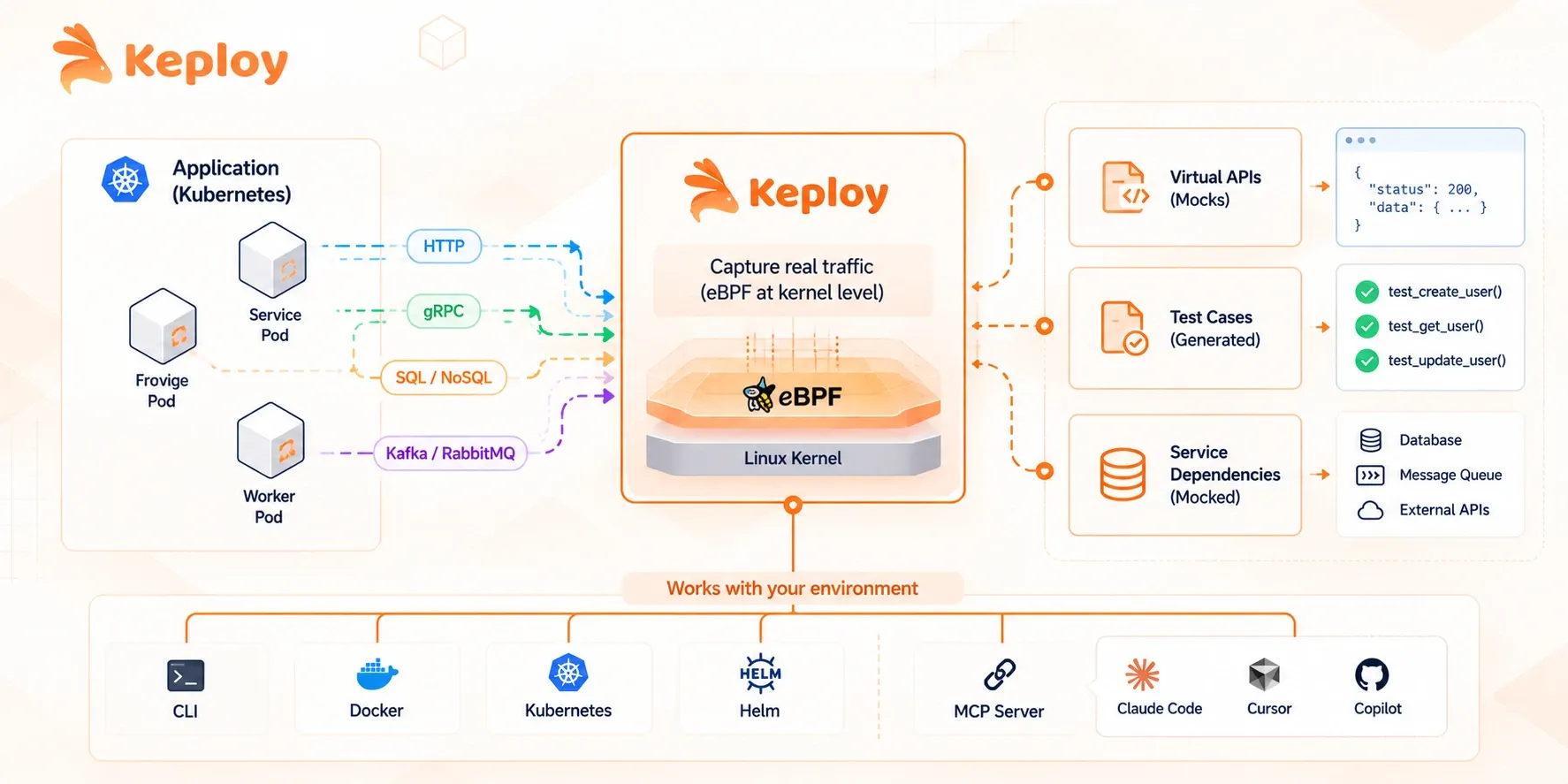
Keploy takes a different approach from every other tool in this list. Rather than asking engineers to write stub files, it captures real traffic at the kernel level using eBPF and generates the virtual API automatically. One recording session covers HTTP, gRPC, database calls, and queue interactions together, so the simulation reflects what the service actually does, not what someone assumed when writing stubs.
Key features:
-
Kernel-level traffic capture via eBPF – no code instrumentation needed
-
Covers HTTP, gRPC, SQL, NoSQL, Kafka, and RabbitMQ in a single session
-
Auto-generates test cases and mocks from recorded traffic
-
Kubernetes-native with CLI, Docker, and Helm support
-
MCP server integration for AI coding environments like Claude Code and Cursor
Best for: Teams on microservices or Kubernetes who want accurate, automatically maintained simulated APIs without manual stub authoring.
Pricing: Open source version is free (Apache 2.0). The cloud platform has a free Playground tier (30 test suite generations, 100 test runs/month) and a Pro plan at $19/user/month with usage-based overages. Enterprise pricing is custom.
WireMock
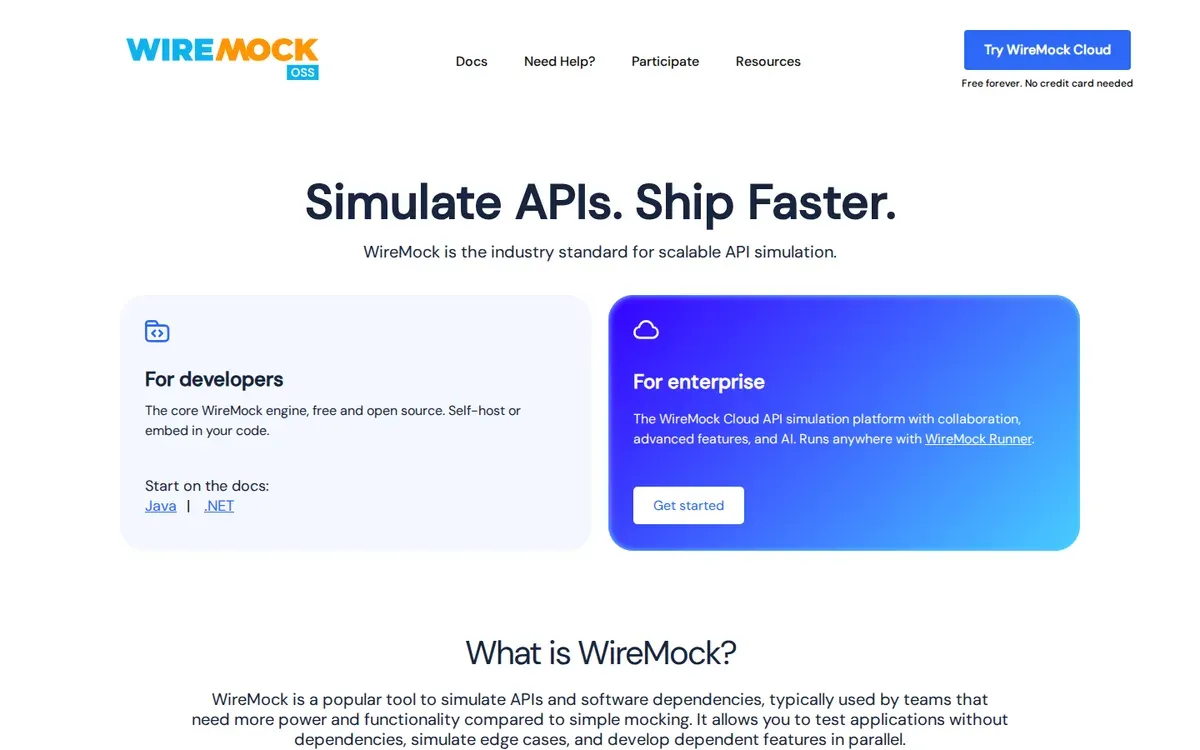
WireMock is the most widely used HTTP api simulator in the Java ecosystem. Stub definitions are plain JSON files, which version cleanly in Git and load without a GUI. It runs as a standalone server or embedded in tests, and a managed WireMock Cloud version adds a UI and team collaboration features.
Key features:
-
JSON-based stub files with request matching on method, path, headers, and body
-
Record and playback mode to capture real API responses
-
Fault and latency simulation
-
Docker image and JAR deployment options
-
WireMock Cloud adds a hosted UI, team sharing, and mock API call limits
Best for: Java and JVM teams wanting battle-tested HTTP simulation with a large community and strong CI support.
Pricing: WireMock OSS is free (Apache 2.0). WireMock Cloud has a free tier (1,000 mock API calls/month, 1 user) and an Enterprise plan at custom pricing – no mid-tier published.
Postman Mock Servers
Postman Mock Servers generate a virtual API directly from an existing Postman collection. If your team already manages API documentation and test cases in Postman, the setup overhead is minimal. Both cloud and local mock servers are available on the free Postman plan.
Key features:
-
Create mock servers from existing Postman collections in a few clicks
-
Example responses auto-populated from saved request examples
-
Private and public mock server options
-
Integrated with Postman’s API documentation and testing workflows
-
Collaboration built in via Postman workspaces
Best for: Teams already on Postman who want quick mock API setup without leaving the platform.
Pricing: Mock server usage is unlimited on all Postman plans, including the free tier. Postman’s paid plans (Solo, Team, Enterprise) add higher AI credits, automation, and team features – not required for basic mock servers.
Mockoon
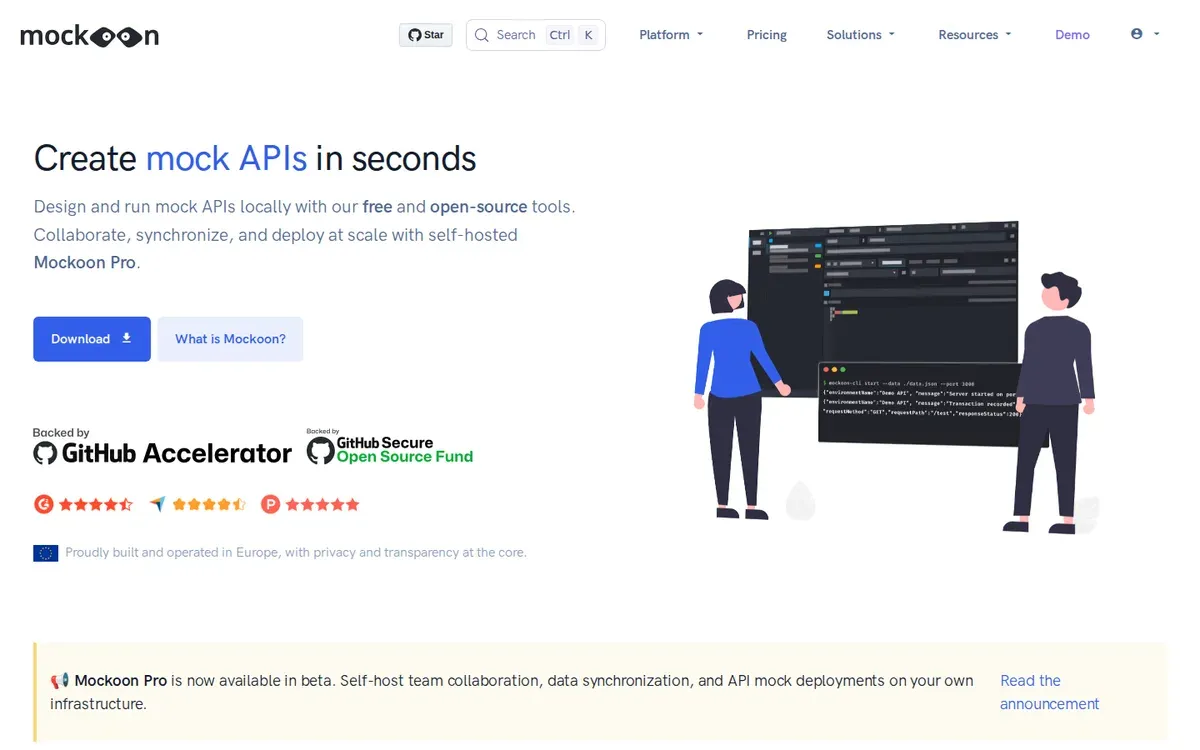
Mockoon is the lowest-friction HTTP api simulator to get running locally. The desktop GUI lets you define endpoints, set response bodies, and apply rules without touching a config file. A CLI version covers CI use cases, and the JSON export format keeps simulation files version-controlled.
Key features:
-
Desktop GUI for defining endpoints and response rules
-
CLI for headless and CI environments
-
JSON export for Git versioning
-
Response templating with dynamic values
-
Mockoon Cloud for team sharing (paid)
Best for: Individual developers and small teams who need fast local API simulation without infrastructure setup.
Pricing: Desktop app and CLI are free and open source (MIT). Mockoon Pro (cloud sync, team sharing, enterprise support) is $25/month. Enterprise pricing is custom.
Hoverfly
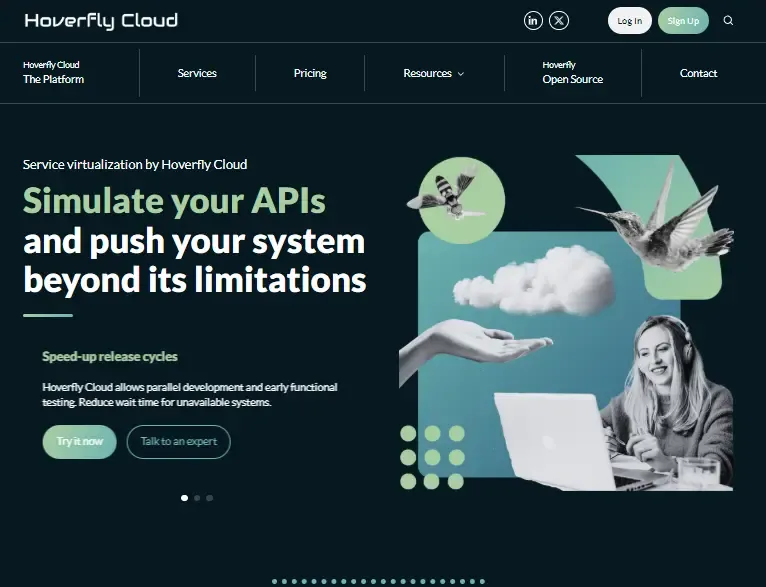
Hoverfly is a traffic-capture api simulator that records real HTTP interactions and replays them as a virtual API. Captured simulations are stored as JSON or YAML files, which makes them easy to commit to Git and share across environments. It supports simulation, capture, spy, and modify modes.
Key features:
-
Capture mode records live HTTP/HTTPS traffic automatically
-
Simulation files stored as plain JSON or YAML
-
Middleware support for response transformation
-
Delay and latency simulation per endpoint
-
Hoverfly Cloud adds enterprise hosting and team features
Best for: Teams who want capture-based REST API simulation with Git-friendly output and no vendor lock-in.
Pricing: Free and open source. No paid plans are publicly listed.
MockServer
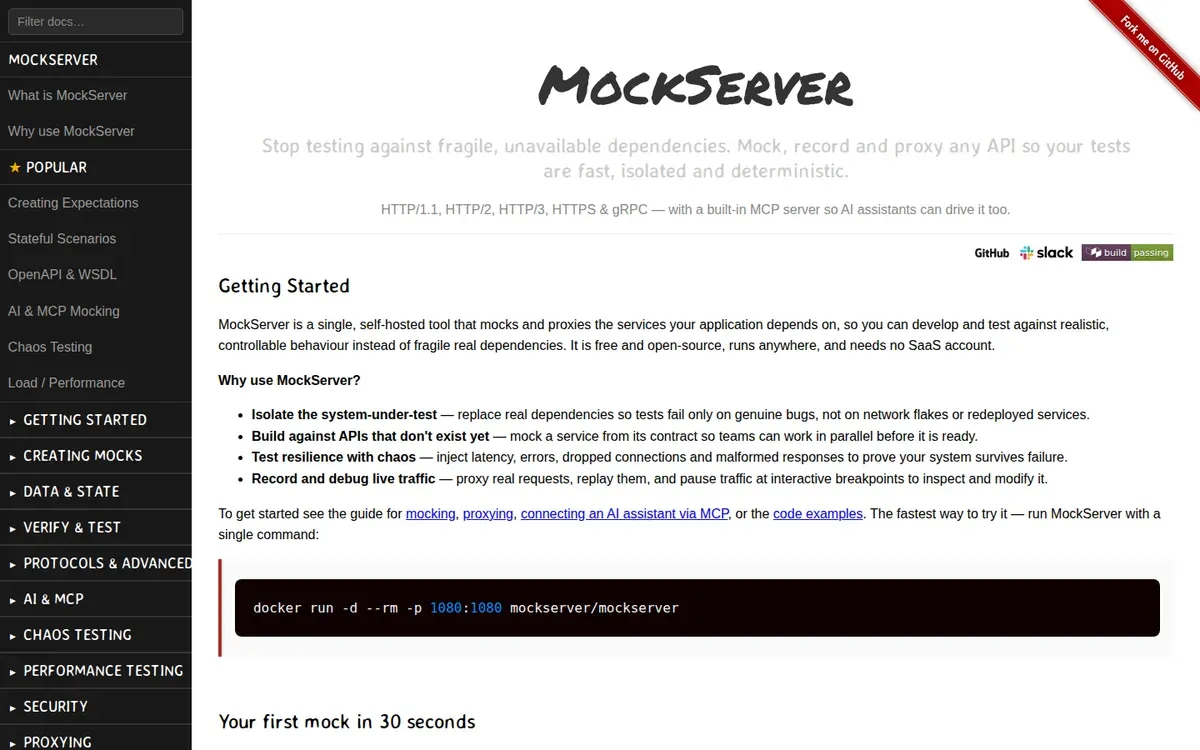
MockServer runs as a standalone server or embedded in JUnit tests, and it’s the go-to api simulator for Java and Kotlin environments. Its verification API lets tests assert that specific calls were made to the simulated dependency, which most stub-only tools don’t support.
Key features:
-
Request matching on method, path, query parameters, headers, and body
-
Verification API to assert expected calls happened
-
Proxy mode to forward unmatched requests to the real service
-
JUnit 4 and 5 integration via Testcontainers
-
Docker and Helm deployment options
Best for: Java and Kotlin teams who need simulation testing with call verification, or who want to run real and simulated dependencies side by side.
Pricing: Free and open source (Apache 2.0). No paid plans – self-hosted only.
Stoplight / Prism
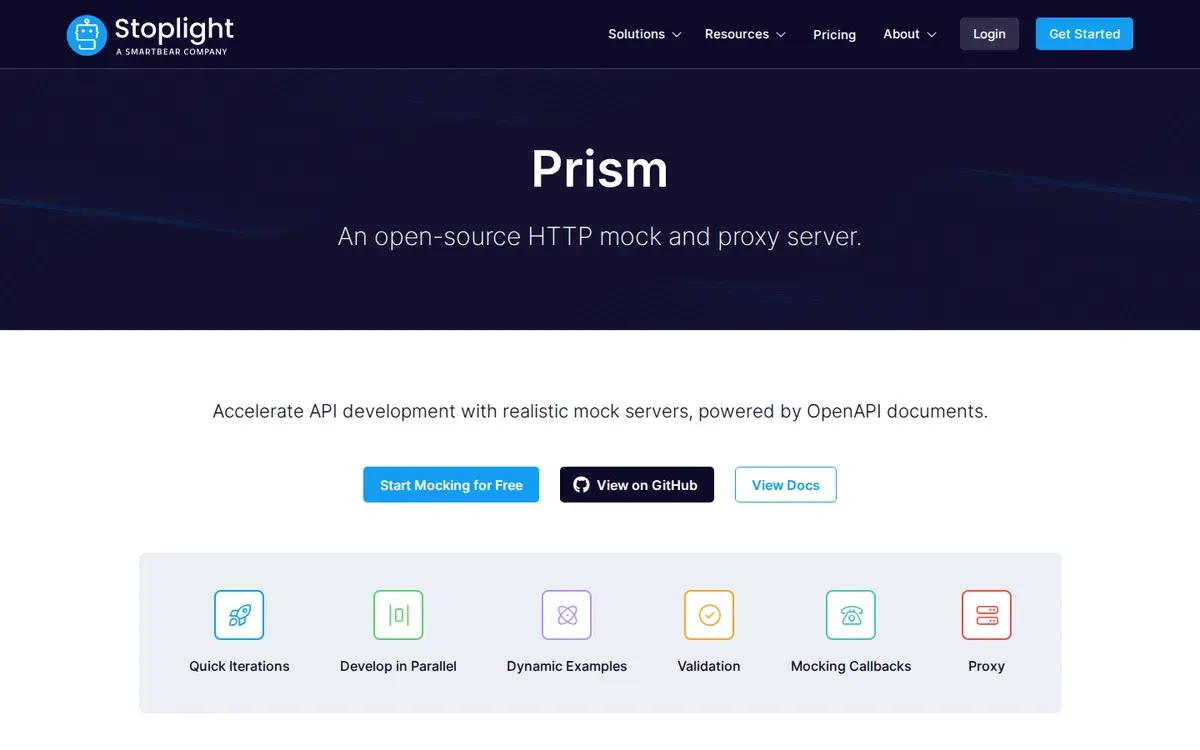
Prism is spec-driven rather than traffic-based. It reads an OpenAPI or Swagger document and immediately serves a virtual API from it, with no stub authoring required. Validation runs in both directions – it checks that incoming requests match the spec and that responses do too.
Key features:
-
Serves a virtual API from any OpenAPI 2.0 or 3.x spec instantly
-
Validates requests and responses against the spec in real time
-
Dynamic response generation based on spec examples or schemas
-
CLI-first, runs locally or in CI as a sidecar
-
Flags contract drift between the spec and actual implementation
Best for: Contract-first teams who design APIs in OpenAPI before building them and want to test against the spec immediately.
Pricing: Prism CLI is free and open source (Apache 2.0). The Stoplight platform (API design, docs, governance) starts at $41/month for 3 users – Prism itself doesn’t require a paid plan.
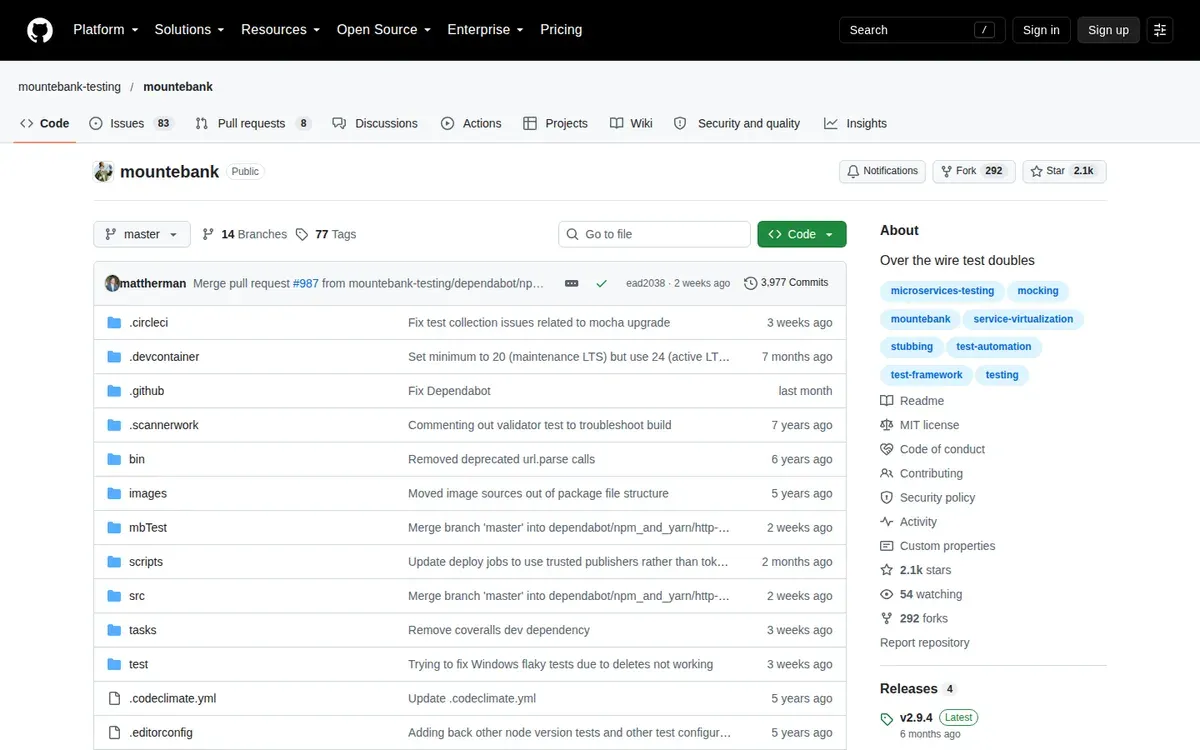
Mountebank
Mountebank is the only open-source api simulator that handles HTTP, TCP, SMTP, and HTTPS through the same interface. Most teams don’t need multi-protocol support, but when a service talks to a mail server or a raw TCP socket alongside REST APIs, Mountebank covers ground other tools don’t.
Key features:
-
Multi-protocol support: HTTP, HTTPS, TCP, SMTP
-
Predicate and behavior injection for complex matching logic
-
Proxy mode to record real responses
-
JavaScript-based behavior scripting for dynamic responses
-
REST API for programmatic stub management
Best for: Teams with non-HTTP protocol dependencies that other simulation tools don’t cover.
Pricing: Free and open source (MIT). No paid plans – self-hosted only.
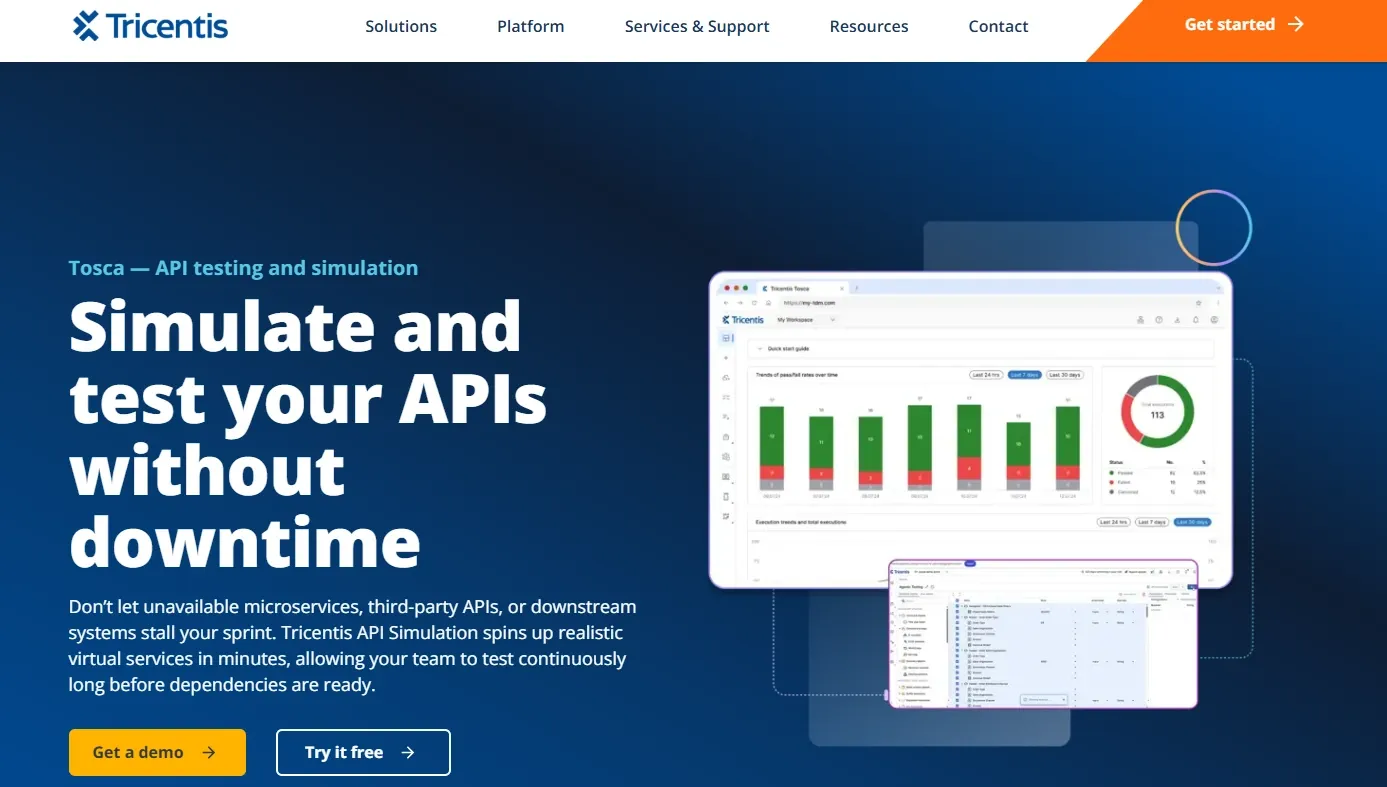
Tosca Cloud API Simulation
Tosca Cloud API Simulation is Tricentis’s enterprise-grade api simulator built for organizations running SAP, mainframe, and EDI integrations alongside modern REST services. It’s part of the broader Tosca test automation suite, so it fits into existing enterprise QA workflows without a separate integration layer.
Key features:
-
Simulates REST, SOAP, EDI, and proprietary enterprise protocols
-
Built-in integration with SAP and mainframe testing environments
-
Centralized simulation management across teams
-
Versioning and audit trail for compliance requirements
-
Part of the Tosca unified test automation platform
Best for: Regulated industries with complex legacy stacks – financial services, healthcare, manufacturing – where open-source tools don’t cover the full protocol surface.
Pricing: Commercial, custom pricing. Contact Tricentis for a quote.
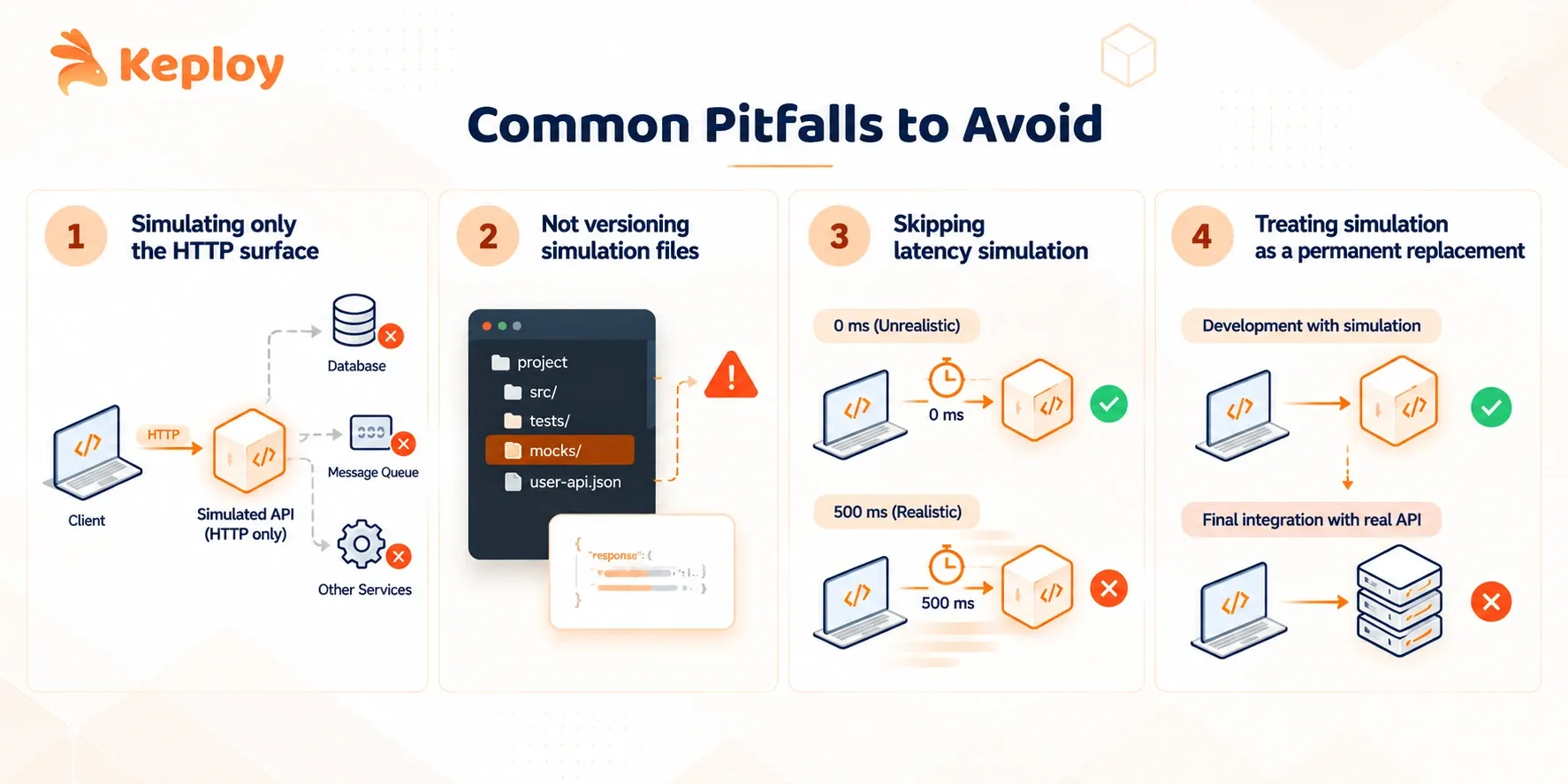
Common Pitfalls to Avoid
-
Simulating only the HTTP surface. If your service makes a database call and publishes to a queue before returning an HTTP response, simulating only the HTTP layer leaves the rest of the dependency chain exposed. Simulation testing passes locally, then fails in integration because the database behavior wasn’t covered.
-
Not versioning simulation files. Stubs that live outside the repo drift. An engineer updates the real API, forgets to update the api simulator config, and tests pass locally against the old stub. Keeping simulation configuration in the same repo as the code it tests prevents this.
-
Skipping latency simulation. Real APIs have latency. A test that runs at 0ms doesn’t surface timeout bugs, retry logic issues, or race conditions that appear under realistic conditions. Most tools support configurable response delays – use them.
-
Treating simulation as a permanent replacement. Simulation testing reduces dependency on the real API during development. It doesn’t replace integration tests against the real service before a release. Teams that skip the final integration step discover divergence in production.
Conclusion
API simulation started as a workaround for unavailable dependencies. It’s becoming something closer to infrastructure – a standard layer in how modern software gets built and tested, not an afterthought teams reach for when something breaks.
The next shift is already visible. AI coding agents don’t just write code, they call APIs during development. Simulation environments that expose MCP interfaces are letting those agents test against realistic virtual APIs without any human in the loop. The gap between "writing code" and "testing the integration" is collapsing.
Teams that treat simulation as a first-class part of their dev environment, not a CI-only concern, are the ones shipping with fewer late-stage surprises. The tooling is there. The question is whether simulation testing is a checklist item in your pipeline or something your team actually designs around from the start.
FAQs
What’s the difference between an api simulator and an API simulation?
An api simulator is the tool – the process running locally or in CI that intercepts requests and returns controlled responses. API simulation is the practice of using it. The distinction matters when evaluating tools: you’re choosing an api simulator that fits your workflow, not choosing whether to do simulation.
Is “API simulation” the same as “API mocking”?
Not exactly, though the terms are often used interchangeably. API Mocking typically refers to replacing a dependency inside test code. Simulation refers to running a standalone process that intercepts real network traffic. The overlap in usage comes from tools like WireMock being called both a “mock server” and a “simulation tool” depending on context. For practical purposes: if it runs in-process, it’s a mock. If it runs on the network, it’s a simulation.
API simulation vs API sandbox: what’s the difference?
An API sandbox is typically provided by the third-party API vendor – a staging environment they host where you can make real calls without hitting production data. API simulation is something your team builds and controls locally. Sandboxes depend on the vendor keeping them available and accurate; simulations are fully under your control. Some teams use both – the vendor’s sandbox for acceptance testing, local simulation for daily development and CI.
Can API simulation replace a staging environment?
It can replace specific dependencies within a staging environment, not the environment itself. Simulation handles the flaky or unavailable parts of the dependency chain. The rest of the system still needs somewhere to run.
Does API simulation work with gRPC and databases?
Most simulation tools only handle HTTP. Tools that support gRPC and database protocols are in the minority. If your service has non-HTTP dependencies, check protocol support carefully before committing to a tool.
What is REST API simulation specifically?
REST API simulation is API simulation scoped to HTTP/REST interfaces. Most general-purpose simulation tools default to this. The term comes up when teams want to clarify they’re not dealing with SOAP, gRPC, or message queue protocols.
Is API simulation useful for AI agent testing?
Yes. AI agents that call external APIs during reasoning loops benefit from simulated endpoints because real APIs add latency, cost, and nondeterminism to evaluation runs. Some tools now expose MCP servers that connect virtual services directly to AI coding environments.