






The top API performance testing tools are k6, Apache JMeter, LoadRunner, Postman, and Gatling, each suited to different load, stress, and scale needs. k6 and Gatling are developer-friendly and script-based, JMeter and LoadRunner handle enterprise-scale protocols, and Postman covers lighter API checks. For functional and regression API testing alongside these, Keploy auto-generates tests and mocks from real traffic.
APIs have become central to the business logic of almost every product. They act as the intermediary that lets different software systems communicate and interact, whether through third-party APIs or your own in-house services.
One critical aspect of ensuring the reliability and efficiency of APIs is performance testing. API performance testing evaluates how well an API performs under various conditions, including different load and stress scenarios. By testing thoroughly, developers can identify bottlenecks, optimize API speed, and improve overall user satisfaction.
What is API performance testing?
API performance testing evaluates how efficiently an API functions under different conditions, including various load and stress scenarios, so you can improve its performance. It’s essential for making sure APIs meet user expectations and handle the demands placed on them.
Imagine you’re building a streaming application. You’d want to check how fast a movie loads when a user clicks play, and whether the API keeps up as your user base grows, without slowing down. No one wants to sit staring at a buffering screen.
API performance testing is essential for several reasons:
- Optimizing API speed: It helps developers find where an API is slow or inefficient, so they can improve its speed and responsiveness.
- Ensuring scalability: As demand for digital services grows, APIs must handle larger user bases and heavier traffic without degrading. Performance testing assesses scalability under various load conditions.
- Enhancing user experience: Slow or unreliable APIs frustrate users. Performance testing helps ensure APIs meet user expectations for speed and reliability.
Now that we understand why API performance testing matters, let’s look at the different types.
Types of API performance testing
- API performance testing: Assesses how fast and resource-efficient your test object is, giving you insight into its overall responsiveness.
- API load testing: Examines how a test object behaves under specific loads, evaluating its performance under varying levels of demand.
- API stress testing: Pushes a test object to its limits by continuously increasing the load, finding the point at which it fails or degrades.
- Volume testing: Examines how an application behaves when processing large volumes of data at once, for example during data migration or bulk uploads and downloads from databases.
Now that we have a solid understanding of API performance testing, let’s explore the most popular tools developers use to run it.
Top API performance testing tools
1. k6

Key features:
- Open-source performance testing tool with a reliable, active community.
- Can generate significant load from a single machine, reducing the need for distributed load testing.
- Supports scalability testing with a cloud-based execution option.
- Flexible scripting for complex scenarios.
Cons:
- Access to some script options (thresholds, exec, executor, tags, env) through the API is limited, which makes runtime checks, linting, and unit tests harder without extra frameworks like Jest.
- Limited support for async protocols. The k6 JS runtime lacks a global event loop, so handling asynchronous protocols is difficult even when bundling the socket.io client with Webpack.
2. Apache JMeter
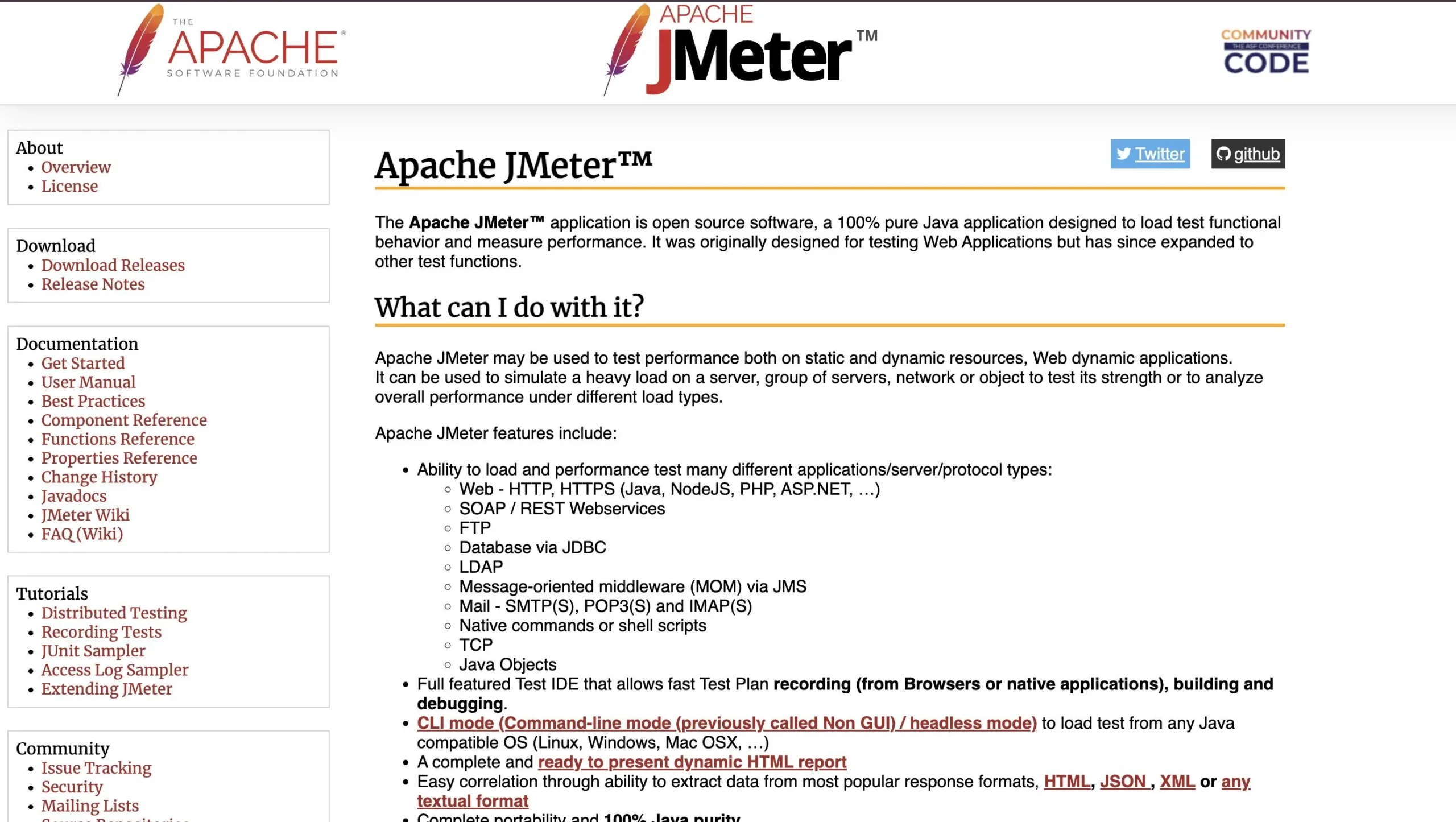
Key features:
- Open-source with strong community support.
- Supports many protocols, including HTTP, HTTPS, JDBC, and more.
- User-friendly GUI for test creation.
- Handles load, stress, and performance testing.
Cons:
- No built-in browser rendering. Unlike some performance tools, JMeter has no native browser interaction, though you can add WebDriver to interact with a fully rendered page.
- Resource-heavy and hard to scale. JMeter demands dedicated hardware and network resources, which makes very large-scale testing difficult.
3. LoadRunner (Micro Focus)

Key features:
- Comprehensive performance testing tool.
- Supports a wide range of protocols, including HTTP, SOAP, REST, and more.
- Detailed analysis and reporting.
- Suitable for large-scale, enterprise testing.
Cons:
- Despite its broad protocol support, VuGen, the scripting language it runs on, has fewer options than many other tools.
- Setting up scripts takes more time and resources, and test creation is more complex because it involves managing different agents.
4. Postman

Key features:
- Originally known for API development, Postman has expanded into testing.
- User-friendly interface for creating and running API tests.
- Supports automated testing with scripts.
- Enables collaboration among team members.
Cons:
- Even with version-control integration, large collaborative projects can still hit merge conflicts.
- Limited support for SOAP and non-RESTful APIs.
- By default, Postman runs requests sequentially. Concurrent iterations can be configured, but it doesn’t offer the same concurrency control and load distribution as dedicated performance testing tools.
5. Gatling

Key features:
- Open-source and built for high-performance testing.
- Uses a scenario-based approach for test creation.
- Provides real-time analytics and reports.
Cons:
- Smaller community than some other tools, which can complicate third-party integrations. It also uses a domain-specific language, so there’s a learning curve if you’re new to Scala.
- Load on the testing machine itself can affect measurement accuracy and needs to be managed carefully for reliable results.
API performance testing tools compared
| Tool | Type | Open source | Best for | Scripting |
|---|---|---|---|---|
| k6 | Load / performance | Yes | Developer-centric load testing | JavaScript |
| Apache JMeter | Load / stress / performance | Yes | Protocol-heavy, GUI-based testing | GUI / XML |
| LoadRunner | Enterprise performance | No | Large-scale enterprise testing | VuGen (C-like) |
| Postman | API testing | Freemium | Lightweight API checks | JavaScript |
| Gatling | Load / performance | Yes | High-performance scenario testing | Scala DSL |
| Keploy | Functional / regression | Yes | Correctness testing from real traffic | No code (auto-generated) |
Where Keploy fits in API performance testing
Keploy isn’t a load or stress testing tool, so it doesn’t replace k6, JMeter, LoadRunner, or Gatling for raw performance benchmarking. What it does is cover the functional and regression side of API testing: it records real API traffic and turns it into test cases and mocks automatically, with no scripting.
Most teams pair the two. Use a tool like k6 or JMeter to see how your APIs hold up under load, and use Keploy to confirm those same APIs still return correct responses after every change. Because Keploy is open-source and CI/CD-native, it runs in the same pipeline as your performance tests.
Validate correctness, not just speed. Keploy auto-generates API tests and mocks from real traffic and runs them in your CI/CD pipeline, no scripting required. Try Keploy for API testing
Conclusion
API performance testing is critical to the functionality and reliability of your APIs. By choosing the right tool and testing thoroughly, developers can find and fix issues, optimize API speed, and improve the overall user experience.
Whether you opt for k6, Apache JMeter, LoadRunner, Postman, Gatling, or another tool, it’s essential to weigh your project requirements, scalability needs, and team expertise. With the right API performance testing tool in your toolkit, you can build robust, efficient APIs that meet the demands of today’s digital landscape.
Frequently Asked Questions
What is API performance testing, and why is it important for my project?
API performance testing involves evaluating the speed, responsiveness, and scalability of an API under various conditions, such as different loads and stress scenarios. It’s crucial for ensuring that your API can handle the demands placed on it by users and other systems, optimizing its speed, and enhancing the overall user experience. Without proper performance testing, you risk encountering bottlenecks, slowdowns, and reliability issues that can impact your application’s functionality and user satisfaction.
How do I choose the right API performance testing tool for my project?
Choosing the right API performance testing tool depends on several factors, including your project requirements, technical expertise, scalability needs, and budget. Consider factors such as the tool’s features, scalability capabilities, compatibility with your technology stack, ease of use, community support, and licensing options. It’s also essential to assess whether the tool can effectively address your specific testing objectives, such as load testing, stress testing, or volume testing.
What are some common challenges associated with API performance testing tools?
While API performance testing tools offer valuable capabilities for assessing and optimizing API performance, they may also present certain challenges. These challenges can include limited support for certain protocols or technologies, complexity in test script creation and maintenance, scalability issues for large-scale testing, and potential conflicts in collaborative projects. Additionally, some tools may require a learning curve, especially for developers who are new to performance testing or unfamiliar with the tool’s scripting language or interface.
How can I ensure accurate and reliable performance testing results with API performance testing tools?
To ensure accurate and reliable performance testing results with API performance testing tools, it’s essential to follow best practices and guidelines. This includes carefully designing test scenarios that reflect real-world usage patterns, selecting appropriate performance metrics to measure, using realistic test data, and executing tests in controlled environments. Additionally, monitor and analyze performance metrics closely during testing, and iterate as needed to optimize API performance.