





UFT (Unified Functional Testing) is an automated testing tool from OpenText (formerly Micro Focus/HP) for functional and regression testing of desktop, web, and API applications. It uses VBScript, supports both keyword-driven and script-based test design, and integrates with tools like ALM, making it common in enterprise QA environments.
If you’re in QA or a developer who’s been looped into test automation, chances are you’ve heard the term UFT tossed around. Maybe you’ve worked with it back in the day when it was called QTP (QuickTest Professional), or maybe you’re hearing it for the first time amidst all the buzz around Selenium and Cypress.
But here’s the thing: UFT (Unified Functional Testing) isn’t some relic of the past. It is a comprehensive automation tool that has stood the test of time and remains one of the premier tools in the enterprise testing space – and for good reason.
In this blog, we will deconstruct what UFT testing is and what features and functionality it comes with, what UFT is still relevant today, and what you need to know before you make UFT a consideration in your next test automation strategy.
What is UFT testing (Unified Functional Testing)?
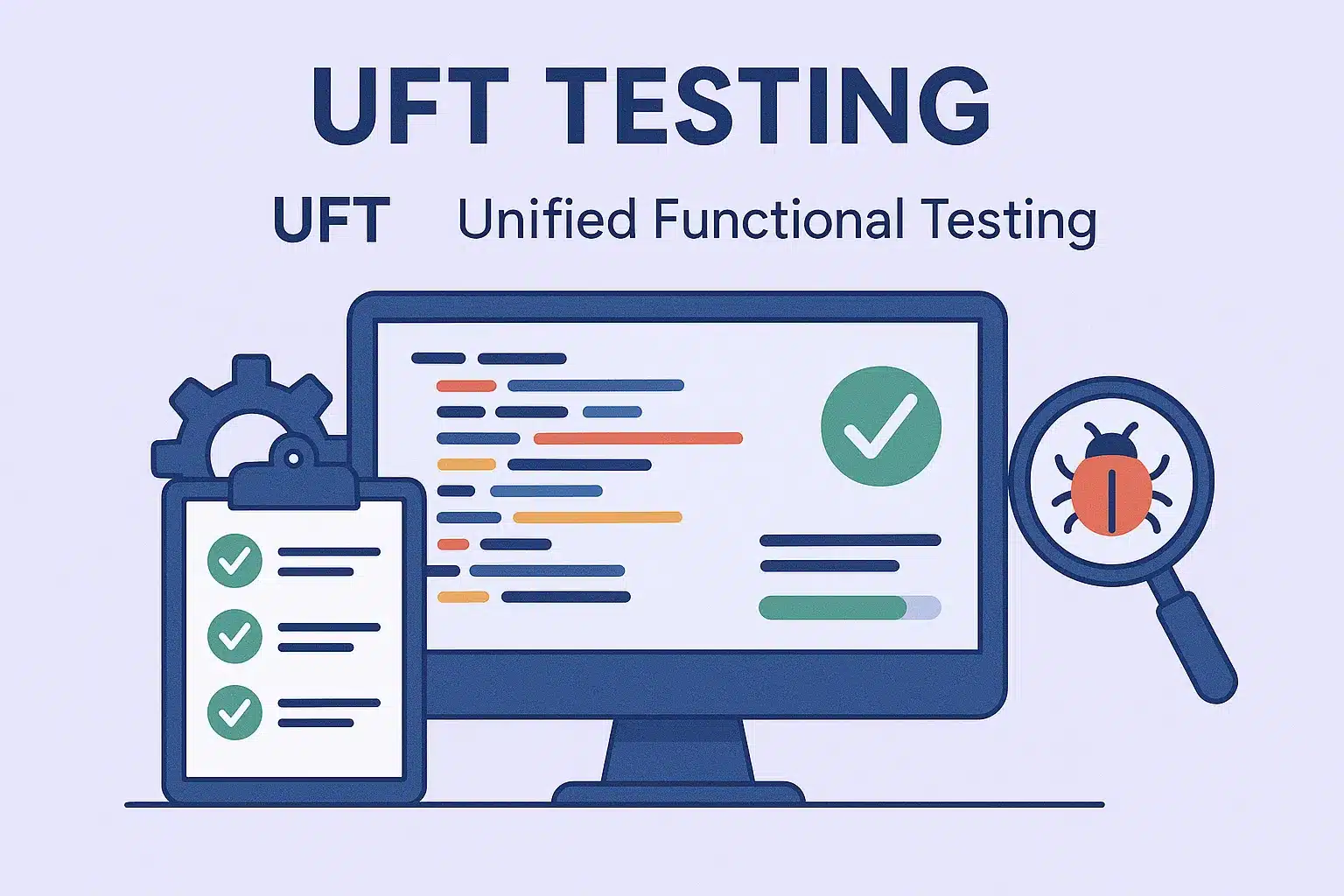
UFT (Unified Functional Testing), currently branded as UFT One by OpenText (formerly by Micro Focus and HP), is a commercial test automation tool used for functional and regression testing.
UFT enables QA teams to execute automated tests on:
-
Web based applications
-
Desktop based applications
-
Mobile apps
-
APIs and web services
-
It is a script and keyword-driven tool that utilizes VBScript as the scripting logic. This means people with limited coding experience can write or maintain basic tests and advanced testers can implement more complex and scalable test suites.
Why UFT still matters in 2026
In a world full of open-source tools like Selenium, Playwright, and Cypress, you may want to know why anyone would use UFT. Here is why UFT is still a premier solution for enterprise testing:
1. Integrated Testing Tool
UFT allows you to test already tested GUIs, APIs, back-end services, and even databases, all in 1 tool. UFT reduces your need to wrestle with and switch between multiple tools in order to test different layers of your application stack
2. Robust object identification
UFT provides great object identification with its Object Repository, for example, you can reliably identify UI elements, even on complex/dynamic front-ends. In fact, many of its new features leverage AI-based object recognition to handle the inevitable UI changes with very little maintenance.
3. Great for data-driven testing
Want to rerun the same test with 50 different input sets? UFT is ideal for this scenario with its Data Table feature, which allows you to parameterize and iterate with ease.
4. Strong Integration Ecosystem
From Jenkins and Git to ALM (Application Lifecycle Management) tools and even JIRA, UFT plugs into your existing CI/CD pipeline and test management systems.
5. Supports a Wide Range of Technologies
UFT supports:
-
Web apps (Chrome, Firefox, Edge)
-
Desktop apps (.NET, Java, SAP, Delphi)
-
Mainframes (via Terminal Emulator)
-
Mobile testing (with UFT Mobile)
-
APIs (via built-in API test designer)
So no matter what you’re building, chances are UFT can test it.
Features Developers and QA Engineers Love
Let’s discuss features. Here is how UFT is actually useful for automation engineers and QA teams:
Script Editor with IntelliSense
UFT has an IDE for VBScript with all the bells and whistles such as breakpoints, watch variables, step-in and -out functionality, and more.
Modular and Reusable Test Design
The action-based frameworks, function libraries, and shared object repositories can all be built so they can be reused as needed across test cases, thereby reducing the time and effort needed to maintain the test cases.
Detailed Reporting
UFT has reporting built in which can provide a detailed log of execution as well as screens of the completed steps and whether they passed or failed, all of which can be shared easily with non-technical stakeholders.
Recording and Playback
Although serious testers do not often go the through the Recording and Playback option, the UFT recording and playback feature would give testers with no experience a good start and also allows for quick POCs.
UFT limitations
Because it is a tool, UFT does have some flaws:
Cost
UFT is not free. Depending upon the licensing model, costs can be high and could make it less appealing for startups or small QA teams with lack of funding.
Windows-Only
UFT can run on Windows OS only. If you work in a Linux or Mac development environment, it would be a factor.
Heavy Setup for Custom Frameworks
Setting up a keyword driven or hybrid within UFT requires planning and setup, which may not suit small or rapidly moving teams.
Maintenance Overhead for Dynamic UIs
While UFT has made progress here, dynamic web applications that have rapidly changing DOM structures can still lead to issues with object identification.
How UFT automation works
UFT automation follows a simple cycle, whether you record tests or write them by hand:
- Create the test: record user actions on the application, or build steps from the object repository using keyword view or VBScript.
- Add checkpoints: insert checkpoints that verify text, values, images or object properties at key steps.
- Parameterize test data: connect the test to a data table, Excel file or database so the same steps run with many inputs.
- Run the test: execute it locally, on a remote machine or from ALM or a CI server such as Jenkins.
- Review results: the run results show each step, checkpoint outcome and screenshots, so failures are easy to trace.
Because UFT stores objects in a shared repository and supports reusable actions, one change to an object or action can update many tests at once.
When should you use UFT software testing?
You may consider using UFT if you:
-
Are working in an enterprise level environment that has legacy apps, or, a substantial technology stack.
-
Need end-to-end testing, from API to UI and everything in the middle.
-
Already using Micro Focus/OpenText tools like ALM or LoadRunner.
-
Want a low-code interface, but can script as needed.
Do not use UFT if you:
-
Are building a lightweight web app and want to use modern open-source tools.
-
Need to run tests across multiple platforms (Linux, macOS).
-
Best Practices for teams using UFT
Pro Tips for Teams Using UFT
-
Be strategic about Function Libraries: turn reusable logic into shared library functions to minimize duplication.
-
Be modular: divide tests into callable and reusable actions to improve maintainability.
-
Parameterize sooner than later: to not hard code values, use data tables or externalized Excel files.
-
Use version control: store code and repositories in Git or ALM to keep track of any changes.
-
Combine UFT with manual testing: UFT can display excellently when working alongside manual test cases in ALM; preliminary views indicate a hybrid approach to quality assurance.
UFT vs open-source alternatives
UFT One is a commercial, Windows-only tool built for enterprise applications such as SAP, Oracle, mainframe and desktop apps. Open-source tools like Selenium and Playwright focus on web applications and are free, but they need more coding. For API and backend testing, tools like Keploy generate functional and regression tests automatically from real traffic. Compare more options in our guide to functional testing software.
Final Thoughts
While UFT may not be the most "detailed" tool in the automation landscape today, it is the steady workhorse that is reliable, hard-working, and delivers, almost every time, like a dependable colleague who shows up competent and ready to work. For enterprises with complex architectures and testing requirements, it is still one of the most reliable, mature, scalable solutions available.
Whether you are just browsing automation tools or are heavily invested in enterprise QA, make sure UFT makes it to your short list.
Suggested Reading from Keploy Blog:
-
5 Best Open Source API Testing Tools in 2025
-
Test Cases in Software Testing
FAQs
What is UFT testing?
UFT testing means automated functional and regression testing with UFT One (Unified Functional Testing), a commercial tool from OpenText, formerly from Micro Focus and HP, that tests desktop, web, mobile and API applications.
What is Unified Functional Testing used for?
Unified Functional Testing is used to automate functional and regression tests for enterprise applications, including web, desktop, SAP, Java, .NET and mainframe applications.
Is UFT the same as QTP?
Yes. UFT is the successor of QuickTest Professional (QTP). QTP was renamed Unified Functional Testing and later UFT One.
Which scripting language does UFT automation use?
UFT automation uses VBScript for test scripts, and also offers a keyword view for building tests without writing code.
Is UFT free?
No. UFT One is a paid, licensed tool. Teams looking for free options often use open-source tools such as Selenium or Playwright for web testing.