CRUD REST API with MongoDB
This is a sample CRUD REST API application to showcase Keploy integration capabilities using Rust and MongoDB. Let's get started! 🚀
Running App Locally on Linux/WSL 🐧
This section runs on Linux or WSL. On macOS, run it inside a Lima VM — Keploy's native macOS and Windows support is tested with Go, Node.js, Python and Java apps.
Don’t have Keploy installed yet?
Before running this sample, make sure Keploy is installed on your system.
👉 Go to Installation GuideGet Started! 🎬
Now that we have Keploy installed, let's set up our application.
git clone https://github.com/keploy/samples-rust
cd samples-rust/CRUD-rust-mongo
We will be using Docker compose to run Mongo on Docker container.
Let's start the MongoDB Instance
Open the root directory path in your terminal and then execute the following command:
docker-compose up -d
Run the app
cargo r -r
The app will be running on port 8000.
Capture testcase
On same terminal execute the following command:
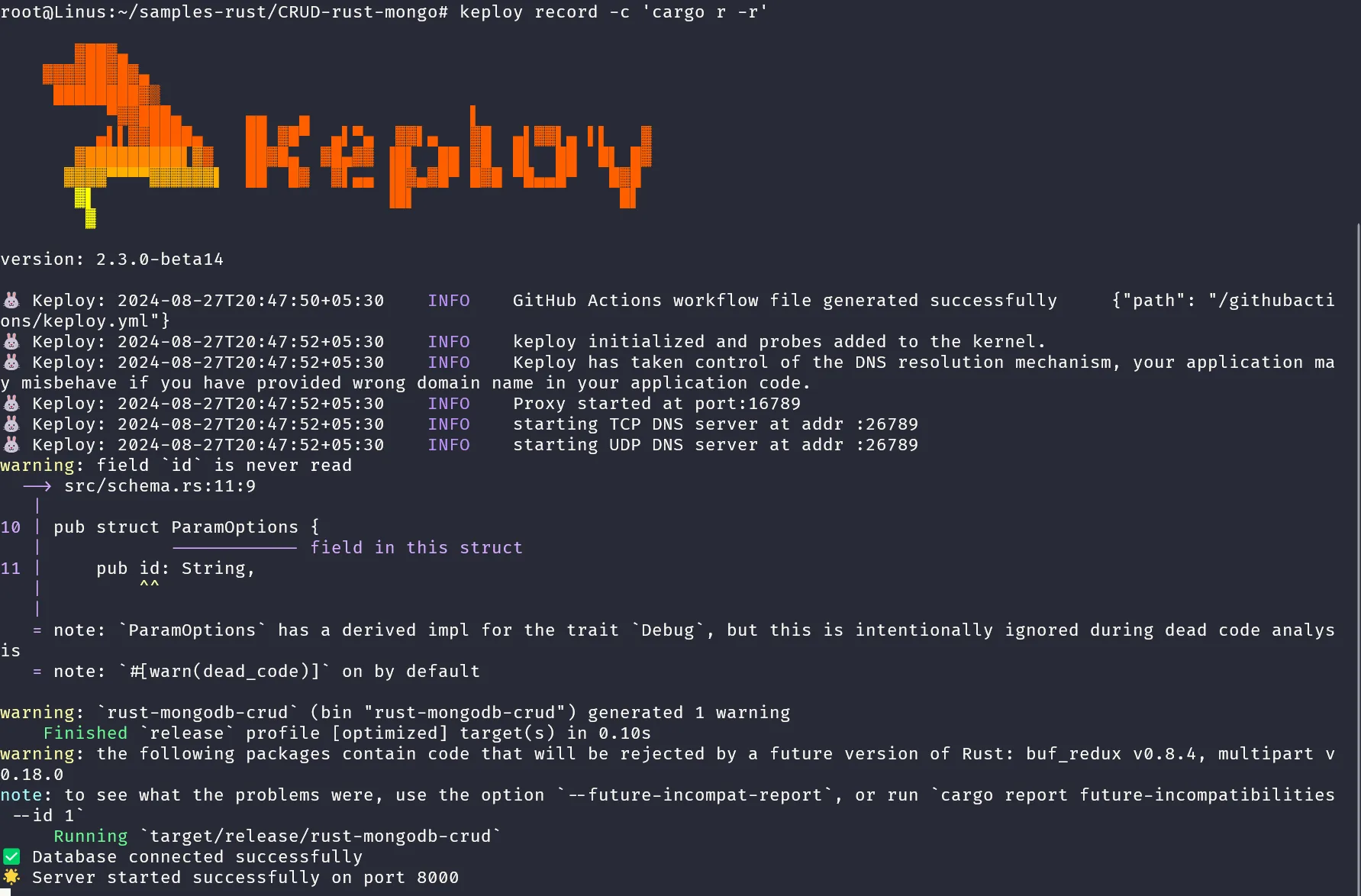
keploy record -c 'cargo r -r'
The output will be as follows:
Generate testcase
Open Postman or any other tool, or utilize the Postman VSCode extension. Click on the import icon (shown below):
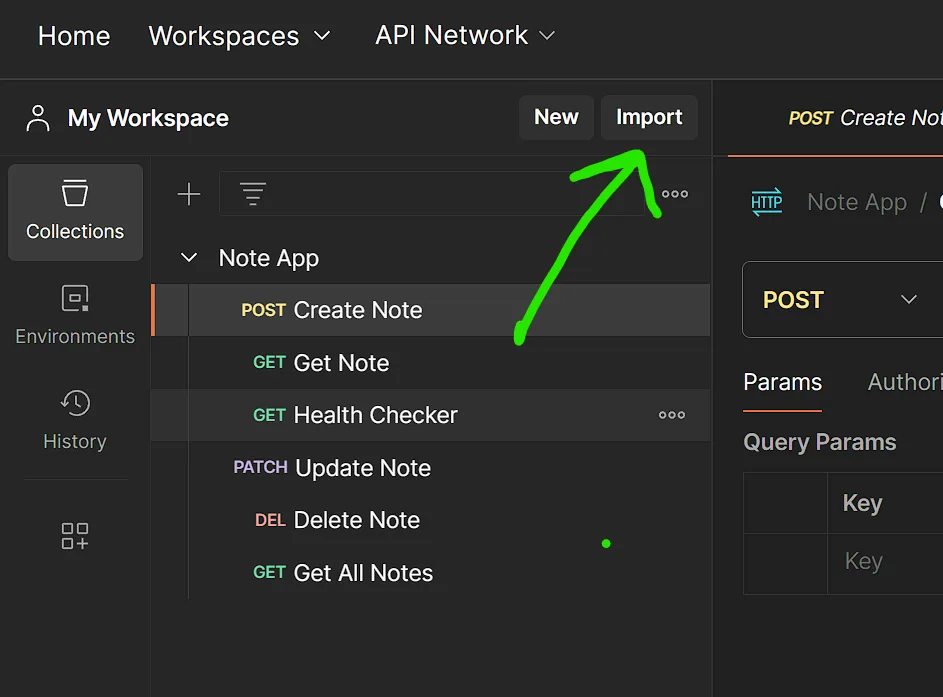
Import the file named: Note App.postman_collection.json
After that, Postman will display a similar window:
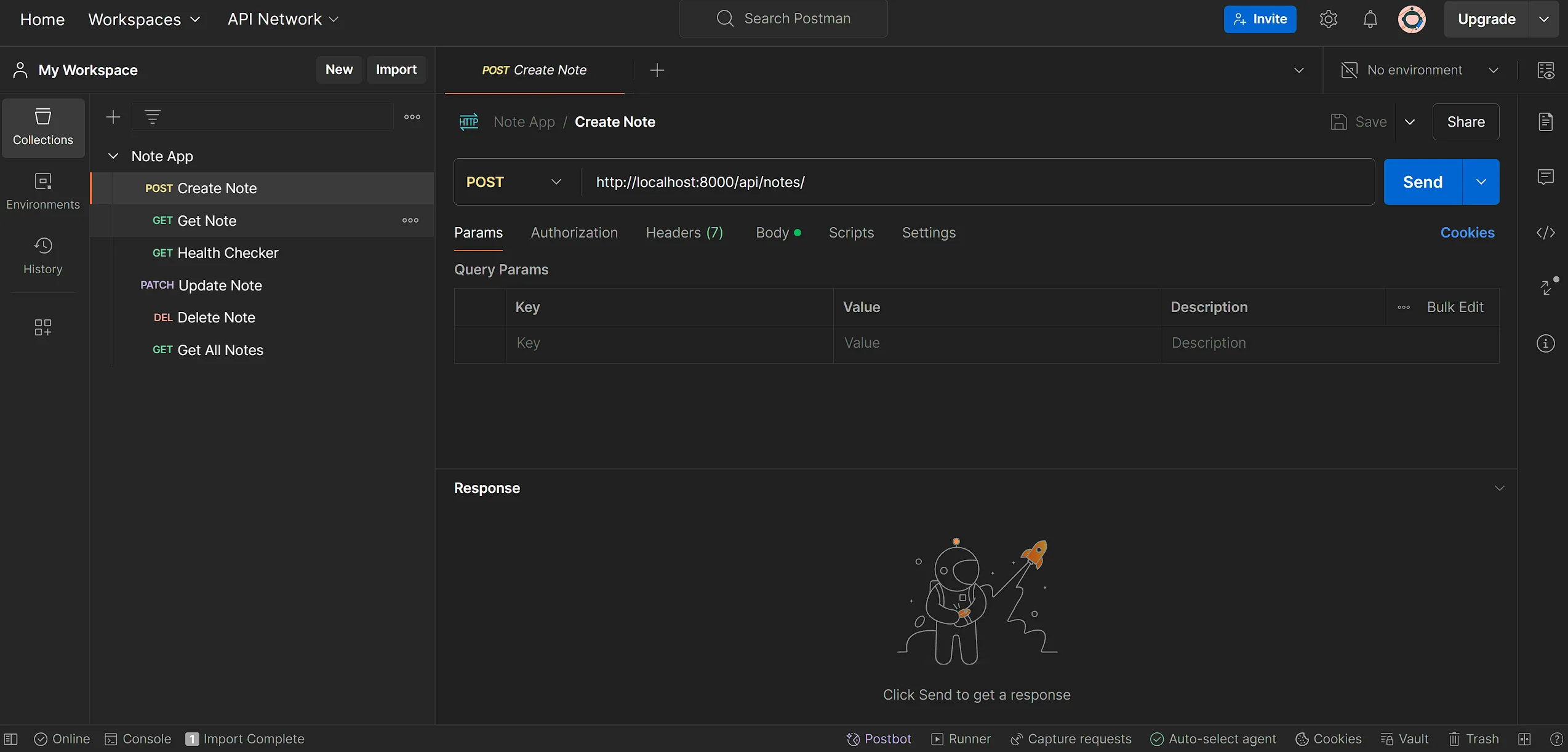
Hit the Create Note Request with the available data and you will get the following output in your terminal:
🐰 Keploy: 2024-08-27T21:06:57+05:30 t 8INFO
🟠 Keploy has captured test cases for the user's application.   {"path": "/root/samples-rust/CRUD-rust-mongo/keploy/test-set-3/tests", "testcase name": "test-1"}
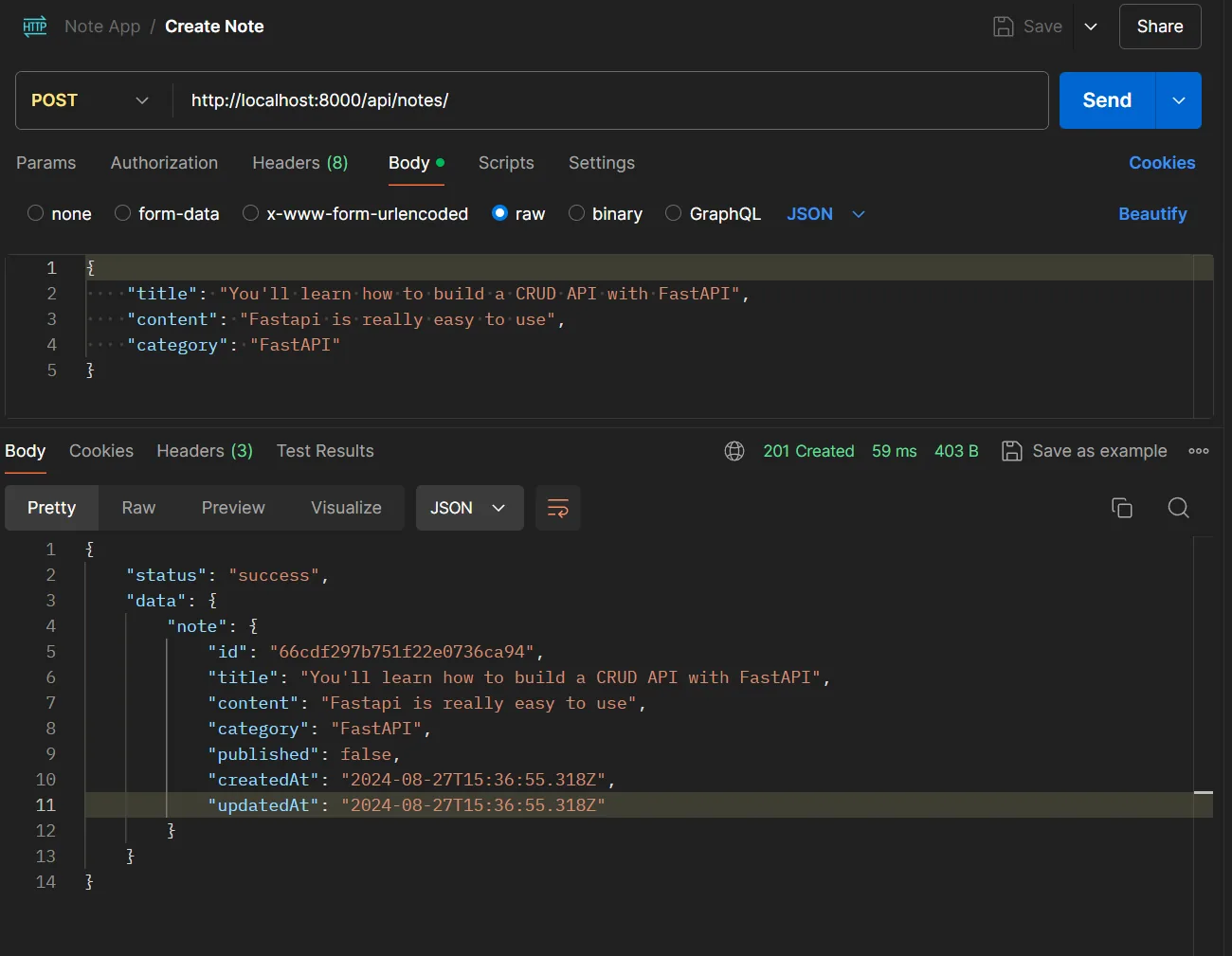
Afterward, create a GET all request, and you will get the following output in your terminal:
🐰 Keploy: 2024-08-27T21:13:41+05:30 INFO 🟠 Keploy has captured test cases for the user's application. {"path": "/root/samples-rust/CRUD-rust-mongo/keploy/test-set-3/tests", "testcase name": "test-3"}
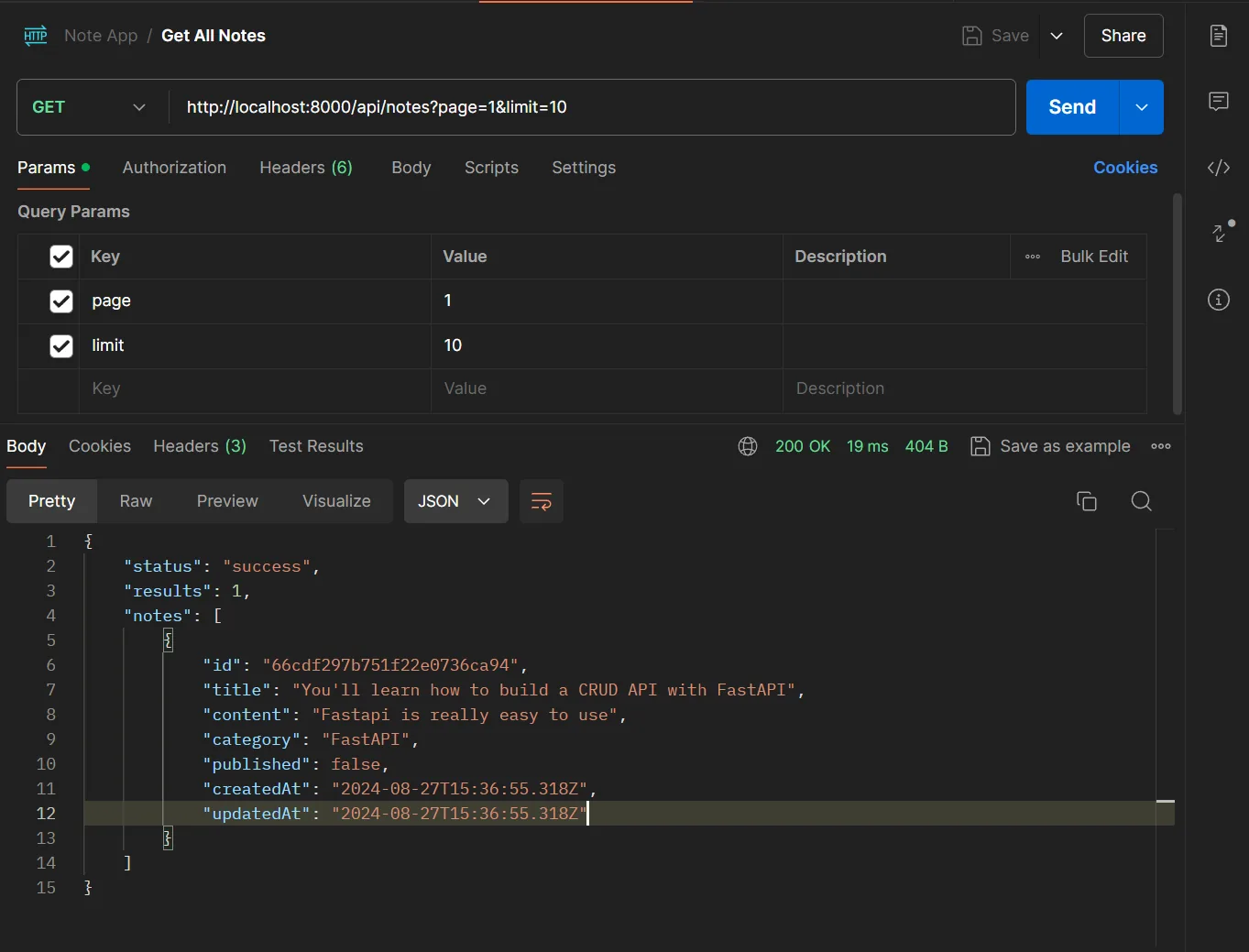
We peformed two requests, one to create a note and one to get all notes. These requests are captured as testcases by Keploy.
Run the testcases
Now, let's start keploy in test mode to run our test cases :
keploy test -c 'cargo r -r'
We get the following output in the terminal -
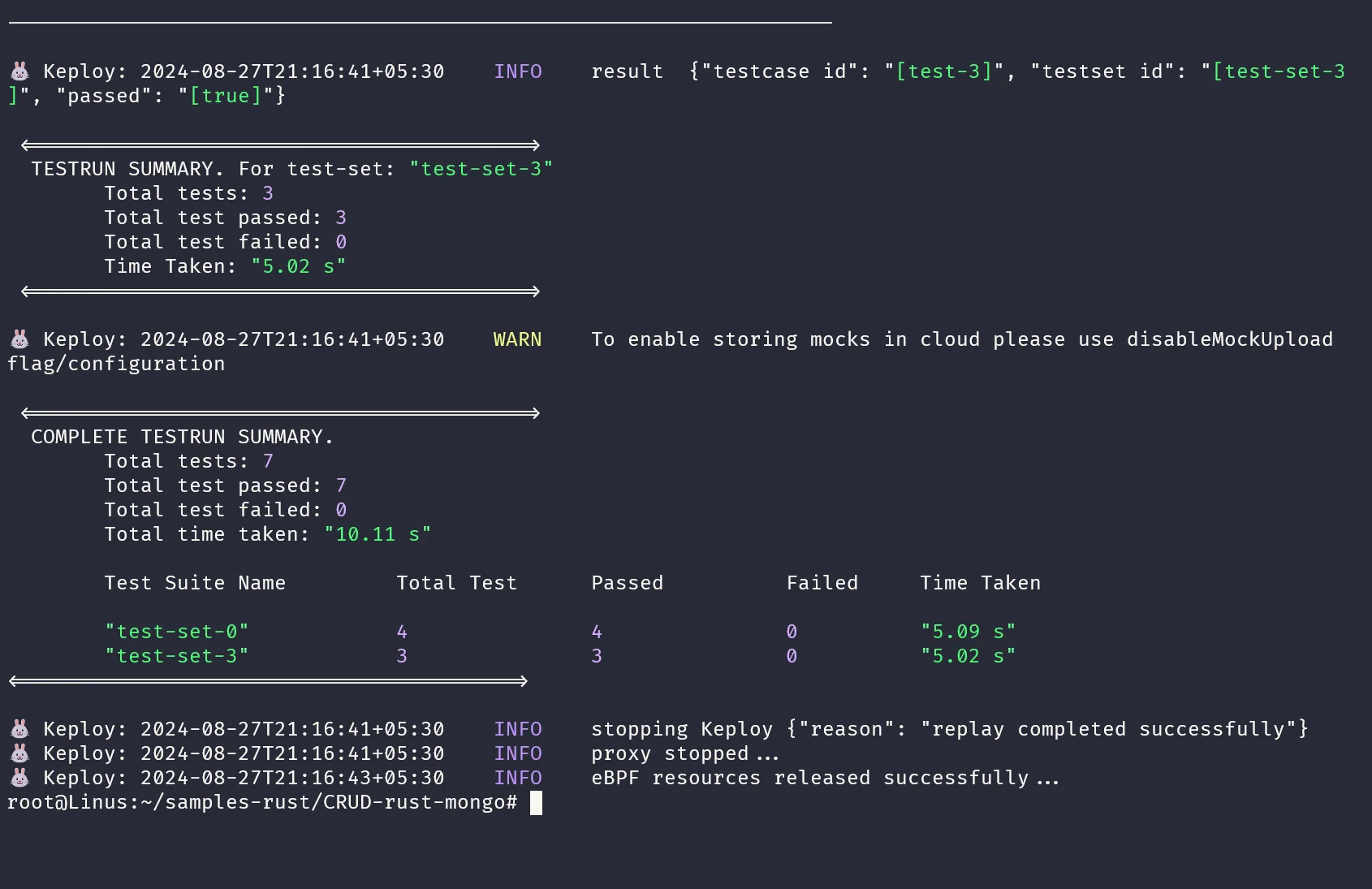
Voila!! Our testcases has passed 🌟
Related
- GraphQL Application with MongoDB — another Rust + MongoDB sample.
- Rust Sample Application — Rust wrap-mode sample.
- Sample Rust Apps — browse all Rust quickstarts.