Using Keploy Local Agent
FreeTeamsScaleEnterpriseSelf-HostedDedicated
This guide explains how to use the local agent to test private or local endpoints. Follow the steps below to set up and use the local agent effectively.
Steps to Use the Local Agent
-
Enter the Endpoint URL
- Enter the endpoint URL you want to test. This can be a private URL or any other endpoint.
- You can also enter a localhost link
-
Download the Keploy Agent
- Based on your device configuration, download the Keploy agent:
- Windows
- Mac
- Linux
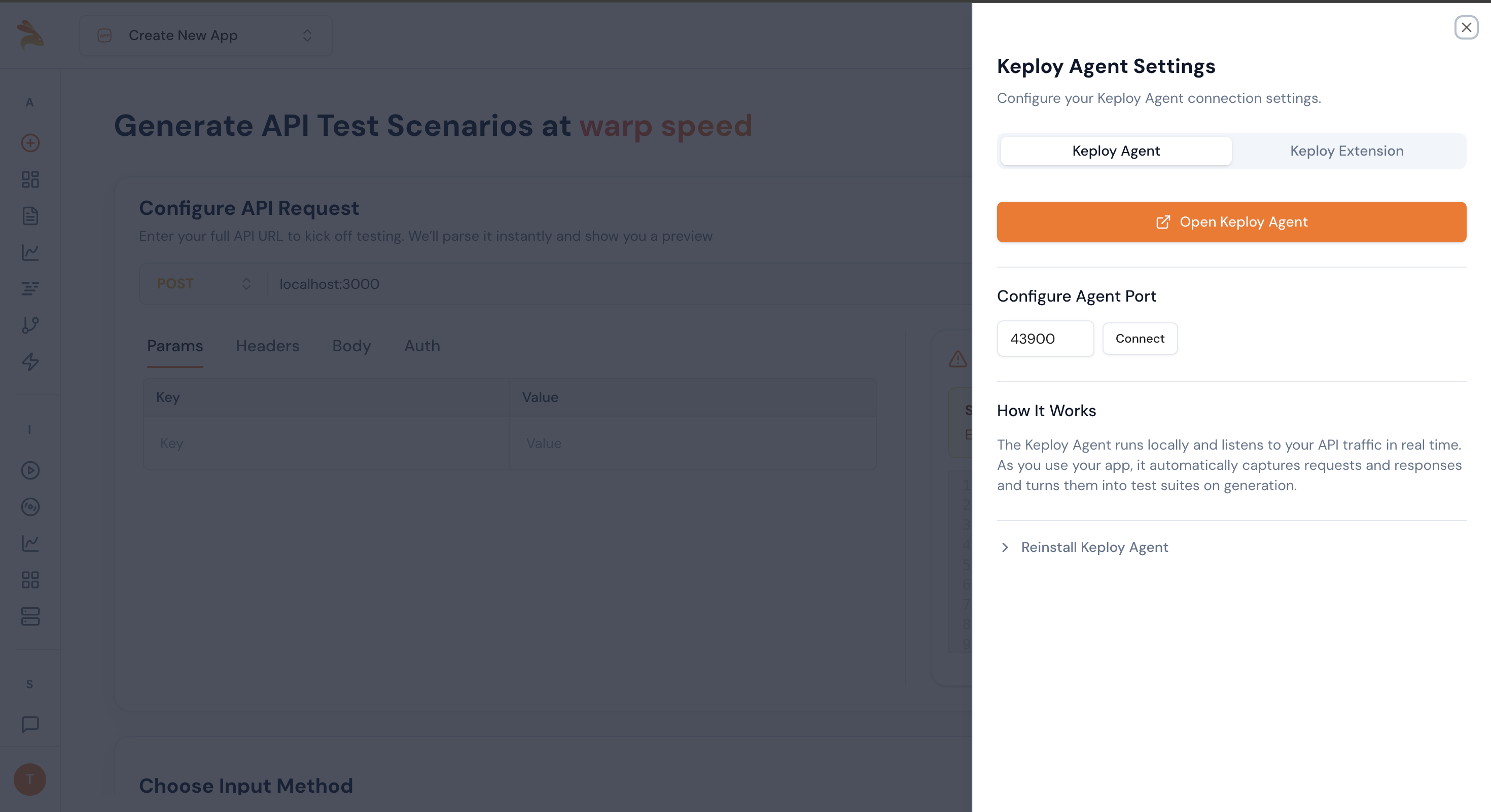
- Based on your device configuration, download the Keploy agent:
-
Start the Keploy Agent
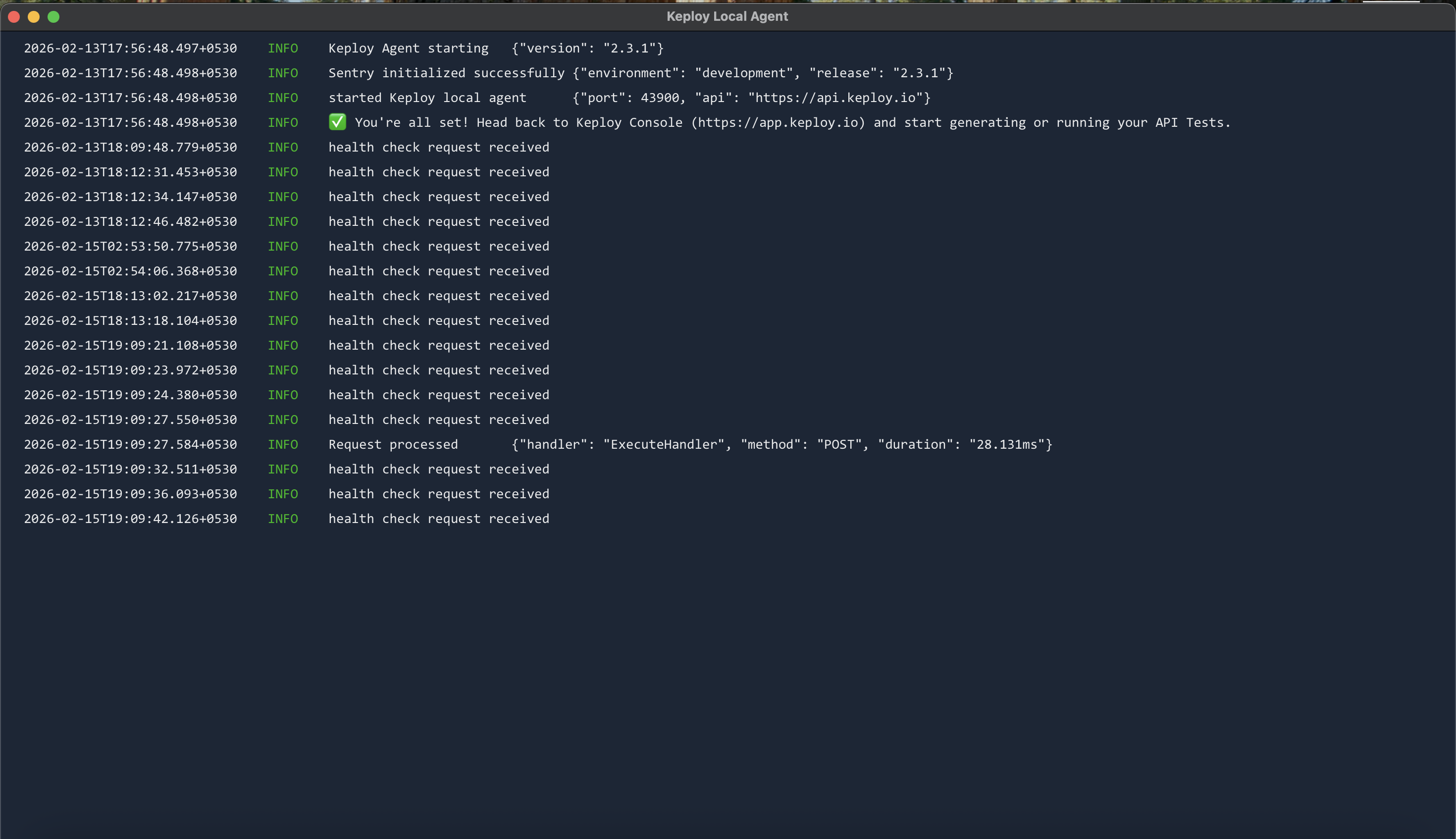
- Once the agent is downloaded, start it on your device.
- Open the agent interface to ensure it is running and ready to connect.
-
Record API Calls
- The Keploy agent will automatically record the API calls you make.
- It will capture the responses and start generating test suites based on the recorded calls.
-
Troubleshooting Connection Issues
- Ensure that the agent is running and the endpoint URL is correct.
- If the local agent fails to connect, you can use the Keploy extension as an alternative Record API Tests via Chrome Extension
By following these steps, you can efficiently use the local agent to test your APIs and generate test suites automatically.