Editing Test Suites and Custom Assertions
FreeTeamsScaleEnterpriseSelf-HostedDedicated
This guide explains how to edit test suites in Keploy, including adding custom variables to URLs and request bodies, and creating custom assertion functions for advanced test validation.
Overview
Editing a test suite allows you to:
- Modify API request details (URL, headers, body, method)
- Create and manage global and local variables
- Update or replace existing assertions
- Add custom assertion functions
- Write reusable validation logic for request or response
This gives you fine-grained control over how your APIs are validated.
Accessing Test Suite Edit Mode
Step 1: Navigate to Test Suites
- Go to your Test Suites
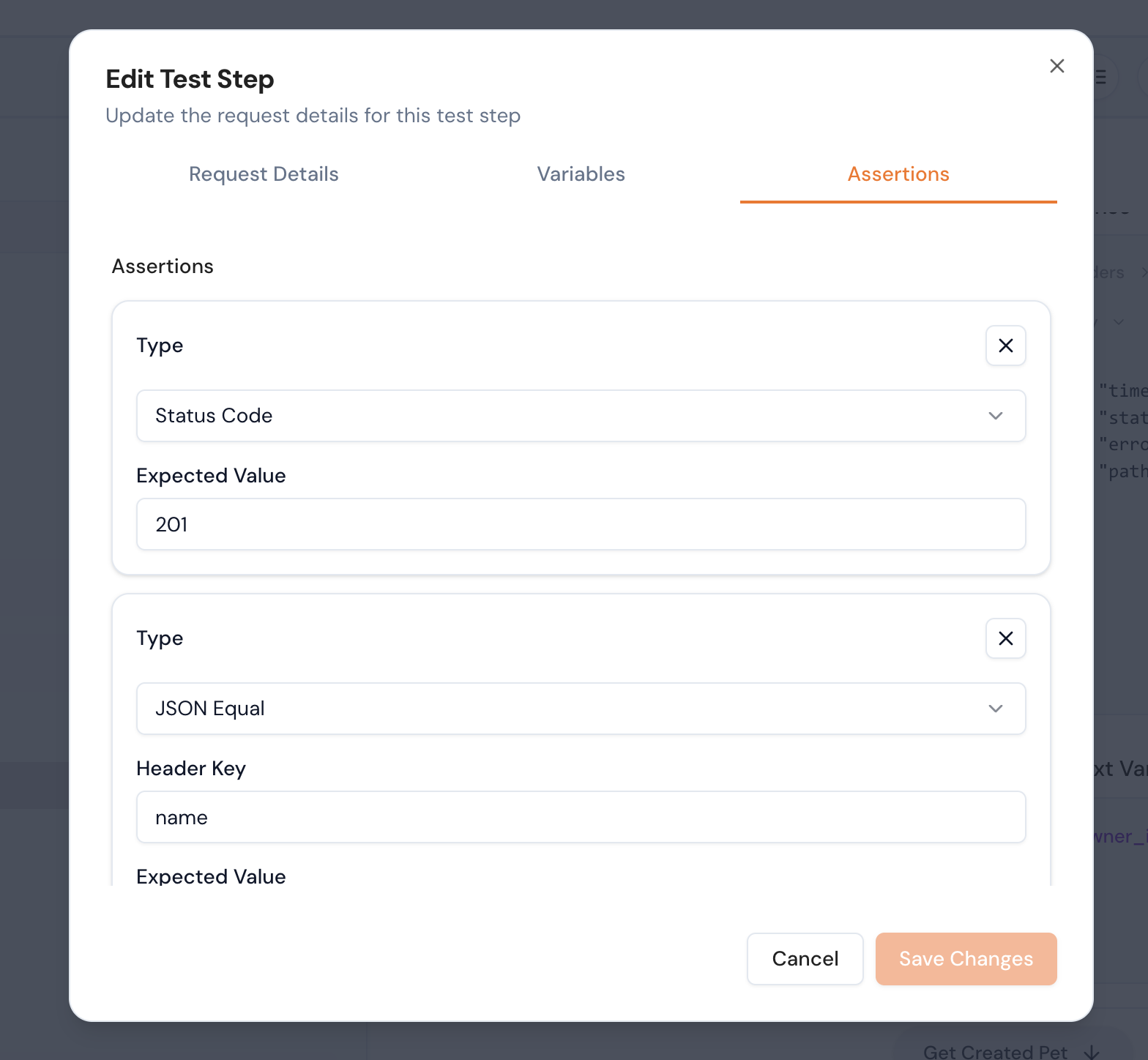
- Select "Edit Test Step"
- The Test Step Editor will open
Editing the Request
Inside the Test Step Editor, you can modify:
Method: GET
URL: https://api.example.com/users/{{user_id}}

Headers:
  Authorization: Bearer {{auth_token}}

Body:
  email: "{{email}}"
You can:
- Change HTTP method
- Update endpoint path
- Modify headers
- Edit JSON payload
- Inject variables into any field
Editing Existing Assertions
You can choose from multiple assertion categories:
- Status Code Assertion
- Header Assertion
- Body / JSON Path Assertion
- Schema Assertion
Related
- Custom Assertions — define validation rules.
- Functions & Schema Assertions — schema and function assertions.
- Edit Test Suites — edit suite request details.
- Bulk Assertions and Schema Validation — apply assertions in bulk.