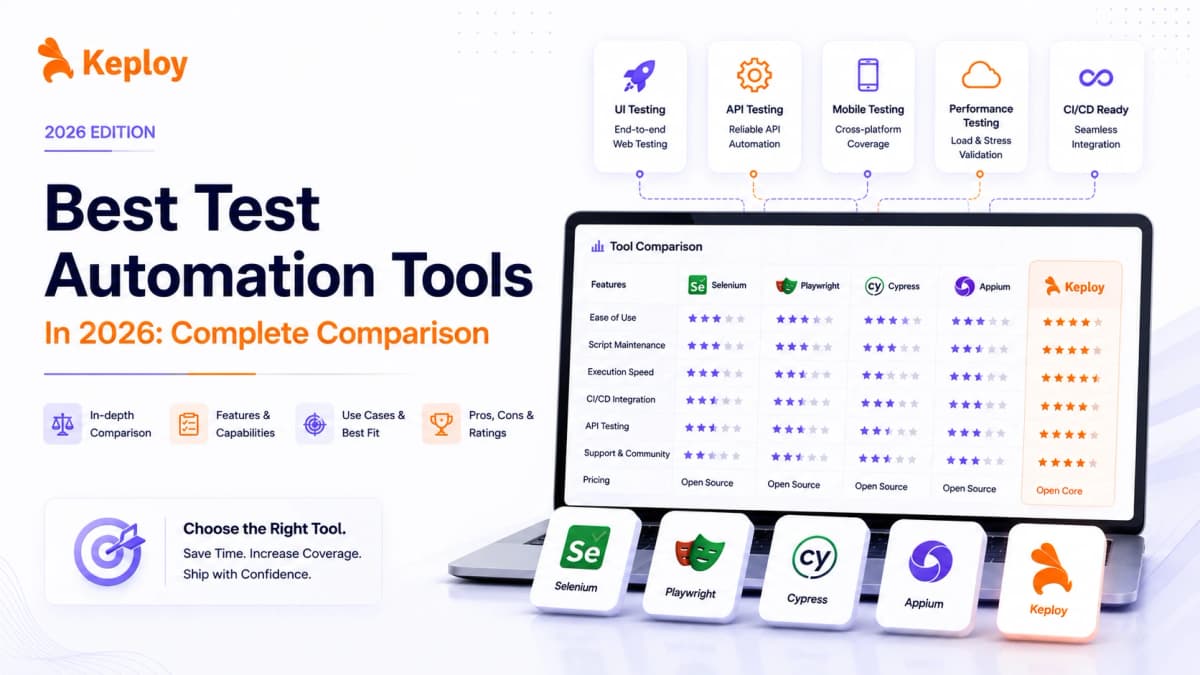






Test automation tools have become essential for modern development teams looking to release faster without compromising quality. In fact, teams that adopt test automation often deploy code significantly faster and reduce bugs compared to manual testing alone. But with so many tools available, choosing the right one can be challenging.
Let’s explore the top test automation tools, along with their key features and ideal use cases, so you can select the right tool based on your project requirements and testing goals.
What Are Test Automation Tools?
Test automation tools are software applications that automatically execute test cases, compare actual outcomes with expected results, and report findings – without manual intervention. They replace or supplement repetitive human testing tasks across web, mobile, API, and performance testing layers. Instead of a QA engineer manually clicking through an application before every release, an automation tool runs those same checks in minutes, on every code change, consistently and without error.
Which Type of Test Automation Tool Do You Actually Need?
Before comparing individual tools, it helps to understand that the tools on this list fall into two fundamentally different categories. Choosing between them is the most important decision you will make, and it needs to happen before any feature comparison.
-
Script-first tools require you to write test scripts. Engineers define what to test, how to test it, and what the expected outcome should be. The tool executes those scripts reliably. Selenium, Playwright, Cypress, Appium, Robot Framework, Cucumber, TestNG, Postman, and k6 all belong here. These tools are powerful but require ongoing investment in writing, updating, and maintaining test code as the application evolves.
-
Generation-first tools observe how your application actually behaves and generate tests from that behavior automatically. You do not write test scenarios – the tool derives them from real traffic, AI analysis, or recorded interactions. Keploy and Mabl belong here. These tools eliminate the test writing bottleneck but require a different evaluation mindset: the question is not "which scripting framework is cleanest" but "does this tool capture the behavior that actually matters to us."
If your team has strong scripting expertise and wants full control over test logic, start in the script-first category. If your priority is high coverage without the scripting overhead, start in the generation-first category. Both are valid. Most mature teams use one tool from each category.
The tools below are grouped with this distinction in mind.
Best Test Automation Tools in 2026
| Tool | Best For | Testing Layer | Codeless Option | Language Support | CI/CD Integration | Pricing |
|---|---|---|---|---|---|---|
| Keploy | API-first teams, zero-script test generation | API, Integration | Yes (generation-based) | Go, Java, Python, JavaScript | Yes | Free open source |
| Katalon | All-in-one platform for mixed-skill teams | Web, Mobile, API | Yes (low-code mode) | Java, Groovy | Yes | Free + paid |
| Selenium | Enterprise cross-browser web testing | Web UI | No | Java, Python, C#, Ruby, JavaScript | Yes | Free open source |
| Appium | iOS and Android mobile automation | Mobile | No | Java, Python, C#, JavaScript | Yes | Free open source |
| TestComplete | Non-technical QA teams, GUI testing | Web, Mobile, Desktop | Yes | JavaScript, Python, VBScript | Yes | Paid |
| Cypress | JavaScript teams, fast E2E | Frontend | No | JavaScript, TypeScript | Yes | Free + paid cloud |
| Playwright | Cross-browser including Safari, multi-language | Web UI | No | JavaScript, Python, Java, C# | Yes | Free open source |
| Postman | API exploration and automated API testing | API | Yes (GUI mode) | JavaScript (scripts) | Yes (Newman CLI) | Free + paid |
| k6 | Performance and load testing, CI-native | Performance | No | JavaScript | Yes | Free + paid cloud |
| Mabl | AI-native, self-healing, minimal maintenance | Web UI, API | Yes | No-code / JavaScript | Yes | Paid |
| Robot Framework | Non-developer QA teams, keyword-driven testing | Web, API, Database | Yes (keyword-driven) | Python (keywords) | Yes | Free open source |
| Cucumber | BDD teams, QA-business collaboration | Web, API, Mobile | Yes (Gherkin) | Java, JavaScript, Python, Ruby, C# | Yes | Free + paid |
| BrowserStack | Cross-browser and cross-device execution at scale | Web UI, Mobile | Framework-dependent | Framework-dependent | Yes | Paid, free trial |
| Tricentis Tosca | Enterprise codeless, SAP and ERP testing | Web, API, Mobile, Desktop, Enterprise Apps | Yes (model-based) | No scripting required | Yes | Enterprise pricing |
| TestNG | Java enterprise test suite management | Web, API (as runner) | No | Java | Yes | Free open source |
1. Keploy
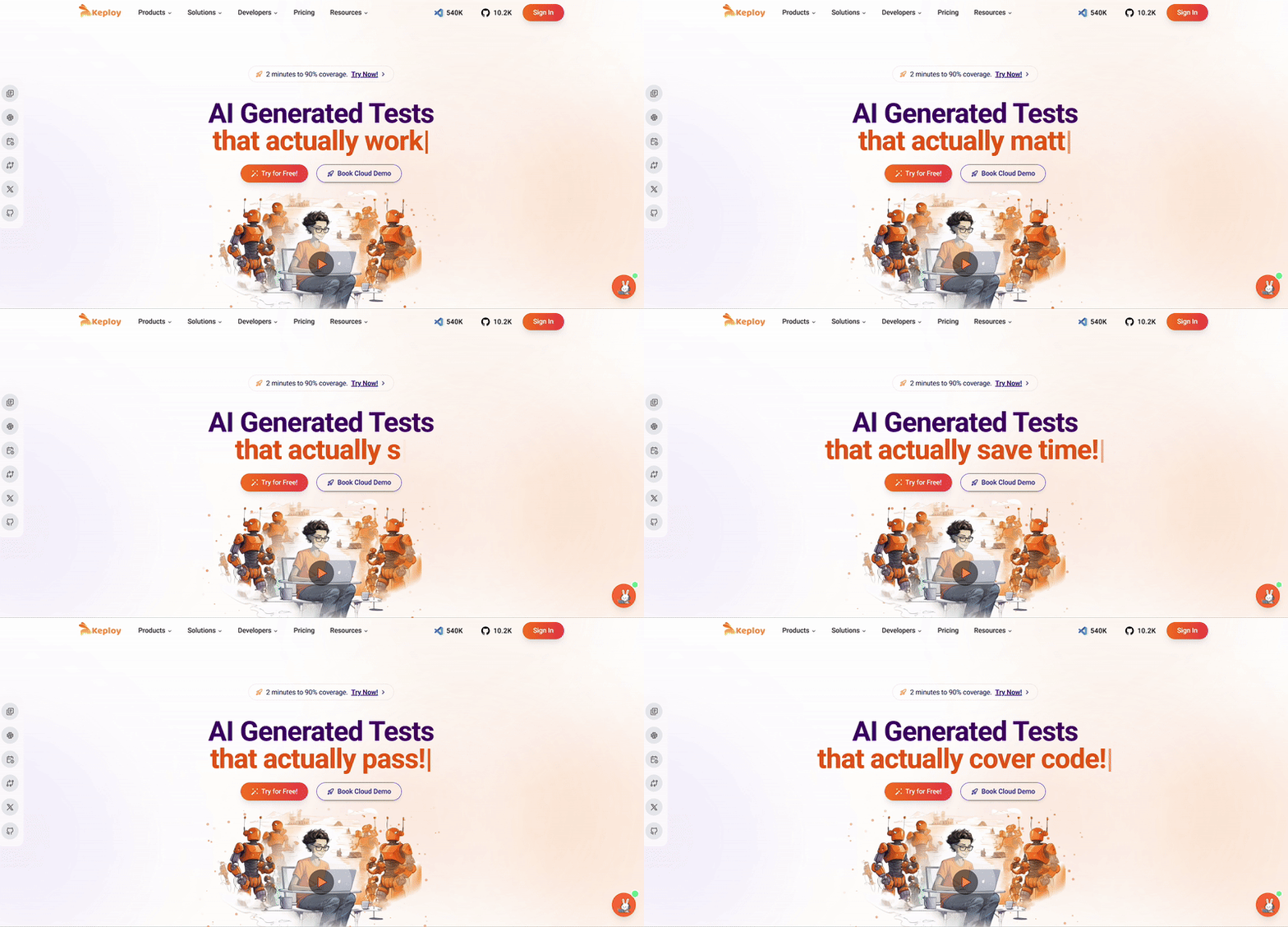
Keploy is an open-source, AI-powered test automation platform built specifically for backend and API testing. Unlike traditional tools that require you to write test scripts manually, Keploy records real API traffic using eBPF-based tracing and automatically converts those interactions into deterministic test cases – complete with mocks for all external dependencies like databases and third-party services.
This means developers can achieve high regression coverage without writing a single line of test code. Keploy integrates with popular CI/CD pipelines and supports multiple languages and frameworks including JUnit, PyTest, Jest, and Go-Test. With over 16,000 GitHub stars and 1M+ installs, it is one of the fastest-growing testing tools in the developer community.
Key Features
-
AI-Powered Test Generation: Captures live API interactions and converts them into reusable, deterministic test cases automatically.
-
Automatic Mock Generation: Mocks all external dependencies including databases, APIs, and message queues so tests run in isolation without a live environment.
-
Regression Testing: Replays recorded interactions to detect regressions across API versions with no manual re-scripting needed.
-
Noise Filtering: Automatically detects and removes flaky or redundant test cases, keeping the suite clean at scale.
-
CI/CD Integration: Native support for GitHub Actions, Jenkins, GitLab CI, and CircleCI.
-
Multi-Language Support: Works with Go, Java, Python, and JavaScript/TypeScript applications.
Pros
- Zero manual test scripting required
Open-source core is completely free - High test coverage generated from real production traffic
- Fast onboarding for API-first teams
- Self-healing mocks reduce maintenance overhead significantly
Cons
- Primarily focused on API and backend testing-not a web UI or mobile tool
- Initial eBPF setup has a learning curve
Pricing: Free – open-source core. Enterprise plans with advanced features and priority support are available.
Check Keploy Pricing for more details.
Best For: Development teams that need fast, scalable API regression coverage without the overhead of writing and maintaining manual test scripts.
Website: https://keploy.io/
Docs to get started: https://keploy.io/docs/server/installation/
2. Katalon
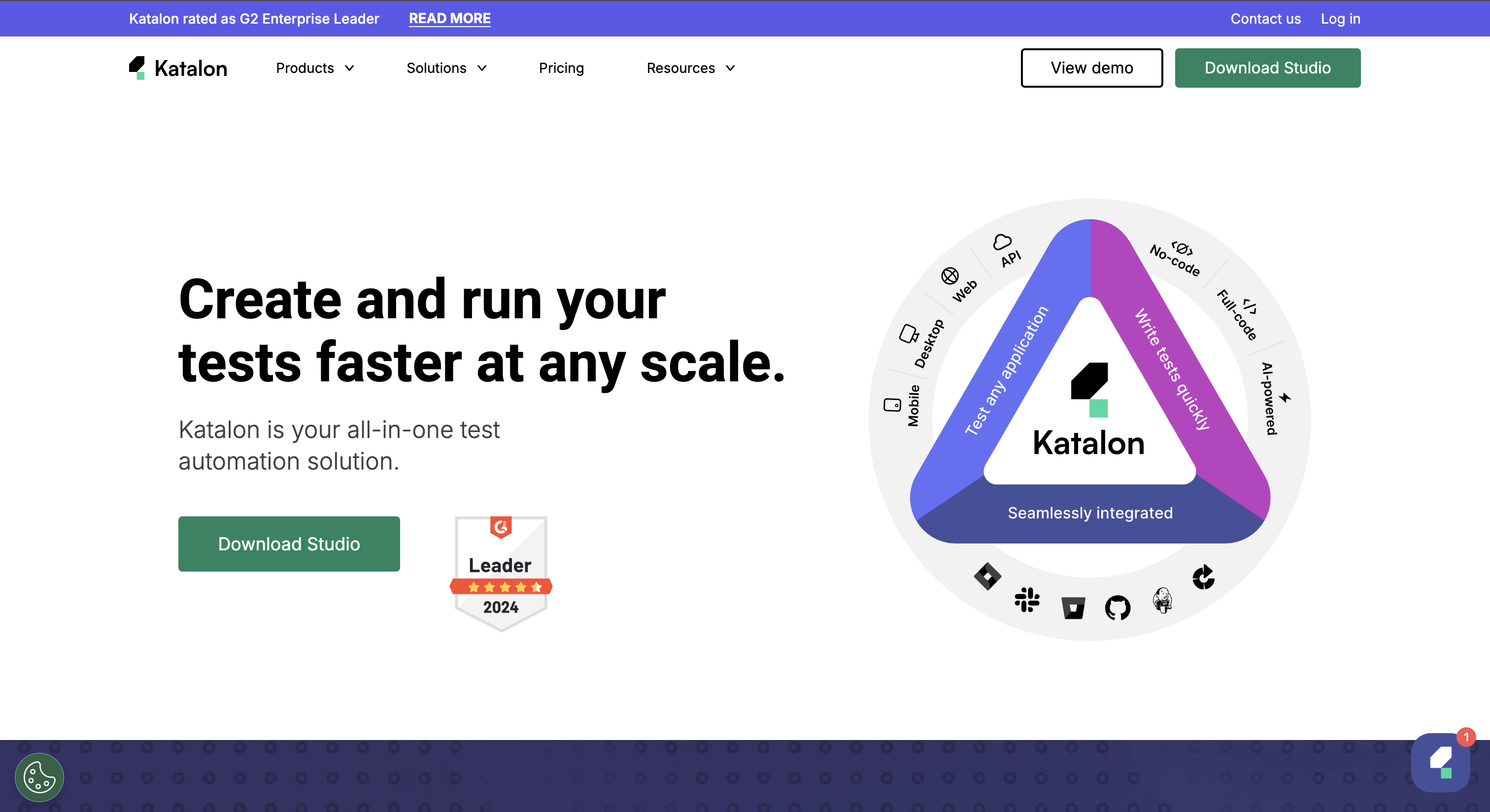
Katalon is a comprehensive test automation tool that supports web, API, mobile, and desktop testing. It has robust reporting features and support for continuous integration.
Katalon is well-suited for teams looking to accelerate their testing cycles.
Key Features:
-
Multi-Platform Support: Supports testing of web, API, mobile, and desktop applications.
-
Low-Code & Scripting Modes: Offers both low-code options for non-technical users and scripting capabilities for advanced users.
-
Built-in Reporting: Provides detailed reports and analytics for test results.
Pros
- Covers web, API, mobile, and desktop in one platform
- Accessible to non-engineers through low-code interface
- Strong built-in reporting without additional setup
Cons
- Large test suites can run slowly due to Eclipse IDE base
- Advanced features require a paid subscription
- Parallel execution needs a paid Runtime Engine add-on
Pricing: Free for individual use. Paid plans available for teams.
Best For: Mixed-skill QA teams needing one platform for web, mobile, and API testing.
3. Selenium
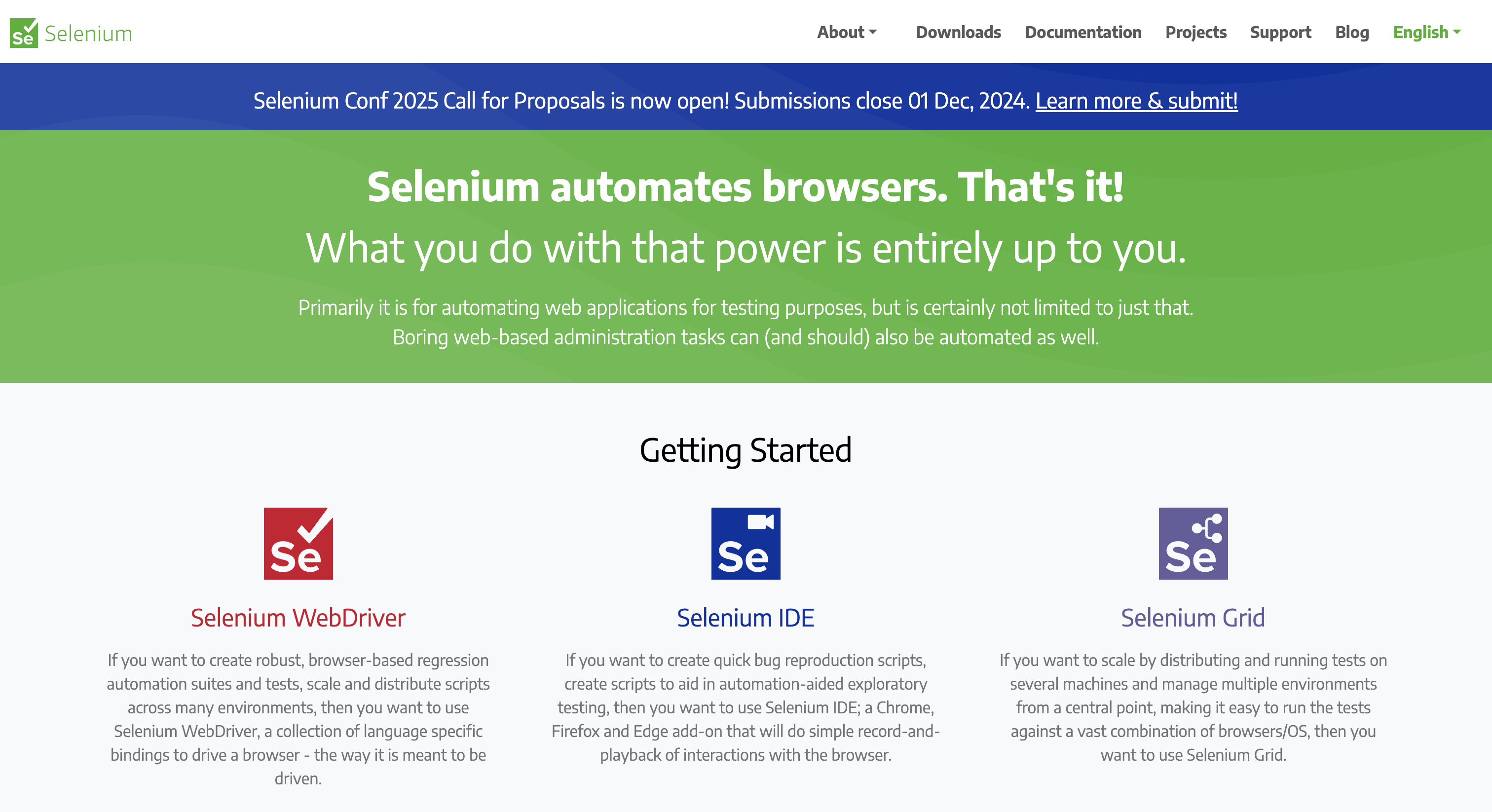
Selenium is a well-established test automation tool and has the ability to automate web browsers across different platforms. It offers scripting-only modes, providing testers and developers the flexibility to write complex test cases using various programming languages.
Key Features:
-
Cross-Browser Testing: Supports automation across different web browsers.
-
Language Support: Compatible with Java, C#, Python, Ruby, and more.
-
Integration: Easily integrates with other tools like Jenkins, Maven, and TestNG.
-
Community Support: Strong open-source community for continuous updates and support.
-
Flexibility: Provides a robust platform for custom test automation solutions.
-
Parallel Test Execution: Supports running tests in parallel across different environments.
Pros
- Free and open-source with no licensing cost
- Unmatched browser and language coverage
- Enormous community and plugin ecosystem
Cons
- Among teams starting new web automation projects in 2026, Playwright has overtaken Selenium as the first-choice framework – Selenium’s adoption is primarily sustained by existing enterprise codebases, not new projects
- No auto-wait capability: explicit wait management is required throughout the test suite, which adds maintenance overhead as application timing changes
- No built-in test runner, reporting, or assertion library – requires external frameworks like TestNG or JUnit to form a complete automation stack
Pricing: Free – fully open-source.
Best For: Enterprise teams with multi-language developers or legacy test suites. Not the first choice for greenfield JavaScript projects.
4. Appium
Appium is an open-source tool that enables the automation of mobile applications. It supports a wide range of programming languages, making it a flexible choice for developers. Appium is particularly useful for teams needing to test mobile apps across different devices and operating systems.
-
Cross-Platform Mobile Testing: Supports automation of native, hybrid, and mobile web applications across iOS and Android.
-
Multiple Language Support: Works with various programming languages, including Java, Python, and JavaScript.
-
Device and Emulator Support: Allows testing on real devices and emulators.
Pros
- Free and open-source
- One codebase covers both iOS and Android
- Familiar API for teams already using Selenium
Cons
- Complex initial setup and configuration
- Requires ongoing maintenance as mobile OS versions update
- Slower execution on certain device and OS combinations
Pricing: Free – fully open-source.
Best For: Teams that need cross-platform mobile automation across iOS and Android with no vendor lock-in.
5. TestComplete
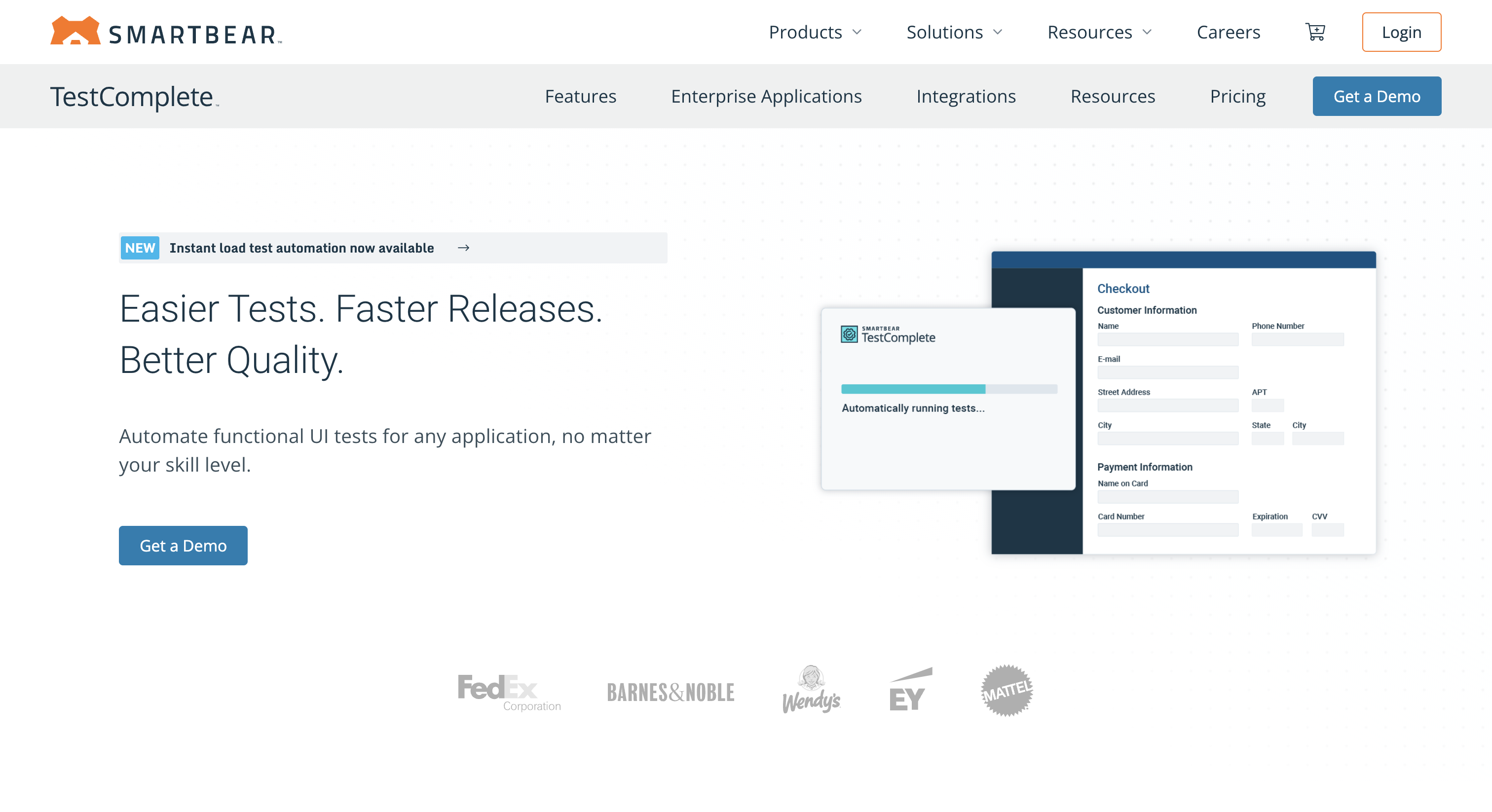
TestComplete is a commercial test automation tool that supports web, mobile, and desktop applications. It offers both low-code and scripting options, allowing testers of varying skill levels to use the tool effectively.
-
Multi-Platform Testing: Supports web, mobile, and desktop application testing.
-
Script and Scriptless Testing: Offers both scriptless test creation and scripting in various languages like Python, VBScript, and JavaScript.
-
AI-Powered Object Recognition: Uses AI-powered object recognition for stable and reliable tests.
Pros
- Best-in-class for desktop application testing
- Low-code options accessible to non-engineers
- Strong support for enterprise stacks including SAP and .NET
Cons
- Windows-only, no native macOS or Linux support
- High total cost compared to open-source alternatives
Pricing– Commercial, paid tool with module-based pricing. Free trial available
Best For: Enterprise teams with desktop application testing needs or those managing web, desktop, and mobile from one platform.
6. Cypress
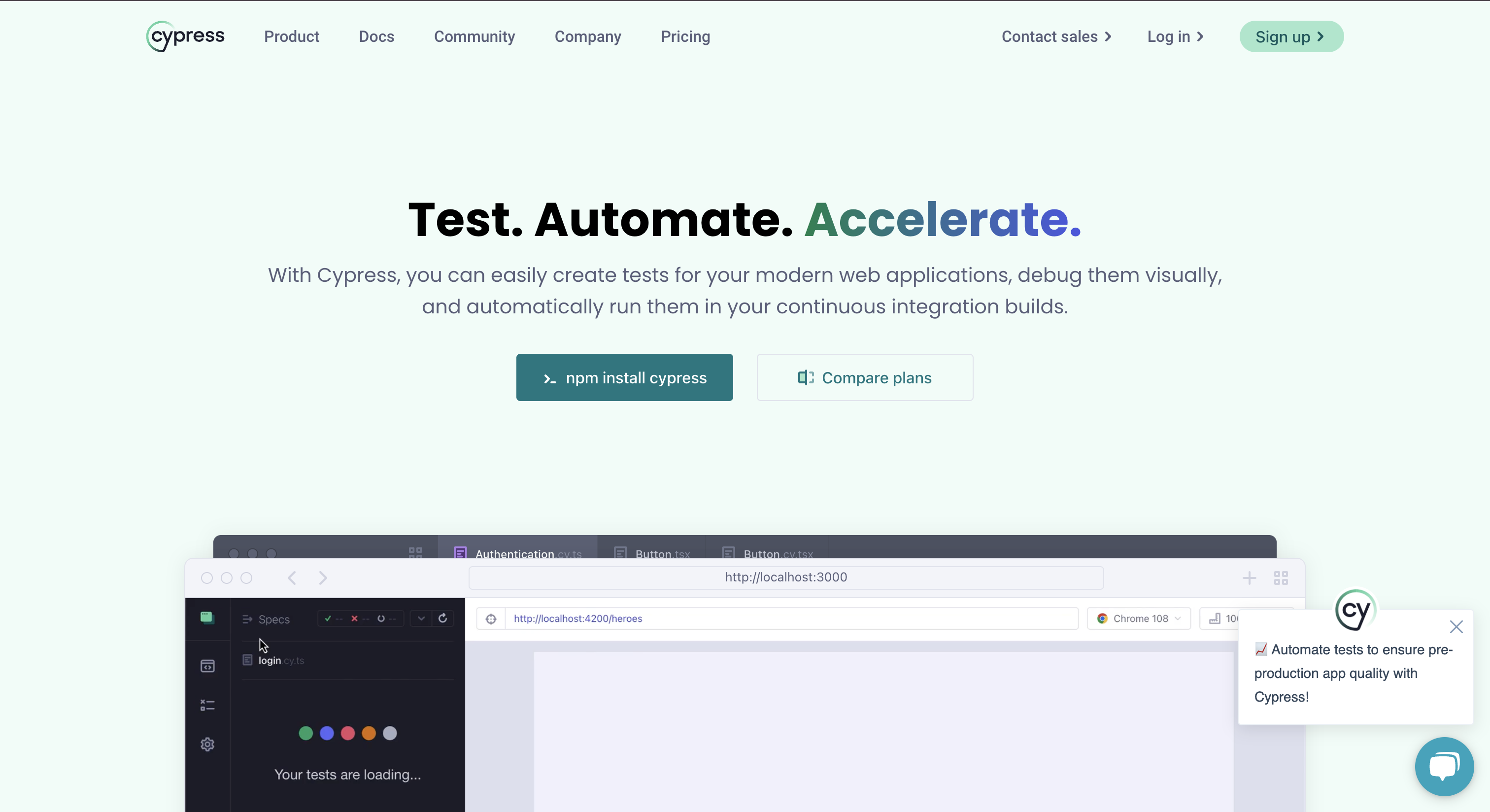
Cypress is a modern test automation tool built specifically for web applications. It offers fast, reliable testing with real-time reloading, making it a favorite among front-end developers.
-
End-to-End Testing: Focuses on end-to-end testing of web applications.
-
Real-Time Reloading: Provides instant feedback on code changes with real-time reloading.
-
Automatic Waiting: Automatically waits for elements to appear, reducing the need for manual waits and sleeps.
Pros
- Best developer experience of any web testing tool
- Extremely fast feedback loop for JavaScript teams
- Built-in time-travel debugging Zero configuration to get started
Cons
- JavaScript and TypeScript only – not suitable for Java or Python teams
- Limited browser support – primarily Chromium, partial Firefox, no Safari
- Cannot handle multi-tab or multi-window flows
- Parallel execution requires paid Cloud plan.
Pricing– Open-source core is free. Parallel execution and advanced features require a paid Cloud plan.
Best For: Frontend JavaScript teams building modern SPAs who want fast reliable E2E tests with minimal setup.
7. Playwright
Playwright is an open-source end-to-end testing framework developed by Microsoft. It supports Chromium, Firefox, and WebKit (Safari) out of the box, making it one of the few tools with true cross-browser coverage. Unlike Cypress, it works across multiple programming languages and runs tests in parallel natively without requiring a paid plan. It can also send HTTP requests directly, so many teams use it for API tests as well.
Key Features
- Cross-browser support: Runs tests on Chromium, Firefox, and WebKit (Safari) from a single codebase.
- Multi-language support: Works with JavaScript, TypeScript, Python, Java, and C#.
- Auto-waiting: Built-in waiting for elements, no manual sleep() calls needed.
- Native parallel execution: Parallel test runs are included at no extra cost.
- Trace viewer: Built-in step-by-step execution traces for debugging failing tests.
- API testing: Built-in HTTP request testing alongside UI tests in the same suite.
Pros
- True Safari support via WebKit, which Cypress does not offer
- Native parallel execution without a paid cloud plan
- Works with teams using Python, Java, or C#, not just JavaScript
- Actively maintained by Microsoft with frequent releases
- Built-in test runner, no additional framework setup needed
Cons
- Steeper learning curve than Cypress for teams new to testing
- More setup overhead for simple single-browser projects
- Debugging experience is less visual than Cypress for beginners
Pricing: Free, fully open-source.
Best For: Teams that need cross-browser coverage including Safari, multi-language support, or native parallel execution without paying for a cloud plan.
8. k6
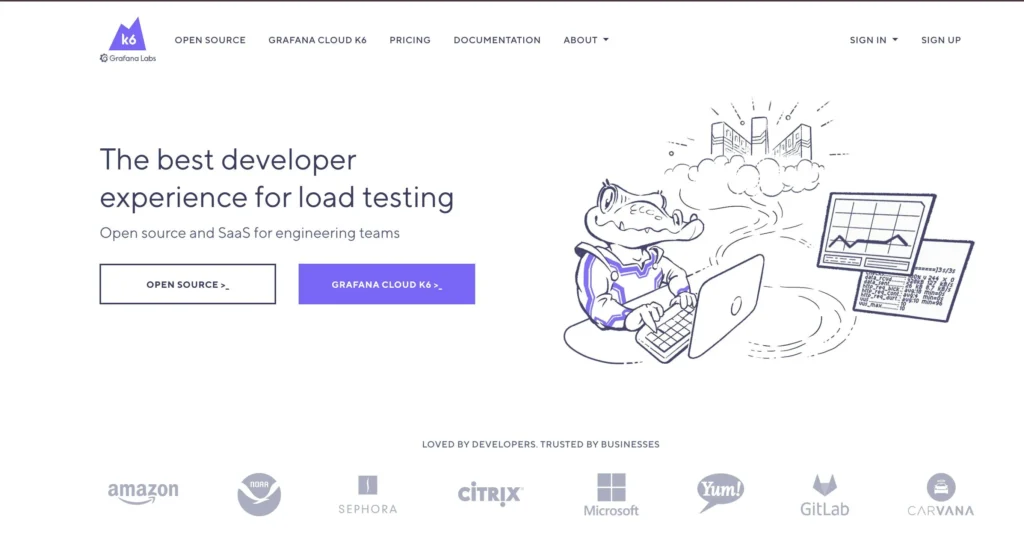
k6 is an open-source load and performance testing tool built for developers. Unlike legacy tools like JMeter that require XML configuration files and a GUI, k6 tests are written in JavaScript and run directly from the CLI or inside CI/CD pipelines. It integrates with Grafana for real-time metrics visualization and supports cloud-based distributed load tests via Grafana Cloud.
Key Features
- JavaScript scripting: Write load tests in JavaScript with no XML or GUI required.
- Virtual user simulation: Simulate concurrent users for load, stress, and spike testing scenarios.
- CI/CD integration: Native support for GitHub Actions, Jenkins, and GitLab CI with threshold-based pass/fail gates.
- Real-time metrics: Live output of response times, error rates, and throughput during test runs.
- Grafana integration: Connect to Grafana dashboards for detailed performance visualization.
- Cloud execution: Distributed load testing via Grafana Cloud k6 for high-scale scenarios.
Pros
- Developer-friendly JavaScript syntax compared to JMeter’s XML approach
- Lightweight CLI with near-zero setup overhead
- Threshold-based quality gates integrate cleanly into CI/CD pipelines
- Free open-source core covers most team needs
Strong ecosystem integration with Grafana and Prometheus
Cons
- No built-in visual dashboard in the open-source version
- Browser interaction testing is limited compared to UI-focused tools
- Distributed load tests at scale require a paid Grafana Cloud plan
Pricing: Free open-source core. Grafana Cloud k6 has a free tier and paid plans for distributed execution.
Best For: Backend and DevOps teams that need developer-friendly performance and load testing integrated directly into CI/CD pipelines.
9. Postman
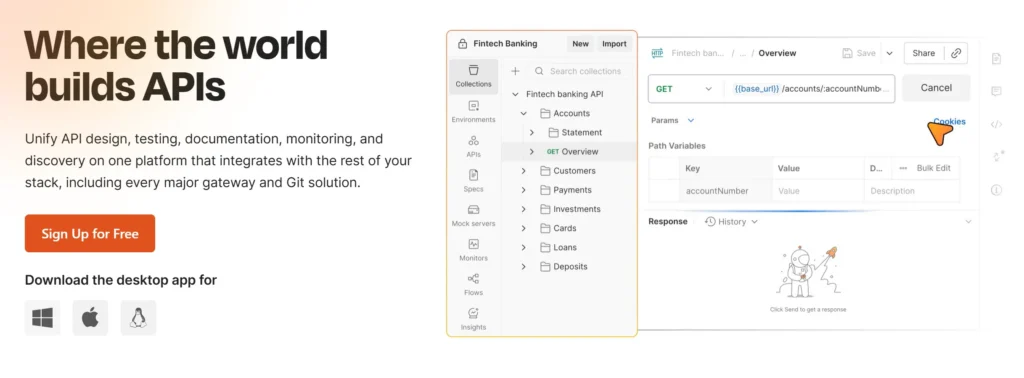
Postman is the most widely adopted API platform for building, testing, and documenting APIs. Beyond manual API exploration, Postman supports automated API testing through its Collection Runner and Newman CLI, which enables full CI/CD integration. For teams already using Postman for manual API work, it is the lowest-friction path to automating those same checks.
Key Features
- Collection Runner: Execute API test collections automatically against any environment.
- Newman CLI: Run Postman collections from the command line or inside CI/CD pipelines.
- Environment variables: Manage dev, staging, and production configurations from a single collection.
- Contract testing: Validate API responses against JSON schemas to catch breaking changes.
- Mock servers: Simulate API endpoints to unblock parallel frontend and backend development.
- Built-in reporting: Detailed pass/fail results per request with response time tracking.
Pros
- Familiar interface that most API developers already use for manual testing
- Low barrier to automation for teams moving from manual to automated API checks
- Newman CLI enables straightforward CI/CD pipeline integration
- Free tier covers individual and small team needs without cost
- Strong documentation and community support
Cons
- Not designed for UI or end-to-end testing
- Advanced collaboration and reporting features require paid plans
- Test scripting is JavaScript-only with limited framework flexibility
Pricing: Free tier available. Paid plans for team features.
Best For: Teams that want to automate API testing without significant scripting overhead, or that already use Postman for manual API exploration and want to extend those checks into CI/CD.
10. Mabl
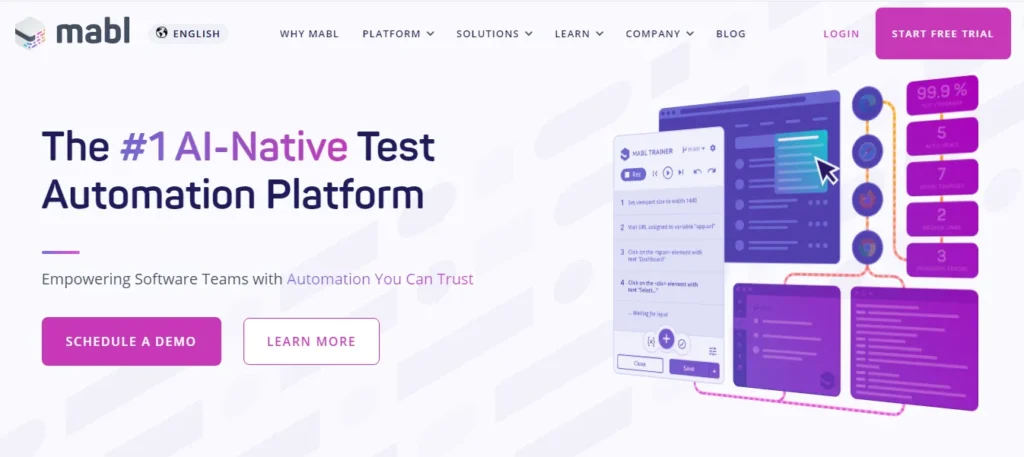
Mabl is an AI-native test automation platform that generates and maintains end-to-end UI tests automatically. Instead of requiring engineers to write or record test scripts, Mabl observes application behavior, generates test cases, and repairs broken tests automatically when the UI changes. It is designed for teams that need broad UI test coverage without dedicated automation engineers to maintain it.
Key Features
- Auto-healing tests: Automatically detects and fixes broken element locators when the UI changes, reducing maintenance overhead.
- AI-driven test generation: Suggests new test cases based on observed application behavior and usage patterns.
- Cross-browser execution: Runs tests across Chrome, Firefox, and Edge without separate configuration.
- CI/CD integration: Native support for GitHub Actions, Jenkins, and Azure DevOps.
- Built-in reporting: Detailed execution history with visual diffs highlighting exactly what changed in a failing test.
- Accessibility testing: Built-in WCAG compliance checks run alongside functional tests at no extra setup.
Pros
- Significantly reduces test maintenance time through auto-healing
- No scripting required for basic test creation, accessible to non-engineers
- Accessibility testing included without additional tooling
- Useful for teams where QA is done by people without automation backgrounds
Cons
- Higher cost than open-source alternatives
- Less flexible for complex custom scripting scenarios
- AI-generated tests can miss edge cases that an engineer would identify manually
Pricing: Paid. Pricing available on request. Free trial available.
Best For: Teams with limited automation engineering capacity that need broad UI test coverage with minimal ongoing maintenance.
11. Robot Framework
Robot Framework is an open-source, keyword-driven test automation framework written in Python. Its defining characteristic is accessibility — testers who are not programmers can write test cases using pre-built action keywords without understanding the code that executes them. Test cases read as structured sequences of plain-language steps, making them reviewable by non-technical stakeholders and maintainable by QA engineers without deep scripting skills.
Key Features:
- Keyword-driven syntax: test cases are written as sequences of readable action keywords, not code
- Extensive library ecosystem covering web (SeleniumLibrary), API (RequestsLibrary), database, and SSH testing
- Built-in HTML reporting with step-by-step execution detail for every keyword run
- Cross-platform support on Windows, Linux, and macOS without platform-specific setup
Pros:
- Most accessible open-source framework for non-developer QA contributors
- Single framework covers web, API, database, and application testing through its library ecosystem
- Test syntax is readable and reviewable by business stakeholders, not just engineers
Cons:
-
Writing custom keywords for novel scenarios requires Python development capability
-
Execution speed is slower than code-centric frameworks for large test suites
-
Third-party library quality is uneven — core libraries are actively maintained, but many community libraries are not
-
Pricing: Free, fully open source.
Best For: QA teams with mixed technical skill levels that need accessible, readable test automation without requiring full developer involvement in test writing.
12. Cucumber
Cucumber is a behavior-driven development (BDD) framework that lets teams write test scenarios in plain English using the Gherkin syntax. Test cases in Cucumber look like acceptance criteria – they describe what the system should do from a user perspective, not how the code implements it. The result is a shared language between QA engineers, developers, and business stakeholders that reduces the gap between what was specified and what gets tested.
Key Features:
- Gherkin syntax: Given/When/Then scenario format readable by non-technical team members
- Step definitions connect plain-language scenarios to executable code in the team’s language of choice
- Living documentation: test scenarios that stay current with the application become a readable specification
- Integrates with Selenium, Playwright, Appium, and most CI/CD pipelines without major configuration
Pros:
- Bridges the gap between QA, development, and business stakeholders using a shared readable format
- Executable specifications serve as both tests and living documentation of system behavior
- Flexible integration with most automation execution frameworks
Cons:
- Cucumber does not execute browser or API tests on its own – it needs an automation framework alongside it
- Well-defined requirements are essential: vague acceptance criteria produce brittle, unmaintainable scenarios
- BDD methodology adds process overhead that teams without strong cross-functional collaboration rarely recover value from
Pricing: Free, open source. Cucumber Studio (cloud collaboration) available on paid plans.
Best For: Teams practising behavior-driven development where QA and business stakeholders need to collaboratively define and validate system behavior in plain language.
13. BrowserStack
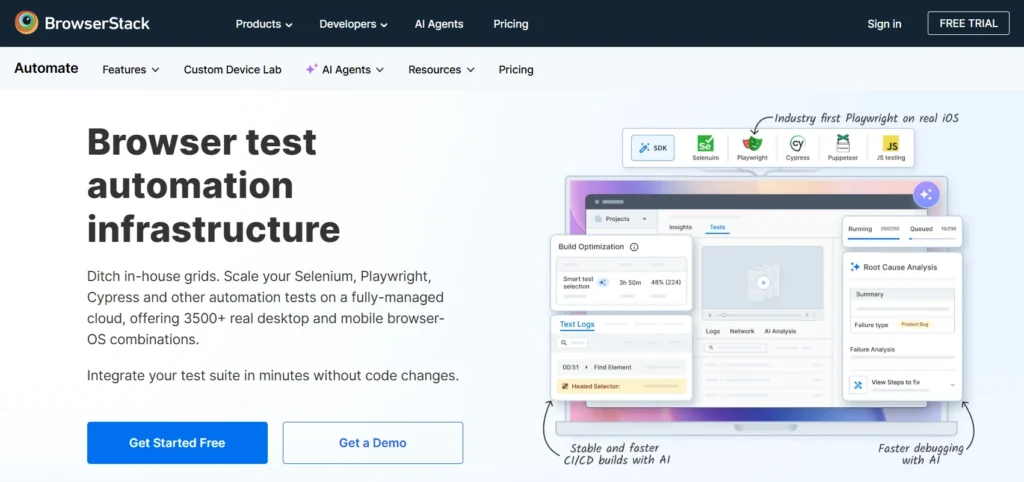
BrowserStack is a cloud-based testing platform that provides access to real browsers and devices for automated test execution. It is not a test authoring or generation tool – teams bring their existing Selenium, Playwright, Cypress, or Appium test suites and run them against BrowserStack’s infrastructure rather than maintaining their own. Its value is in execution breadth: real physical devices across iOS and Android versions, hundreds of browser and OS combinations, and parallel test runs at scale without local device infrastructure overhead.
Key Features:
- Real browser and device access: hundreds of browser, OS, and device combinations including physical mobile hardware
- Supports Selenium, Playwright, Cypress, and Appium without requiring framework replacement
- App Automate for real-device mobile testing on physical iOS and Android devices
- Parallel test execution across multiple browser and device configurations simultaneously
- Detailed session logs with screenshots, video recordings, and network activity per test run
Pros:
- Eliminates the need to build and maintain a local browser and device lab
- Real physical device testing rather than emulators, which more accurately reflects production behavior
- Integrates with existing test frameworks without switching tools or rewriting tests
Cons:
- Execution infrastructure only – teams without an existing automated test suite get no value from BrowserStack alone
- creation, quality gates, and failure triage require separate tools alongside it
- At-scale parallel execution costs can grow significantly depending on concurrent usage volume
Pricing: Paid. Free trial available. Plans available for individual teams through to enterprise scale.
Best For: Teams with existing Selenium, Playwright, or Cypress test suites that need broader browser and device coverage without building their own device infrastructure.
14. Tricentis Tosca
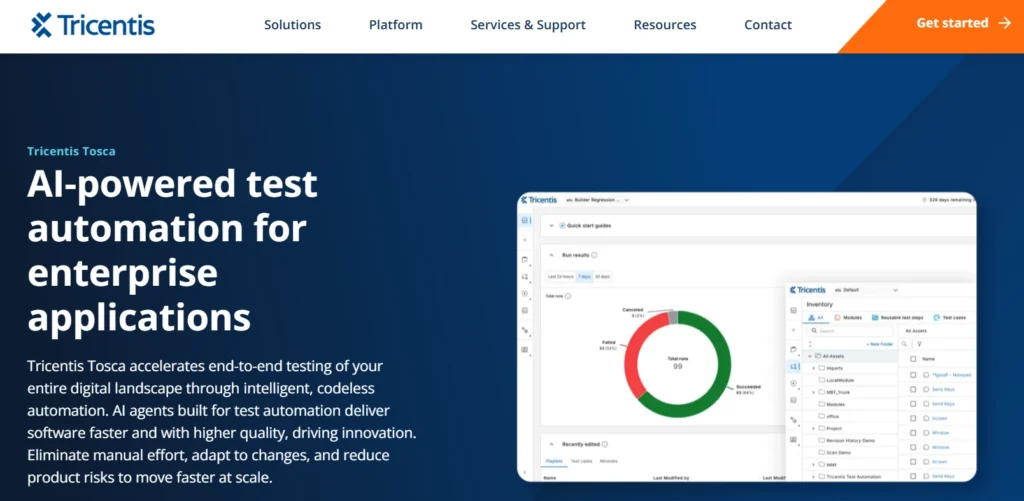
Tricentis Tosca is an enterprise test automation platform built around a model-based approach. Instead of writing test scripts, teams build models of business processes and generate test cases from those models. This approach is particularly effective for enterprise application testing – SAP, Salesforce, and other packaged applications that generic scripted frameworks cannot reach without extensive custom development. Risk-based test optimization identifies which tests are most relevant to run based on recent code changes, reducing unnecessary execution overhead across large suites.
Key Features:
- Model-based test automation: tests are derived from business process models rather than manually scripted
- Enterprise application coverage: native support for SAP, Salesforce, and complex ERP systems beyond web and API
- Risk-based optimization: AI analysis identifies which tests are most relevant to recent changes and prioritizes them
- Covers web, API, mobile, desktop, and mainframe from one unified platform
- Built-in test management, version control, and requirements traceability
Pros:
- Strongest coverage of enterprise packaged applications alongside web and API in one codeless platform
- Model-based approach generates optimized test cases and reduces overall suite size versus script-based alternatives
- Non-developer QA teams can build and maintain test automation without scripting expertise
Cons:
- Model-based methodology has a steeper learning curve than simpler codeless or scripted tools
- Enterprise platform depth and pricing exceeds what small teams doing basic web-only testing actually need
- Full value is primarily realized within the Tricentis ecosystem
Pricing: Enterprise licensing. Contact Tricentis for pricing.
Best For: Large enterprise teams running complex multi-application environments including SAP, Salesforce, or other packaged enterprise systems that generic web automation frameworks cannot reach.
15. TestNG
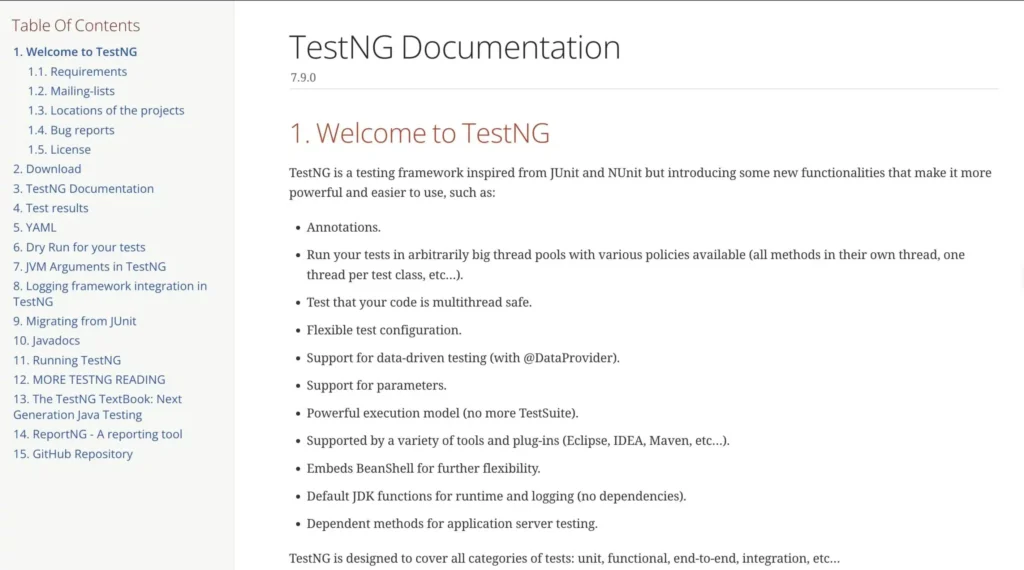
TestNG is a Java testing framework that extends JUnit’s capabilities with annotations, parallel execution, data-driven testing, and dependency management between test methods. For Java enterprise teams building large test suites, TestNG’s grouping and dependency features solve organizational problems that flat test lists cannot handle at scale – run smoke tests first, skip dependent tests when prerequisites fail, and execute suites in parallel across environments without custom thread management.
Key Features:
- Annotation-driven test organization: group tests, set priorities, and define dependencies between methods
- Built-in parallel execution support across multiple environments and thread configurations
- Data-driven testing using external data providers to separate test logic from test data
- XML-based suite configuration for controlling execution without code changes
- Deep integration with Maven, Jenkins, and Spring for Java enterprise CI/CD pipelines
Pros:
- Parallel execution built-in reduces total suite run time without additional infrastructure
- Suite and test-level configuration via XML allows execution control without touching test code
- Well-established in Java enterprise QA organizations with extensive documentation and community
Cons:
- Java only – non-Java teams have no practical use for TestNG regardless of its strengths
- Test runner only – requires Selenium, Appium, or another execution framework to actually interact with applications
- Advanced dependency management and data providers carry a meaningful learning curve
Pricing: Free, fully open source.
Best For: Java enterprise teams managing large test suites that need structured parallel execution, group management, and data-driven testing beyond what basic JUnit setups provide.
Playwright vs Selenium vs Cypress: The Framework Comparison
For teams evaluating open-source web automation frameworks, the practical choice in 2026 comes down to three tools. Here is how they compare on the dimensions that matter most in production:
| Dimension | Playwright | Selenium | Cypress |
|---|---|---|---|
| Browser support | Chromium, Firefox, WebKit (Safari) | All major browsers | Chromium-based browsers + Electron only |
| Language support | JavaScript, TypeScript, Python, Java, C# | Java, Python, C#, Ruby, JavaScript | JavaScript and TypeScript only |
| Auto-wait | Built-in – no explicit waits needed | Not built-in – requires manual wait management | Built-in – no explicit waits needed |
| Native parallel execution | Yes, without paid plan | No, requires framework configuration | No, requires paid Cypress Cloud |
| Mobile testing | Browser emulation only | Via Appium | Browser emulation only |
| Safari support | Yes, via WebKit | Via Selenium 4 | No native support |
| Best fit | Cross-browser developer testing, multi-language teams | Enterprise codebases with existing Selenium investment | JavaScript-first frontend developer teams |
When to choose each:
-
Playwright is the strongest starting point for most teams beginning new web automation in 2026. It has the best failure diagnosis tooling (a built-in trace viewer with DOM and network snapshots per step), true Safari support via WebKit, native parallel execution without a paid plan, and multi-language support beyond JavaScript. For teams that are not already embedded in Cypress or Selenium, Playwright is the default recommendation.
-
Selenium makes sense for one situation in 2026: teams with large existing Selenium test suites where the migration cost to Playwright does not justify the benefit. Selenium’s language flexibility is broader and its ecosystem deeper than any other framework, which is why enterprise Java organizations with years of Selenium investment keep using it. For new projects starting from scratch, there are few cases where Selenium is the better choice over Playwright.
-
Cypress is the fastest path to productive web testing specifically for JavaScript-first frontend developer teams. It runs inside the browser, which gives it real-time debugging capabilities and automatic waiting that external WebDriver tools cannot match in a JavaScript-only context. Its limitations – Chrome-only browsers, no cross-origin testing, no Safari – are real constraints for teams that need broader coverage.
The non-obvious consideration: if your team includes non-developers who need to contribute to testing, none of these three frameworks is the right answer. Scripted frameworks require coding expertise throughout. In that scenario, the codeless category – Katalon, TestComplete, Tricentis Tosca – is where to look.
Keploy vs Script-Based API Testing Tools
For teams specifically evaluating API testing tools, the comparison looks different from the web framework discussion above.
| Dimension | Keploy | Postman | REST Assured | Playwright (API mode) |
|---|---|---|---|---|
| Test creation | Automatic from real traffic | Manual scripting | Manual scripting | Manual scripting |
| Mock generation | Automatic | Manual | Manual | No |
| Maintenance on API change | Automatic re-capture | Manual test update | Manual test update | Manual test update |
| CI/CD quality gates | Yes | Via Newman CLI | Yes | Via custom scripts |
| Learning curve | Low – no scripting required | Low – GUI-based | High – Java library | Moderate |
| Best fit | API regression without scripting | Manual and automated API exploration | Java teams needing scripted API tests | Teams already using Playwright for UI |
When Keploy is the right choice: Your team needs high API regression coverage but does not have the bandwidth to write and maintain API test scripts manually. Keploy captures real traffic and converts it into tests automatically – coverage grows as usage grows, without any scripting investment.
How to Choose the Right Test Automation Tool?
The most common mistake when evaluating test automation tools is comparing features before understanding which category applies to your situation. Start with your team profile, not with tool features.
-
Your team writes code and tests web applications only:
Start with Playwright before evaluating any paid platform. It covers Chromium, Firefox, and Safari, supports multiple languages natively, and runs parallel tests without a paid plan. If you are a JavaScript-first frontend team and Safari coverage is not a requirement, Cypress gives faster feedback for that specific context. -
Your team needs API regression coverage without writing test scripts:
Start with Keploy. It captures real API traffic using eBPF-based tracing and converts those interactions into deterministic regression tests automatically. No test scripts, no test data setup, no mock configuration – coverage is derived from how your application actually behaves in production. -
Your QA team includes non-developers who need to contribute tests:
The scripted framework category is not the right answer. Look at Katalon (low-code all-in-one), TestComplete (AI-assisted GUI testing), or Tricentis Tosca (model-based enterprise testing). These platforms allow non-developer QA contributors to build and maintain tests without scripting expertise. -
Your application runs on mobile (iOS and Android):
Appium is the open-source standard and the starting point for most teams. Pair it with BrowserStack if you need real physical device coverage without building your own device lab. -
You need performance and load testing in CI/CD:
k6 is the developer-friendly default – tests are written in JavaScript, integrate natively into GitHub Actions and Jenkins, and support threshold-based quality gates that block deployments when performance benchmarks fail. -
You need BDD collaboration between QA and business stakeholders:
Cucumber provides the Gherkin plain-language layer. Pair it with Playwright or Selenium for execution. -
Your team is in a Java enterprise environment and needs suite-level management:
TestNG is the framework for organizing, grouping, and running parallel test suites at scale within a Java CI/CD pipeline.
The most important decision before comparing tools:
| Decision | Answer leads to |
|---|---|
| Does my team write test scripts or do I need generation? | Script-first (Selenium, Playwright, etc.) vs Generation-first (Keploy, Mabl) |
| Web only, or web + API + mobile? | Single-layer framework vs multi-layer platform |
| Developer team only, or non-developers contributing? | Scripted frameworks vs codeless platforms |
| Need to block deployments on failure, or just report? | Quality-gate capable tools vs reporting tools |
CI/CD Integration: Quality Gates vs Reporting
A detail most tool comparisons skip: there is a meaningful difference between a tool that integrates with CI/CD and a tool that provides quality gates. Integration means the tool can be triggered from the pipeline and report results back. A quality gate means the tool can actively block a deployment when tests fail – without custom scripting to achieve it.
| Tool | GitHub Actions | Jenkins | GitLab CI | Quality Gate (blocks deployment natively) |
|---|---|---|---|---|
| Keploy | Yes | Yes | Yes | Yes |
| Selenium | Yes | Yes | Yes | Via custom scripts |
| Playwright | Yes | Yes | Yes | Via custom scripts |
| Cypress | Yes | Yes | Yes | With paid Cypress Cloud |
| Appium | Yes | Yes | Yes | Via custom scripts |
| Robot Framework | Yes | Yes | Yes | Via custom scripts |
| Cucumber | Yes | Yes | Yes | Via custom scripts |
| BrowserStack | Yes | Yes | Yes | Yes (Automate quality gates) |
| Tricentis Tosca | Yes | Yes | Yes | Yes |
| TestComplete | Yes | Yes | Yes | Yes |
| Katalon | Yes | Yes | Yes | With paid plan |
| TestNG | Yes | Yes | Yes | Via custom scripts |
| k6 | Yes | Yes | Yes | Yes (threshold-based gates) |
| Postman | Yes (Newman) | Yes | Yes | Via custom scripts |
| Mabl | Yes | Yes | Yes | Yes |
Teams that need deployments blocked automatically when tests fail – without writing custom pipeline scripts – should prioritize tools in the "Yes" column of quality gates. For most open-source frameworks, blocking deployments requires custom shell scripting around exit codes. Purpose-built platforms handle this natively.
When Test Automation Creates False Confidence
The failure pattern most automation programmes eventually encounter looks like this: the test suite runs on every commit, pass rates are consistently high, and dashboards look healthy. But production incidents keep happening in areas that are nominally covered by automation.
This pattern has a specific cause. Test scripts test assumptions – whatever the engineer believed the application should do when the test was written. Production traffic tests reality – what the application actually does under real usage conditions. When these diverge, the scripted test still passes while the real behavior has changed in a way the test was never designed to catch.
The most common form: an API endpoint changes its response structure – a field is renamed, a nested object is flattened, a timestamp format shifts, and the scripted test still passes because it was only checking the status code and one specific field, not the full response shape that downstream services depend on.
Three signs a team is in this pattern:
-
High pass rates but frequent production incidents. If your test suite passes consistently but you still get 2am incidents, the suite is testing the wrong things or testing in isolation from how components actually interact.
-
Tests cover components but not interactions. Unit tests validate individual functions. API tests validate individual endpoints. But the failure almost always happens at the boundary – where service A calls service B and B returns something A did not expect. Scripted tests for individual components miss this entirely.
-
Maintenance backlog crowds out coverage expansion. If the team spends more time fixing broken tests than writing new ones, the suite is fighting the codebase instead of validating it. A test suite that is expensive to maintain gets skipped or shrunk over time.
The fix is not more tests – it is tests derived from actual system behavior. When test cases come from recorded real traffic rather than scripted assumptions, they reflect what the application actually does, which means regressions in real behavior trigger test failures rather than quietly passing.
Why Test Automation is No Longer Optional in 2026?
In today’s fast-paced tech landscape, where software complexity is increasing and release cycles are shrinking, test automation is no longer optional. It plays a critical role in ensuring speed, accuracy, and scalability in modern development workflows. Here’s why:
1. Speed Meets Precision
CI/CD pipelines now ship code multiple times a day. The right regression testing tools running automatically at that scale is what makes CI/CD viable – manual regression testing at that cadence isn’t just slow, it’s mathematically impossible.
A single regression test suite that takes a human team two days to run can be executed by an automation framework in under 15 minutes. For teams practicing continuous deployment, this isn’t a nice-to-have. It’s the difference between catching a bug before it hits production and getting a 2 AM incident alert.
2. Handling Complex Testing Scenarios
As applications evolve into complex systems involving microservices, APIs, and cross-platform requirements, automation helps teams scale testing efficiently. It can handle repetitive regression tests, validate distributed systems, and simulate real-world load conditions with ease.
-
Repetitive regression tests across multiple browsers and devices
-
API reliability validation for distributed systems
-
Performance testing under load (e.g., simulating thousands of concurrent users)
Without automation, executing these scenarios manually becomes inefficient and time-consuming.
3. Reducing the Possibility of Human Errors in High-Stakes Scenarios
Even experienced QA engineers make mistakes during repetitive, high-volume checks -it’s not a skill problem, it’s a human limits problem. Automation removes that variable entirely for scenarios where consistency is critical:
- Payment gateway integrations where a missed edge case means failed transactions
- Data privacy compliance checks (GDPR, HIPAA) that must run on every build
- Security regression tests that verify no new vulnerabilities were introduced
4. Lower Long-Term Cost of Quality
The initial setup investment in test automation pays dividends at scale. A manual QA cycle for a mid-sized application can cost much higher when factoring in engineer hours. A well-maintained automation suite reduces that cost after the first year.
The key phrase is "well-maintained" – which is why choosing the right tool for your team’s skill level matters as much as the tool’s feature set.
For most teams, the starting point is a combination of open source automation tools that carry no licensing cost – allowing budget to go toward engineering time rather than vendor fees.
How Test Automation Tools Are Evolving in 2026
The test automation landscape is shifting faster in 2026 than at any point in the past decade. Here are the trends that matter most for teams evaluating tools today.
AI-Native Test Generation Is Becoming the Default
Tools like Keploy now generate entire test suites from real application traffic without any manual scripting. This represents a fundamental shift -explored in depth across the latest AI testing tools entering the market.
- from: engineer writes test → test breaks → engineer fixes test
- to: tool observes behavior → tool generates test → tool maintains test.
Teams adopting AI-native tools are reporting dramatically lower test maintenance overhead
as a result.
Self-Healing Tests Are Reducing Maintenance Overhead
One of the biggest reasons test automation projects fail is maintenance debt – tests break every time the UI changes and nobody has time to fix them. Tools like TestComplete (AI object recognition) and Katalon (TrueTest) now detect broken locators automatically and apply fixes without manual intervention.
Shift-Left Testing Is Now Standard Practice
Teams are no longer treating testing as a post-development phase. Automation frameworks are being integrated at the unit, API, and component test level – running on every commit, not just before releases. Tools that integrate natively with developer workflows (Keploy) are benefiting most from this shift.
API Testing Is Taking Center Stage
With the dominance of microservices and distributed architectures, API testing has overtaken UI testing as the highest-value automation layer for most backend teams. Tools that specialize here – like Keploy – are seeing rapid adoption because they address the layer where most production bugs originate.
Conclusion
Choosing the right test automation tool in 2026 isn’t about picking the most feature-rich option – it’s about matching the tool to your team’s actual needs, skill level, and existing workflows.
-
For API-first and backend teams, Keploy stands out as the most efficient path to high coverage with minimal overhead.
-
For frontend web teams, Cypress delivers the fastest feedback loop for JavaScript projects, while Playwright is the stronger choice for teams that need Safari support or work across multiple languages.
-
For mobile, Appium remains the open-source standard. For performance testing, k6 has replaced older CLI tools as the developer-friendly default.
-
For teams wanting AI-driven coverage with minimal maintenance, Mabl reduces the scripting burden significantly.
-
For enterprises managing complex multi-surface testing, TestComplete and Katalon provide the governance and reporting that large teams require.
Most mature teams end up using 2-3 tools: one for APIs, one for UI, and one for performance. The goal is a layered test strategy, not a single universal tool.
Frequently Asked Questions
1. What is the difference between script-first and generation-first test automation tools?
Script-first tools require engineers to write test cases manually. Selenium, Playwright, Cypress, and Postman all work this way. Generation-first tools observe real application behavior and derive tests automatically. Keploy captures live API traffic and converts it into regression tests without any scripting. Most mature teams use one from each category: generation-first for baseline coverage, script-first for scenarios requiring precise business logic validation.
2. What is the difference between a testing framework and a testing tool?
A tool is a standalone product you use directly (Cypress, Keploy, Katalon). A framework is a structural foundation for writing and organizing tests (JUnit, TestNG, Mocha). Many tools include frameworks – Cypress is both, while Selenium is a tool you pair with frameworks like TestNG or PyTest.
3. How does cost affect tool choice at different company sizes?
Startups benefit most from open-source tools (Keploy, Selenium, Cypress) – zero licensing cost means budget goes to engineering time. Mid-size teams may find commercial tools like Katalon worth the cost for faster onboarding and built-in reporting. For enterprises, the real cost isn’t the license – it’s maintenance hours. Consider both short-term test automation pricing setup costs and long-term maintenance effort.
4. Why is security a factor when choosing a test automation tool?
Automation tools interact with staging systems, test databases, and sometimes production-adjacent services. Before committing to a tool, ask:
- Are credentials stored securely?
- Is SSO/SAML supported?
- How is test data containing PII handled?
For fintech or healthcare teams, these are non-negotiable requirements.
5. Which test automation tools work best for microservices architectures?
Microservices failures most often happen at service boundaries – where one service calls another and receives an unexpected response. Keploy addresses this directly by capturing real inter-service traffic and generating regression tests from it, including automatic mocks for downstream dependencies. For contract validation between services, Pact is the standard tool. k6 handles performance testing across the full service mesh.
6. Can I use multiple test automation tools on the same project?
Yes – most production teams do. A common stack: Keploy for API testing, Cypress for web E2E, Appium for mobile, Siege or k6 for performance. Define clear ownership per layer to avoid duplication and conflicting results.
7. How do these tools integrate with CI/CD pipelines?
Most provide CLI interfaces and official plugins for GitHub Actions, Jenkins, and Azure DevOps. The flow:
code push → pipeline triggers → tests run → results reported back to the PR.
Failing tests block the merge, creating an automated quality gate.
8. How do you measure the effectiveness of a test automation suite?
Four metrics that indicate real effectiveness: defect escape rate (bugs reaching production despite passing automation), time to signal (how quickly a failing run produces results – target under fifteen minutes for PR gates), flaky test rate (intermittent failures unrelated to real code changes – above five percent signals the suite cannot be trusted), and maintenance cost ratio (time fixing broken tests versus expanding coverage).