Auto-replay
While a recording runs, Keploy replays newly captured test sets at a fixed interval, so failures show up without a separate run. Auto-replay is part of every recording. You configure it on the Auto replay step of the Start Recording dialog.
Configure auto-replay
- Start a recording as described in Record test cases.
- On the Auto replay step, set Auto replay interval (minutes). The default is 5.
- Change any other settings you need, then click Start Recording.
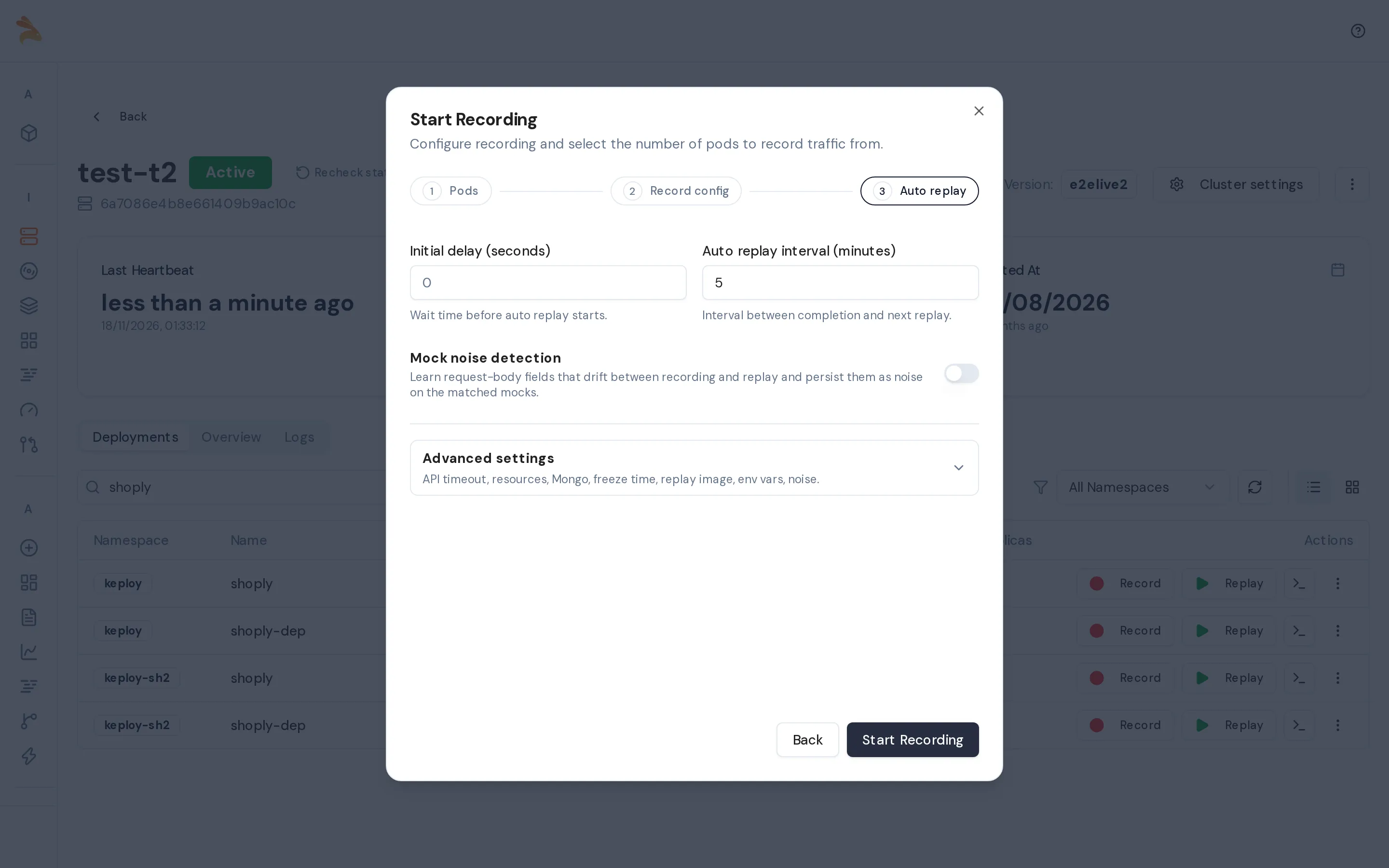
The settings stay fixed while the recording runs. To change them, stop the recording and start a new one; the dialog fills in your previous values. To see the settings of a running recording, click View configuration on the Active recording page.
How rounds run
- The first round starts one interval after the recording starts. Each later round starts one interval after the previous round finishes.
- A round runs only when something new was captured. Otherwise, Keploy skips it and waits for the next interval.
- A round replays whole test sets, so test cases that already passed run again in later rounds.
- When you stop the recording, Keploy runs a final round if anything was captured since the last round.
Auto-replay settings
| Setting | Default | What it does |
|---|---|---|
| Auto replay interval (minutes) | 5 | Time between the end of one round and the start of the next. It must be at least the initial delay plus 5 seconds for each recorded pod; a shorter interval is rejected. |
| Initial delay (seconds) | 10 | How long each round waits for your app to start in the replay pod before sending tests. If the app is still not accepting connections, Keploy waits longer. |
| Mock noise detection | Off | Learns which request-body fields of your app's outgoing calls change between recording and replay, and saves them as noise on the matching mocks. See Mock noise detection. |
| Freeze time | On | Replays with the clock set to the recording time, so that tokens and timestamps still match. See Time Freezing. |
| Replay image (optional) | The deployment's image | Container image for the replay pod. |
| Environment variables | None | Extra environment variables for your app during replay. |
| Noise options | None | Response fields to ignore when comparing, for all test sets or per test set, in the same format as a manual replay's Advanced options. |
| API timeout (seconds) | 10 | Timeout for each test request. |
Freeze time, the replay image, environment variables, noise options and the API timeout are under Advanced settings on the Auto replay step.
Noise in auto-replay
Noise is a field whose value changes on every run, such as a timestamp, a request ID or a token. Keploy ignores noise when it compares results.
Auto-replay learns response noise by itself. In a test case's first auto-replay round, any response fields that differ are saved as noise on that test case, and the test shows as noisy instead of failed. After that first round, a new difference counts as a failure.
Mock noise detection
Mock noise detection does the same for your app's outgoing calls. It is off by default. When it's on, each auto-replay round compares the request body of each outgoing call with the recorded mock it matches. Fields whose values differ are saved as noise on that mock, so later replays accept them. Keploy still checks each field's type.
In the API and in older configurations, this setting is called schemaNoiseDetection. It is the same setting as mockNoiseDetection.
Turn it on before you use strict mock noise in manual replays, so that the fields that are expected to change are already known.
View the results
During the recording, click View running auto-replay on the Active recording page. The Replays strip lists each round as N passed · N failed · N noisy. Click a round to see its test cases.
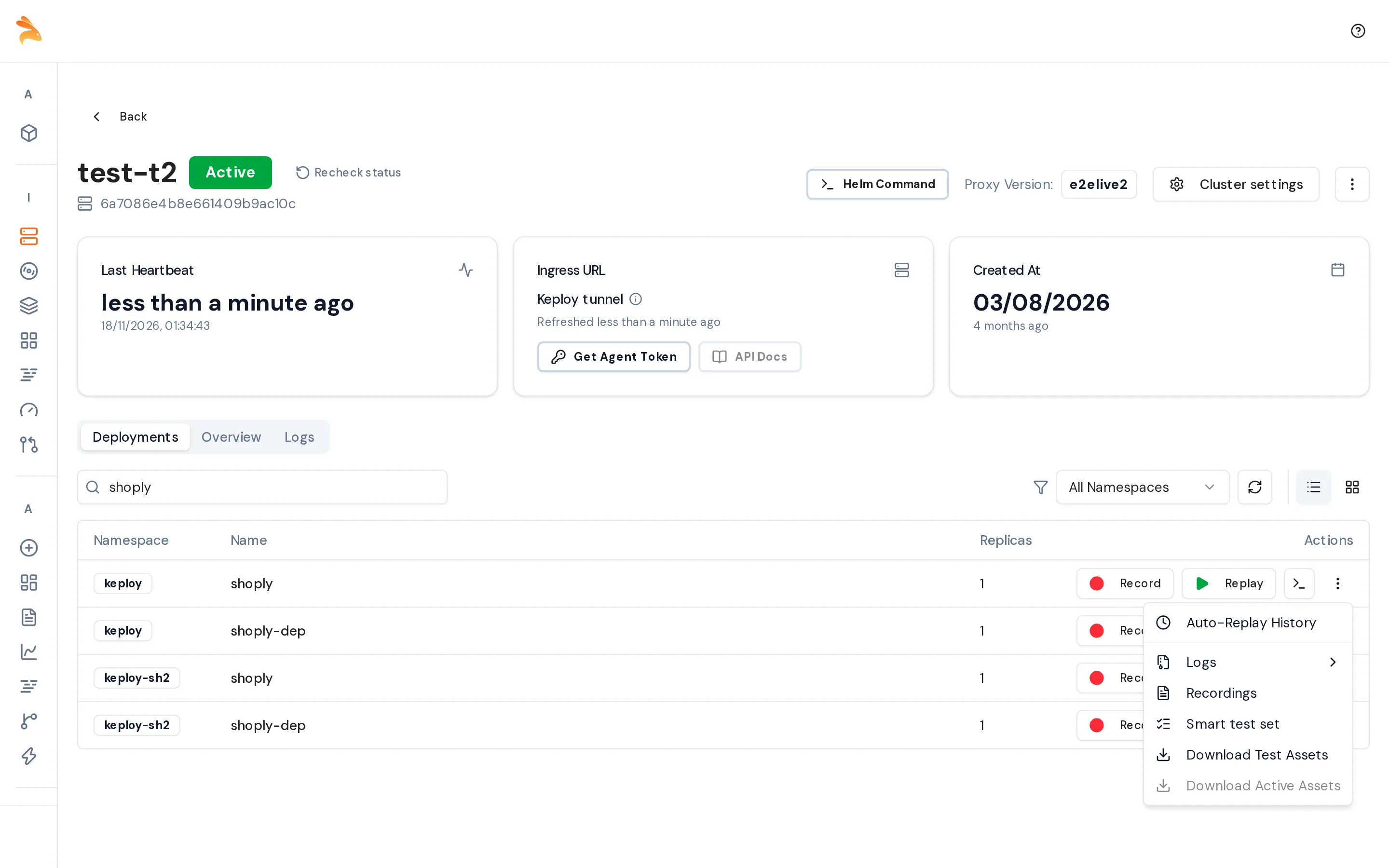
After the recording, open the ⋮ menu on the deployment row and choose Auto-Replay History.
The page lists each recording session with its passed, failed and noisy counts. Expand a session to see more detail.
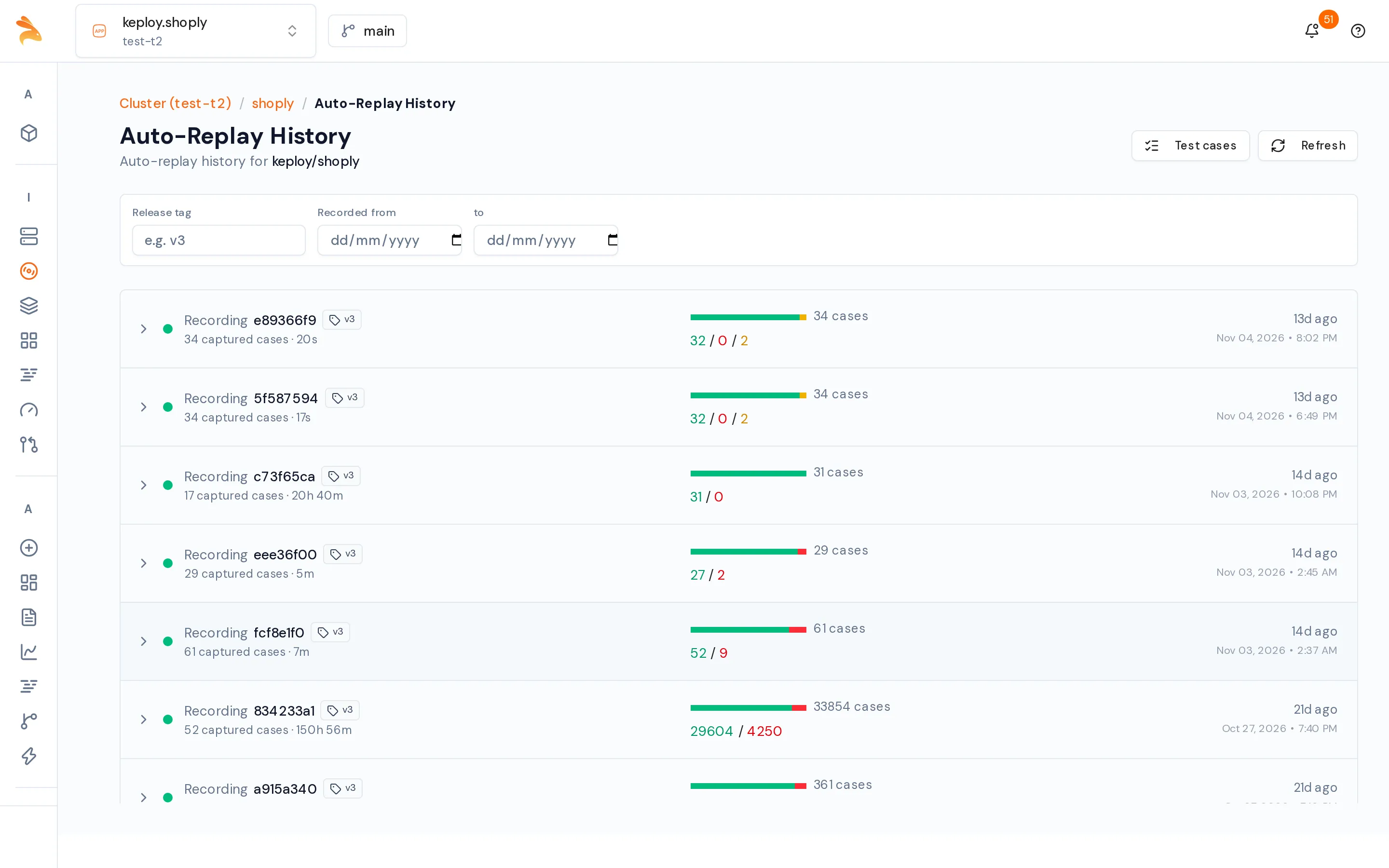
A round is red when any test failed, amber when any test was noisy, and green otherwise. A noisy test differed only in fields that Keploy saved as noise on the test case, so it doesn't count as a failure.
Auto-replay results don't appear on the Reports page. To get a Test Report, for example to delete a failing test case, run a manual replay.
Troubleshoot auto-replay
| Problem | What to do |
|---|---|
| Auto replay interval too short: needs at least N min… | Raise the interval, lower the initial delay, or record fewer pods. |
| Replay pod can't start, or Replay pod is failing | Check the replay image name and tag, and the pod's events. |
| The first test set fails with connection errors | Your app needs longer to start. Raise Initial delay (seconds). |
Related
- DaemonSet & Auto-Replay: where auto-replay can run, whether in the cluster, on a Docker runner or in a separate cluster.
- Kubernetes Proxy REST API: the
auto_replay_configfields.