Developer guide
EnterpriseSelf-HostedDedicated
Keploy turns real traffic to your Kubernetes deployments into tests. It records each request your app receives as a test case, and each call your app makes to a database or another service as a mock. It then replays those test cases against your app, with the mocks standing in for its dependencies, to catch regressions.
This guide covers the developer workflow, from connecting a cluster to keeping your tests up to date.
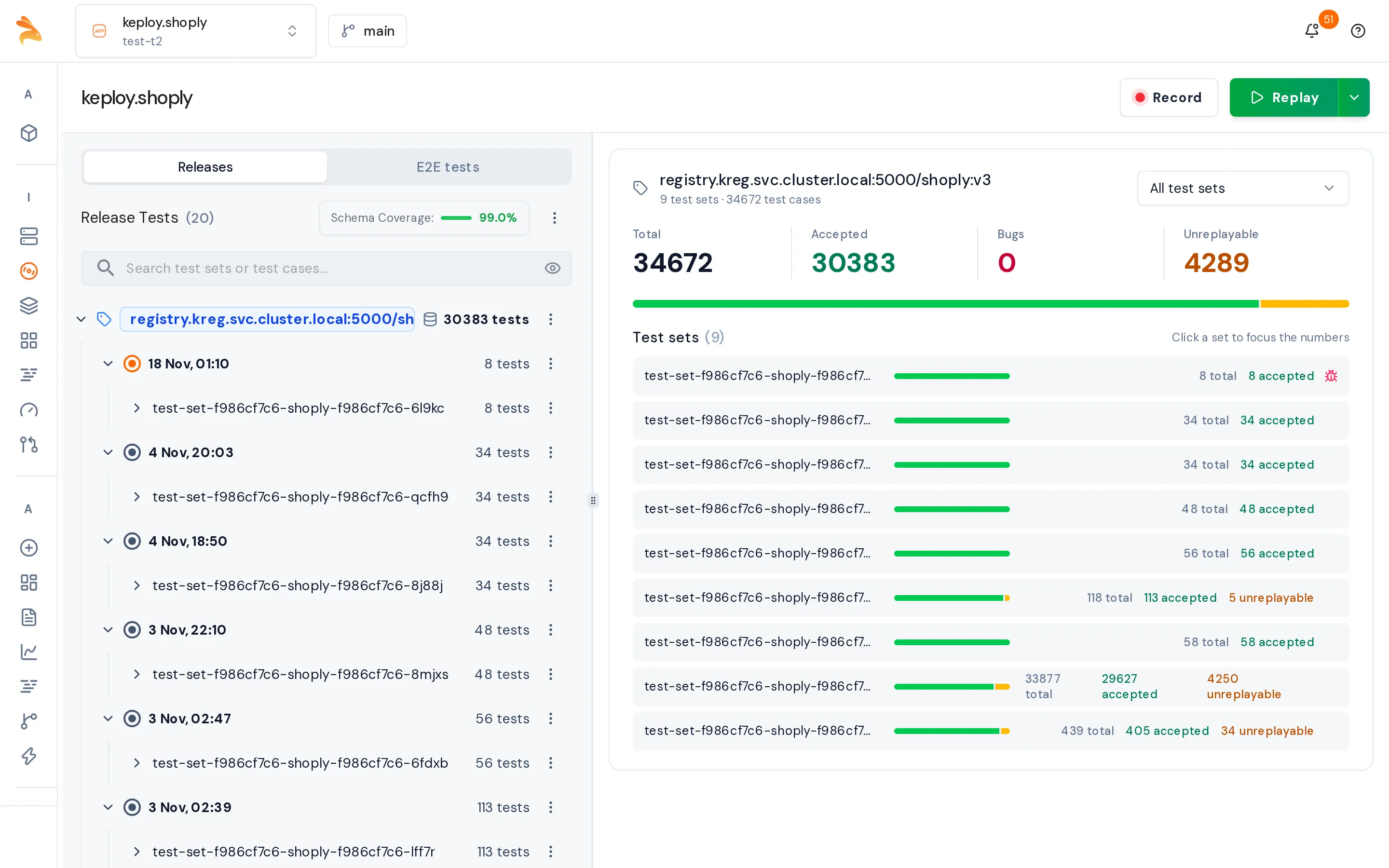
Workflow
- Set up: Connect your cluster to Keploy and install the CLI. You do this once.
- Record: Capture live traffic on a deployment.
- Check coverage: See which parts of your API your tests cover, and what to record next.
- Auto-replay: Replay newly captured test cases automatically while a recording runs.
- Manual replay: Replay test cases on demand and review the results in a Test Report.
- Fix failing tests: Fix the code when your app regressed, or delete obsolete test cases on a branch and merge it into main.
- Edit test cases and mocks: Change recorded test cases and mocks, and mark fields that change on every run as noise.
- Replay in CI: Replay every pull request, and let Keploy manage a branch for the tests a pull request changes on purpose.
Key terms
| Term | Meaning |
|---|---|
| Test case | One recorded request to your app and the response it returned. |
| Mock | One recorded outgoing call your app made, such as a database query or an HTTP call. During replay, Keploy answers from it. |
| Test set | A group of test cases, with their mocks, from a recording. A recording produces one or more test sets. |
| Smart test set | The app's long-lived, deduplicated set of recorded flows, used for regression testing. |
| Noise | A field Keploy ignores when comparing, because its value changes on every run, such as a timestamp, an ID or a token. |
| Test Report | The result of a manual replay: which test cases passed and failed, with a diff for each failure. |
| Branch | A place for test-data changes, such as deletes and edits, that reach main only after they are committed, reviewed and merged. |
Permissions you need
| Task | Permission | Built-in roles that have it |
|---|---|---|
| Record | record:start on the cluster, or testcase:write on the app | Admin, App Admin, Cluster Admin |
| Replay | replay:start on the cluster or the app | Admin, App Admin, Cluster Admin |
| Change test data on a branch, and merge it | branch:write and branch:merge on the app | Admin, App Admin |
If a button is disabled or you see a permission error, ask your admin for the role you need.
Related
- Cloud Replay Command Reference: every
keploy cloud replayflag. - Kubernetes Proxy REST API: drive recording and replay from scripts.